
Online Website Extractor Tools: Uses, Limits, and Safety
By the Restorix editorial team · June 1, 2026 · 8 min read

Restore your website from the Wayback Machine
Get a free estimate in seconds — you only pay when you confirm. Failed restores refund automatically.
A client once asked me to get all the product photos off their old site, 300-odd images scattered across four years of catalog pages. Nobody wanted the HTML, the CSS, or a full mirror. Just the images, in a folder, named sensibly. That is an extraction job, and an online website extractor is usually the fastest way to do it.
Extractors are the selective cousins of downloaders. Instead of taking everything, they pull one kind of thing, text, images, links, metadata, and hand it back in a usable form. Here is what they are good at, where online tools beat local software and where they lose, and the safety questions worth asking before you paste a URL into a stranger's form.
What an online website extractor actually does
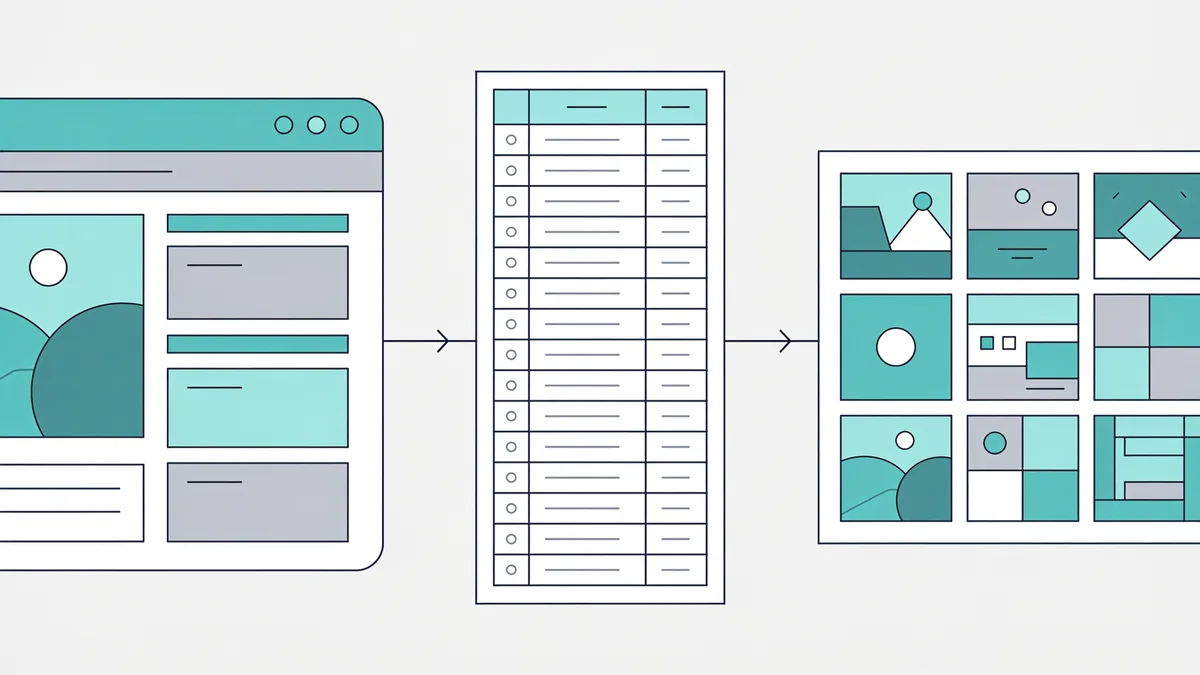
You give it a URL, it fetches the page, sometimes a shallow crawl around it, parses the HTML, and returns a filtered slice of what it found. No install, no code; the whole thing happens in a browser tab. The slices on offer, depending on the tool:
- Content extraction: the readable article text, stripped of navigation, ads, and boilerplate
- Media extraction: every image, video, or audio file the page references, bundled for download
- Link extraction: every href on the page, usually split into internal and external lists
- Contact extraction: email addresses, phone numbers, and social profiles visible in the markup
- Structured data: JSON-LD blocks, Open Graph tags, meta titles and descriptions, sometimes whole HTML tables converted to CSV
Under the hood, the decent content extractors run a readability-style algorithm that scores HTML blocks and keeps the meaty one, the same trick browser reader modes use. It is why a good tool returns clean article text and a bad one returns the navigation menu with the article as a footnote.
The jobs people actually use them for
Restore your website from the Wayback Machine
Get a free estimate in seconds — you only pay when you confirm. Failed restores refund automatically.
Four jobs account for most real use. First, pre-migration inventory: pull every meta title, description, and heading into a spreadsheet before rebuilding a site, so nothing gets forgotten. Second, recovering your own assets, like that product-photo job, when the originals are lost but the site still serves them. Third, SEO housekeeping: extract every outbound link on key pages and find the ones that now point at parked domains. Fourth, content audits: all post titles and dates from an old blog, exported to CSV, so you can decide what is worth keeping.
A recent one: the owner of a 2014 WordPress blog wanted every post title, date, and body in a spreadsheet before letting the hosting lapse. Twenty minutes with an extractor, one CSV, hosting cancelled the same week. Notice what these jobs have in common, you want a subset, in a structured format, without babysitting a full mirror.
Online website extractor tools vs local software
Online tools win on friction. Nothing to install, results in seconds, and the decent ones output CSV or zip directly. They lose on scale and control: most cap you at one page or a shallow crawl, queue your job behind other people's, and offer few options for cookies, headers, or render settings.
Local tools invert that. A browser extension can extract from pages you are logged into, because it rides your session. A Python script with requests and BeautifulSoup, or Scrapy for bigger jobs, handles authentication, pagination, and a hundred thousand pages without asking anyone's permission. wget and HTTrack sit in between: blunter, but they will happily pull every image on a domain with the right accept rules.
| Online extractor | Local tools | |
|---|---|---|
| Setup | None, paste a URL | Install, configure, sometimes code |
| Scale | One page or a shallow crawl | Whole sites, scheduled crawls |
| Logged-in pages | Rarely | Yes, your session or cookies |
| JavaScript-heavy pages | Some render, many don't | Headless browser if needed |
| Best for | Quick one-off pulls | Repeatable, large jobs |
My honest split: if the job fits in an afternoon and the pages are public, start with an online tool. The moment you need cookies, pagination logic, or a second run next month, write the script.
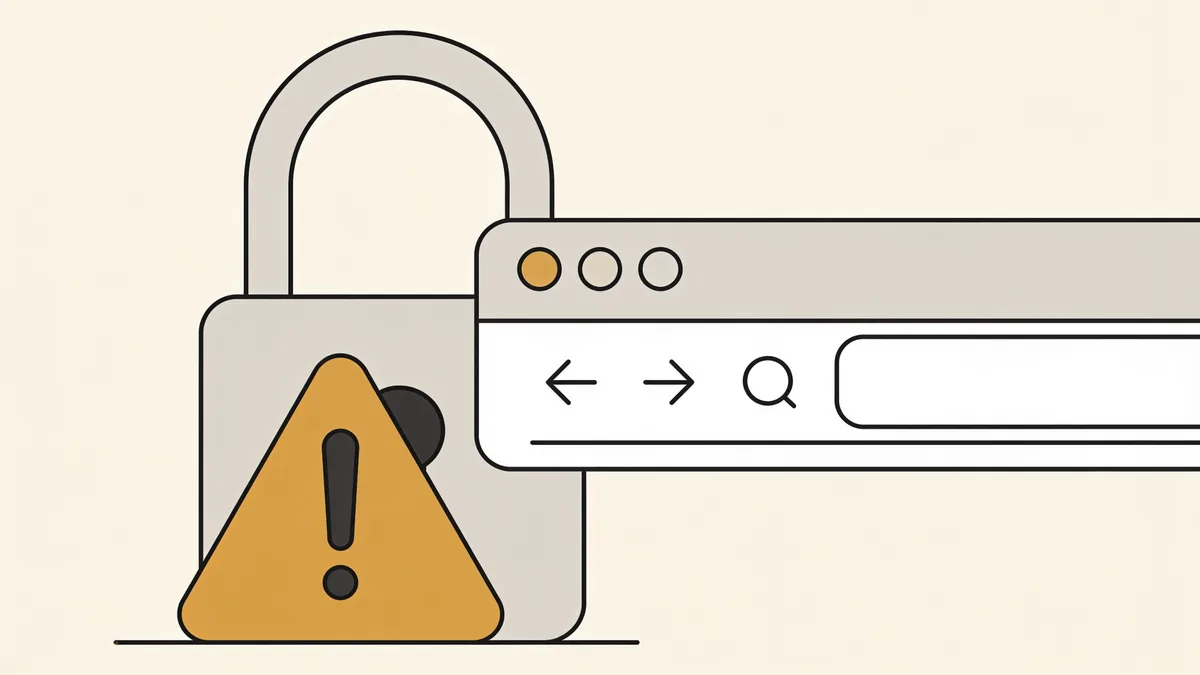
Is it safe to paste a URL into an online website extractor?
Mostly yes, with three real exceptions worth knowing about.
One: the service sees and logs every URL you submit. Fine for public pages. Not fine for staging links, preview URLs with access tokens in them, or intranet hostnames, I have seen internal ticket-system URLs in the autocomplete suggestions of a popular extractor, which tells you everything about their logging. Two: the download bundle. A legitimate extractor gives you images, text, or a CSV. One that hands you an executable viewer is not an extractor, it is a delivery mechanism. Three: lookalike sites. Search ads for popular tool names regularly lead to clones that exist to serve malware or harvest whatever you paste.
The working checklist:
- Stick to HTTPS sites with a real reputation, check before you paste
- Never paste URLs containing tokens, session IDs, or password-reset links
- Never enter credentials or upload cookie files to a web tool
- Expect images, text, CSV, or zip, close the tab if you get an.exe
If a tool gives you back an installer instead of a zip of images, it was never an extractor.
What these tools cannot reach
Every extractor, online or local, hits the same walls. JavaScript-rendered single-page apps return an empty shell unless the tool runs a real browser engine. Login walls stop everything that lacks your session. Robots.txt blocks make polite crawlers turn around. Rate limits and CAPTCHAs make impolite ones wish they had. Deep pagination, page 47 of a forum thread list, exceeds most online tools' patience.
Infinite scroll deserves its own mention: the page only contains the first batch of items and fetches the rest as you scroll, so any tool that does not simulate scrolling sees a fraction of the list. Marketplaces and social profiles are the usual offenders.
The hardest wall, though, is the simplest: extractors fetch live pages. If the site is gone, expired domain, dead host, deleted years ago, there is nothing to extract from. The URL returns a parked page, and the tool comes back empty.
A sensible extraction workflow
- Define the target before touching a tool: article text, images, links, or metadata. Each points at a different extractor.
- Test against one representative page and inspect the output, encodings, image resolutions, whether the text kept its headings.
- Check the output format: CSV for spreadsheets, zip for media, JSON if it feeds another system.
- Run the full job politely. Throttle if the tool allows it, especially on small sites.
- Verify counts against expectations. Three hundred products should yield roughly three hundred image sets, not 180.
- Save the source URL list alongside the results. Six months later, nobody remembers where the data came from.
Free vs paid online website extractor tools
Most online extractors run the same freemium shape: a handful of free extractions a day, then a paywall. The free tier is genuinely enough for one-off jobs, pulling the images from five catalog pages costs you nothing but patience.
Pay when the job repeats or grows: API access, crawl depth beyond a couple of levels, scheduled runs, and bulk URL lists are what a subscription actually buys. What is not worth paying for is any tool whose entire pitch is a prettier wrapper around wget. If the job is download everything on this domain, a local tool does it free, forever.
When extraction turns into restoration
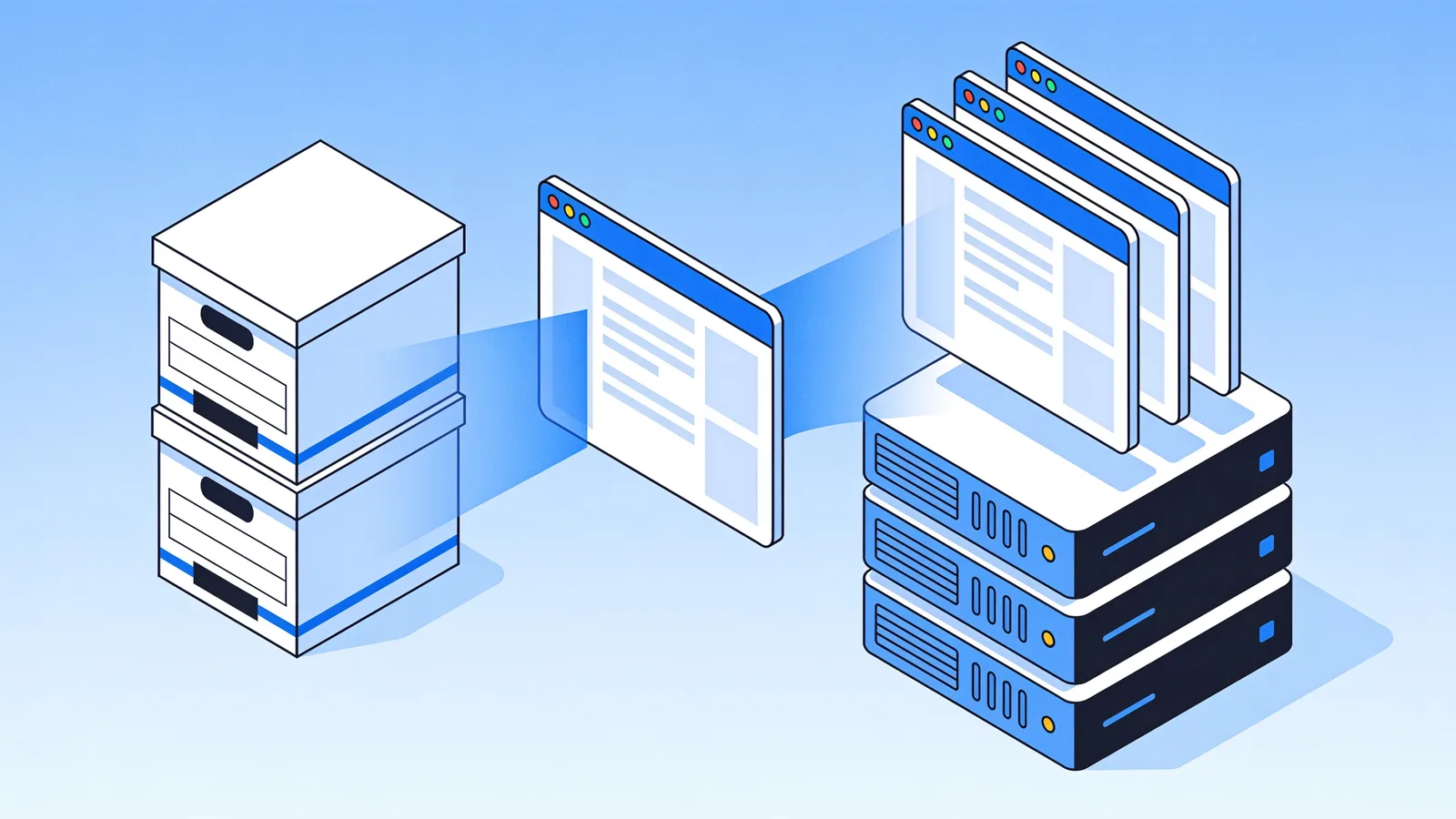
Sometimes the extraction request is a restoration request in disguise. Pull all the text and images from my old site assumes the old site is online. When it is not, the content still exists, in the Wayback Machine, but no live-fetch extractor can touch it.
That is the gap Restorix fills. It restores a dead site from archive snapshots and can export the recovered articles as structured XML, CSV, or JSON, plus a JSON or SQLite file manifest, extraction and restoration in a single pass, with the file count and price locked before you pay. The manifest matters more than it sounds: diff it against your old sitemap and you know exactly what is missing before you rebuild.
Restore your website from the Wayback Machine
Get a free estimate in seconds — you only pay when you confirm. Failed restores refund automatically.
FAQ
What is an online website extractor?
A web-based tool that pulls specific data, text, images, links, contact details, structured metadata, out of pages at URLs you paste in. Unlike a full site downloader it filters instead of mirroring, and unlike a custom scraper it needs no installation or code.
Can an online website extractor download an entire website?
Generally no. Most online extractors work per page or run shallow crawls with caps, and big jobs hit queue limits fast. Whole-site copies are downloader territory, HTTrack or wget, and dead sites are restoration territory.
Is extracting data from a website legal?
Extracting your own site, obviously yes. For other people's sites: pulling public facts is lawful in many jurisdictions, but republishing copyrighted content is not, terms of use may forbid automated access, and personal data at scale runs straight into GDPR territory. Extract for analysis and recovery, not for republication.
Why did the extractor return almost nothing?
Open the page and hit view-source. If the content is not in the raw HTML, the page renders with JavaScript and any non-rendering extractor sees a shell. Other usual suspects: a redirect you did not notice, bot detection serving a CAPTCHA page, or robots.txt telling the tool to walk away.
Can I extract content from a site that no longer exists?
Not from the live web, offline is offline. The content usually survives in web archives, though, and a restore from those snapshots gets the pages back; Restorix can then export the articles as XML, CSV, or JSON if structured data is what you actually need.
Can an extractor pull text out of PDFs or documents on a site?
Most will list or bundle the linked files, PDFs, docs, spreadsheets, rather than parse their contents. For the text inside, download the files first and run a PDF-to-text pass locally.
Related guides

web downloader
Web Downloader Tools Compared: What They Save and Break
How a web downloader works, what HTTrack, wget, SiteSucker, and browser saves actually preserve, what each one breaks, and when restoration is the better call.

find all pages on a website
How to Find All Pages on a Website (Even Deleted Ones)
Need to find all pages on a website, including the ones nobody links to? Compare sitemaps, crawlers, the Wayback CDX API, and Search Console exports.
restore website from wayback machine
Restore a Website from the Wayback Machine: Full Guide
Restore a website from the Wayback Machine end to end: pick the right snapshot, set restore options, then deploy a working site with a CMS in under an hour.

download archive org
How to Download from Archive.org: Items, Snapshots & More
Every practical way to download Archive.org content, item files, bulk CLI pulls, and Wayback web snapshots, and how to pick the right one for your job.