
How to Download from Archive.org: Items, Snapshots & More
By the Restorix editorial team · April 28, 2026 · 7 min read
Restore your website from the Wayback Machine
Get a free estimate in seconds — you only pay when you confirm. Failed restores refund automatically.
The phrase 'download Archive.org' covers two completely different jobs, and mixing them up is how people lose afternoons. Job one: grabbing files from an item, a book, a driver, a concert recording. Job two: extracting a website from the Wayback Machine. The first has a download button. The second very much does not.
I do both weekly, for client restores and for research. Here is every method that still works, with honest trade-offs: what is one click, what is a command line, and what is a trap wearing a download button's clothes.
Two Ways to Download from Archive.org
Archive.org stores content as items, self-contained packages of files with metadata, like a labeled folder on a shelf. The Wayback Machine stores captures, timestamped copies of individual URLs, served rendered with rewritten links. Items are made to be downloaded. Captures are made to be viewed in a browser.
Everything you can do falls out of that split. Item downloads are officially supported: buttons, torrents, a CLI, a metadata API. Snapshot 'downloads' are really reconstructions, you ask the CDX API what exists, pull each URL's original bytes, then fix the links. Different tooling, different failure modes, different time budgets.
Not sure which world you are standing in? Look at the URL. archive.org/details/something is an item, downloadable. web.archive.org/web/2012/http://example.com is a snapshot, viewable. The same archive, two address schemes, two sets of rules.
Download Archive.org Items the Simple Way
Restore your website from the Wayback Machine
Get a free estimate in seconds — you only pay when you confirm. Failed restores refund automatically.
Open any item page and look at the download box on the right. You get individual files, usually a torrent link, and sometimes a ZIP or full-text shortcut. For one PDF or one ISO, click the file. Done. This is the only part of Archive.org downloading that works the way people expect.
- Click 'SHOW ALL' to see every file in the item, including logs and derivative formats the box hides.
- Direct URLs are predictable: archive.org/download/{identifier}/{filename}, perfect for scripts and wget.
- The torrent option often beats HTTP for multi-gigabyte items, and it resumes cleanly after a dropped connection.
- Derivatives are generated versions, OCR'd text, smaller MP4s. The original upload is marked as such; grab that when fidelity matters.
One more trick for scripters: append /metadata/{identifier} to archive.org and you get a JSON listing of every file, its size, checksum, and format. That JSON is exactly what the command-line tool consumes under the hood.
Bulk Downloads with the Internet Archive CLI
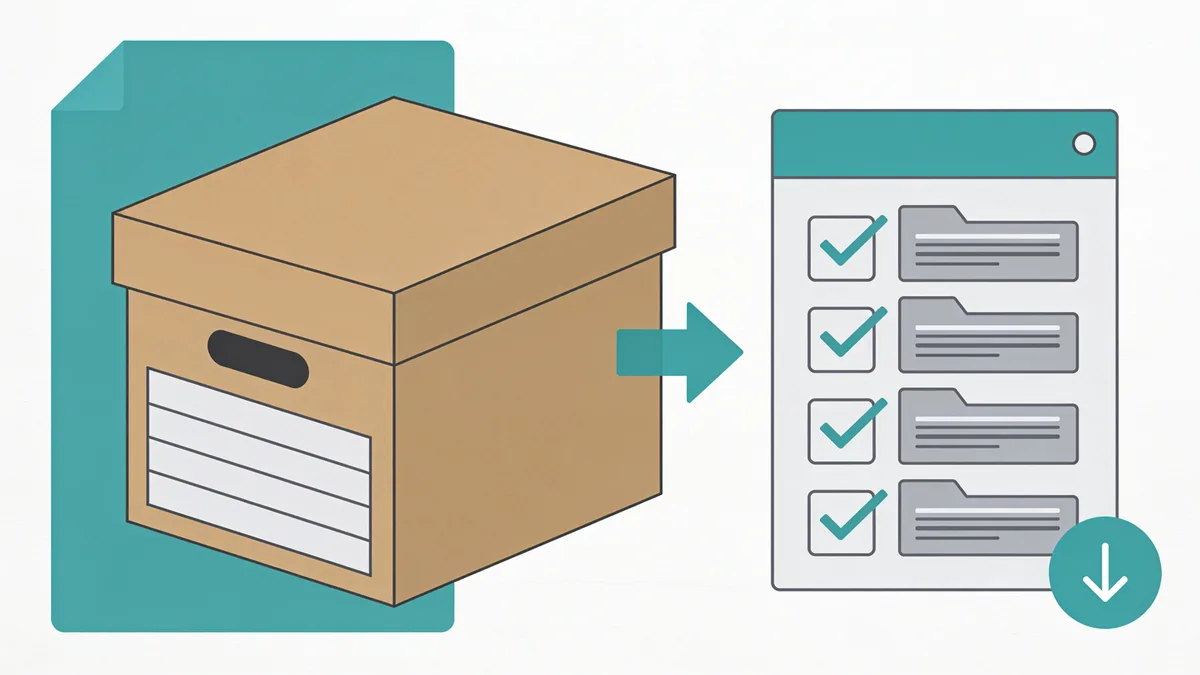
For more than a handful of items, install the official command-line tool, the Python package internetarchive, which provides the ia command. It handles authentication, resume, and retries, and it is the difference between a script and a weekend of clicking.
- Install: pip install internetarchive, then run ia configure once with your account.
- One item: ia download {identifier} mirrors the whole item into a local folder.
- Cherry-pick: ia download {identifier} --glob='*.pdf', no more 40 GB surprises.
- Whole searches: ia search 'collection:archiveteam AND year:2013' --itemlist > list.txt, then loop ia download over that file.
Rate limits exist. The CLI retries politely on its own; your raw wget loop against archive.org will not, and hammering gets you throttled or blocked. Be the polite one, the archive is a nonprofit, not a CDN.
How to Download Archive.org Web Snapshots
Now the hard half. A Wayback capture is not an item, so there is no download box. You have four realistic routes, in order of effort:
- Single page, right now: open the snapshot and use your browser's save function. Fine for one page; the saved copy still points its assets at web.archive.org.
- Original bytes of one file: insert id_ after the timestamp in the snapshot URL, web.archive.org/web/20120501000000id_/http://example.com/style.css, and you get the unmodified payload. Ideal for individual images, CSS, and PDFs.
- Scripted pulls: query the CDX API for every captured URL under a path, then request each with the id_ modifier. Works, but you are now maintaining a scraper, deduping digests, and rewriting links yourself.
- Downloader tools and restore services: community tools like the wayback-machine-downloader gem automate the CDX-plus-fetch loop; a restore service like Restorix does that plus the cleanup and redeploy.
Notice the pattern: the moment you want more than a page or two, you are writing or running tooling. There is no shame in that, just budget for it honestly.
One caveat on the id_ trick, because it oversells: it gives you the original bytes of that one response, but it does not fix anything. A page pulled with id_ still contains whatever absolute URLs the site used in 2012, still references assets the crawler never grabbed, and still assumes a domain you may not own anymore. Original bytes are the starting material, not the finished site.
Items vs. Web Snapshots: When Each Applies
| You want | Use | Method |
|---|---|---|
| A book, song, driver, ISO | Item | Download button, torrent, or ia download |
| An old version of one page | Snapshot | Browser save or id_ URL |
| One missing image or CSS file | Snapshot | id_ URL straight into wget |
| A whole dead website | Snapshot set | CDX API plus tooling, or a restore service |
| A service that died (GeoCities-era) | Item plus snapshot | Archive Team WARCs, cross-checked with CDX |
That last row surprises people: when Archive Team rescues a dying host, the result lands in the item archive as giant WARC files. The same website can be both an item download and a set of snapshots. Check the item side first, a pre-packed crawl beats a thousand individual fetches, and our formats guide explains what to do with those WARCs.
Download Mistakes That Waste Hours
- Recursive wget against web.archive.org. Every link is rewritten to stay on its domain, so your crawler happily downloads the Wayback Machine's own interface until the heat death of the universe.
- Downloading the full item for one file. A 'SHOW ALL' click takes ten seconds; a 40 GB ZIP takes your evening.
- Trusting a snapshot as the whole site. Captures are per-URL and opportunistic, images served from a CDN subdomain are often missing entirely.
- Ignoring status codes in CDX output. Redirects and 404s are archived too; filter to statuscode:200 and collapse digests, or you will restore redirect stubs as pages.
- Skipping the checksums. Items ship md5 and sha1 files, verify big downloads before you build on them.
- Assuming one snapshot date is enough. The 2011 homepage with 2009 images is normal; sites were crawled piecemeal, so expect to mix capture dates to get a complete picture.
You Have the Files. Now What?
Item downloads slot straight into your media library or toolchain, that part is solved. Snapshot pulls are where real work starts: rewritten URLs, missing assets, dead contact forms, mixed HTTP and HTTPS. Turning a folder of 2011 captures into a site that actually loads is a rebuild job, not a download job.
This is the point where I stopped hand-rolling scripts and started pointing people at Restorix. The free estimate reads the archive for you, exact file count, total size, locked price, before you spend a cent. First file restored free, pay per file after that, one-time top-ups, no subscription. If a restore or deploy fails, the refund hits your balance automatically, no support ticket required.
Restore options cover the fiddly parts you would otherwise script: strip analytics and ads, make links relative, force HTTPS, canonicalize www, keep redirects. One-click deploy pushes the result to SSH/SFTP, FTP, or S3, and the bundled single-file CMS at /webarchive-cms.php lets you fix content in place, the tutorial walks through a full job. Downloads end the search; they do not end the work.
Restore your website from the Wayback Machine
Get a free estimate in seconds — you only pay when you confirm. Failed restores refund automatically.
FAQ
Can I download an entire website from Archive.org?
Not with a button. Websites live on the Wayback side as per-URL captures, so downloading a site means enumerating URLs through the CDX API and fetching each one, then repairing links. For anything past a few pages, use a downloader tool or a restore service, we compare the options in [download an entire website from Archive.org](/en/download-entire-website-from-archive-org).
Is it legal to download from Archive.org?
Public-domain and Creative Commons items are explicitly fine. Copyrighted items remain the rights holder's call, downloading for personal research is generally tolerated, republishing is not. Rebuilding your own old site from its captures is the classic legitimate case.
What is the difference between ia download and torrents?
Same bytes, different transport. Torrents shine for huge items and flaky connections; the CLI shines for scripting, --glob filtering, and batch jobs across many identifiers. For a single 200 MB item, the plain download button beats both.
Why do my snapshot downloads contain web.archive.org URLs everywhere?
The Wayback Machine rewrites links so pages render inside its player. Fetch with the id_ modifier to get original bytes, or run a restore that rewrites links back, Restorix's relative-links option exists precisely for this cleanup.
How do I download a whole collection instead of one item?
Build the item list with ia search 'collection:name' --itemlist, then run ia download per identifier, with --glob filters to keep only the file types you want. Expect it to take a while, large collections run to terabytes, so check the collection's size stats before you start.
Related guides
archive org download
Archive.org Download Formats: WARC, CDX & Single Files
What each Archive.org download format actually contains, WARC captures, JSON CDX indexes, and single original files, and what to do with each one.
download a website from archive org
How to Download a Website from Archive.org: 3 Ways That Work
Three proven ways to download a website from archive.org: save pages by hand, script the CDX API, or run an automated restore. Realistic time estimates for each.
download entire website from archive org
Download an Entire Website from Archive.org, Not Just the Homepage
To download an entire website from archive.org you need every page, image and stylesheet. Assets hide under different timestamps, here is why, plus a full checklist.
wayback machine downloader
Wayback Machine Downloader Tools: What Actually Works
An honest look at Wayback Machine downloader tools: the open-source scripts, their real limits, and the done-for-you option that puts your site back online.