
Restore a Website from the Wayback Machine: Full Guide
By the Restorix editorial team · July 19, 2026 · 7 min read
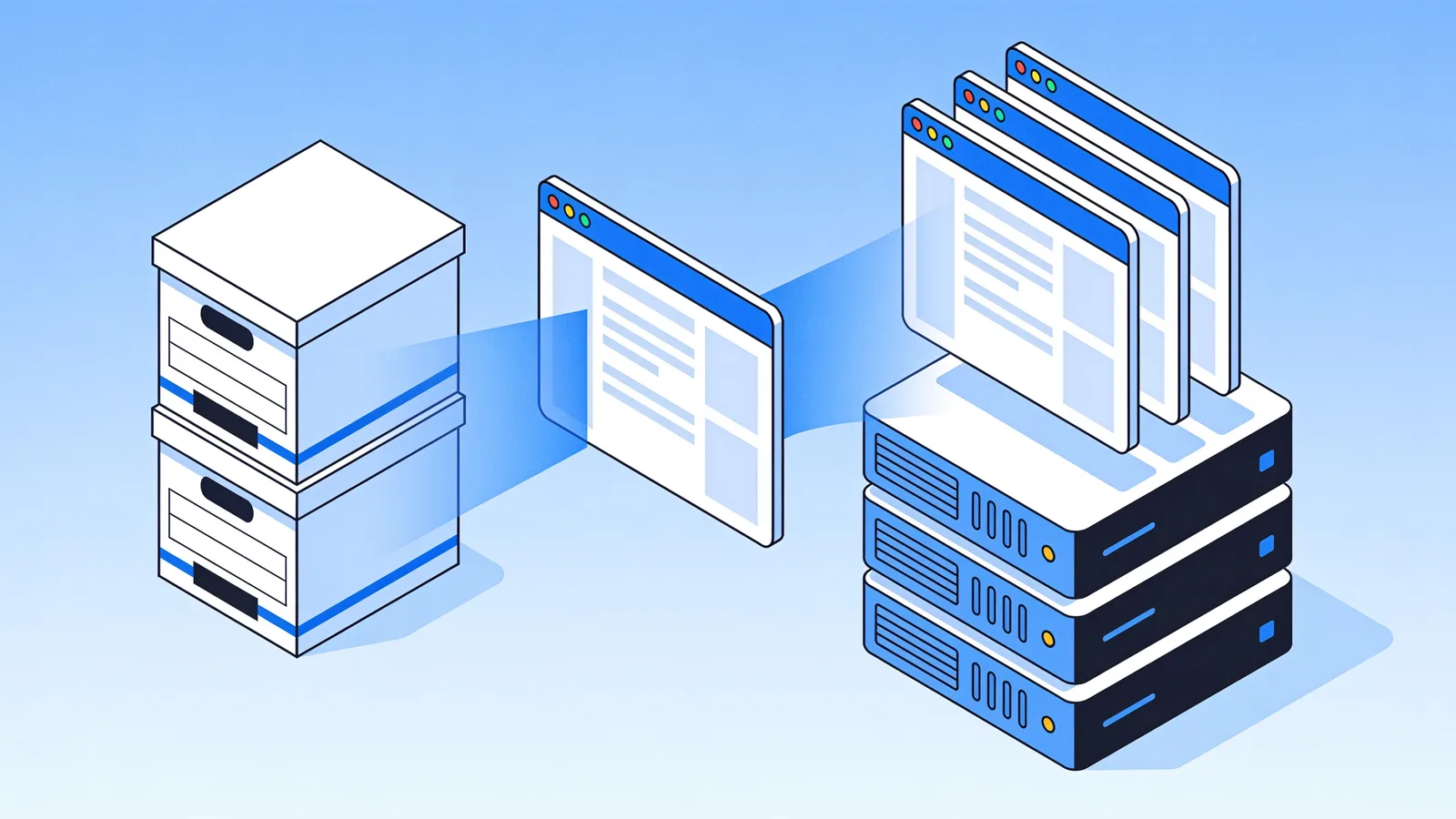
Restore your website from the Wayback Machine
Get a free estimate in seconds — you only pay when you confirm. Failed restores refund automatically.
This is the complete walkthrough: finding the right Wayback Machine snapshot, pricing the restore, choosing options, and ending with a live site you can edit through a CMS. I will use a real-shaped scenario throughout, a 2014 dental clinic site, 62 pages, dead since the hosting lapsed in 2021, because every step involves a decision that generic tutorials skip. By the end you will know exactly what to click, what to check, and what to ignore. The same steps work for a 5-page portfolio or a 50,000-page forum.
Restore website from wayback machine: what you need first
- The old domain or exact URL, the www versus non-www variant matters
- A rough idea of when the site last looked correct
- A hosting account, VPS, or S3 bucket to receive the files
- Ten minutes to vet snapshots before spending anything
You do not need the old hosting credentials, the old database, or the original developer. Everything comes from the public archive. If the clinic's developer had vanished with the backups, and they usually have, it changes nothing about this process.
Step 1: Find the right snapshot
Restore your website from the Wayback Machine
Get a free estimate in seconds — you only pay when you confirm. Failed restores refund automatically.
Go to web.archive.org, paste the URL, and open the calendar view. For the clinic site, the newest 2021 capture was a hosting-suspended notice, useless. Walking back through 2020 showed the same. December 2019 showed the real homepage with the blue header the owner remembered. That is the restore date.
Spot-check depth, not just the homepage. The homepage gets captured most often; the /services/ and /contact/ pages may lag by months. Click into them from inside the snapshot and note their capture dates. If the contact page is from 2016 and the homepage from 2019, expect mismatched phone numbers and plan a cleanup pass later. Write those capture dates down; you will compare them against the file manifest after the restore.
Check the URL variants while you are at it. The clinic's www version had around 400 captures; the bare domain had 60. Restore the richer one, you can canonicalize to your preferred host in the options step. Then note the snapshot's 14-digit timestamp: 20191204231015 means 4 December 2019, 23:10:15 UTC. Paste that full timestamped URL into the restore tool, not the plain domain, so you get exactly the capture you vetted instead of whatever the tool picks by default.
Step 2: Price the restore before you pay
Paste the timestamped URL into the restore tool and run the free estimate. It comes back in seconds with three numbers that decide everything: the exact archived file count, the total size, and a locked price. The clinic site: 1,847 files, 214 MB, most of it PDFs of intake forms and staff photos. Locked means locked, the price is fixed at estimate time and cannot drift upward mid-job.
| Estimate field | What it tells you |
|---|---|
| Archived file count | How many files the crawler captured for this URL |
| Total size | Download volume, image-heavy sites surprise people |
| Locked price | The exact cost, fixed before you pay |
| First file free | Inspect one restored file before spending anything |
Billing is pay per restored file plus a small flat fee per restore. You top up the balance once, by card or crypto, no subscription, nothing recurs. Promo codes exist in three flavours: percentage discounts, fixed discounts, and balance-doubler codes. And if the restore or the deploy fails, the refund lands in your balance automatically. No support ticket, no arguing with anyone.
Step 3: Set restore options that matter
For the clinic restore, the option set looked like this:
- Date range: January 2019 to December 2019, one coherent version of the design
- Remove analytics, ads, iframes, and external links, the old site called three dead tracking domains
- Remove clickable contacts, the old phone number belongs to someone else now
- Relative internal links, non-www canonicalization, HTTPS conversion
- Structured article export in XML/CSV/JSON plus the JSON/SQLite file manifest, for the records
Two options deserve a second thought. Keep 301/302 redirects is worth enabling if the old site had deliberate redirect rules, it preserves those and discards the accidental chains the crawler recorded. Minify JS/CSS is a free speed win on anything built before 2018, which described the clinic site exactly. The full option list lives on the restore page with the same estimate flow.

Step 4: Deploy the site with a CMS
Download the zip if you want local control, or deploy straight from the dashboard. One-click deploy targets SSH/SFTP VPS, FTP/FTPS shared hosting, or S3. Credentials are AES-256-GCM encrypted, and SSH host-key pinning on first connect means the tool refuses to talk to a server whose key changed since you approved it. The clinic site went to a cheap shared host over FTPS in about four minutes.
Every deploy includes the Restorix CMS at /webarchive-cms.php, a single PHP file with content editing, search and replace, and a file manager. The admin password is randomly generated per site and shown in your dashboard, and safe mode is on by default so nothing breaks while you learn it. First job for the clinic: search-and-replace the old phone number across all 62 pages. Ninety seconds, done. If you chose the zip download instead of a deploy, the same CMS file ships inside it, drop it into the web root after upload and it works identically. The tutorial covers the CMS screen by screen.
One practical note on safe mode: leave it on until you have clicked through the whole admin once. It keeps edits conservative while you get the feel of the file manager, and turning it off later is one toggle.
SEO after you restore a website from the wayback machine
A restored site starts with an advantage most new sites would kill for: aged URLs that Google already knows, with years of backlinks pointing at them. Those old links start working again the day the site goes live. Do not waste the head start.
- Keep the original URL structure exactly, every changed URL is a ranking thrown away
- Force HTTPS and one canonical host, then redirect the other variant
- Resubmit the old sitemap, or generate a fresh one, in Google Search Console
- Restore the robots.txt from the archive if you had custom rules
- Fix anything visibly stale fast: prices, dates, staff pages, opening hours
Expect reindexing to take days to weeks. Pages that ranked before usually come back if content and URLs match; pages that spent years returning 404 take longer to trust again. The clinic's main service pages were back in the index within a fortnight.

Problems to expect when you restore a website from the wayback machine
- Missing images the crawler never captured, the manifest lists every gap so you can source replacements
- Mixed timestamps between homepage and deep pages, fence with the date range, then clean up the tells
- Forms that no longer submit, archived forms are static HTML, so wire them to a new handler or remove them
- Third-party embeds like maps, videos, and webfonts calling dead domains, strip them in the options step
- Parked or defaced snapshots lurking near the end of the timeline, vet before you pay
None of these are fatal. They add up to an afternoon of cleanup, and the manifest plus the CMS search-and-replace covers most of it. The pitfalls guide walks through each failure mode with the checks that prevent it.
The archive gives you back the files. The options and the cleanup pass give you back the site.
Restore your website from the Wayback Machine
Get a free estimate in seconds — you only pay when you confirm. Failed restores refund automatically.
FAQ
How do I restore a website from the Wayback Machine?
Find the last good snapshot on web.archive.org, run a free estimate to get the file count and a locked price, choose restore options like date range and cleanup, then download the zip or deploy directly to your hosting. A small site takes under an hour end to end.
Can I restore a WordPress site from the Wayback Machine?
You get the static pages the crawler saw, not the WordPress database or the admin panel. The bundled CMS at /webarchive-cms.php handles editing on the restored static site, or you can rebuild in WordPress and import content through the structured XML or CSV export.
How much does it cost to restore a website from the Wayback Machine?
With Restorix you pay per restored file plus a small flat fee, with the first file free. The estimate shows the exact price before you pay, and it is locked at that moment. Small brochure sites typically cost less than a month of hosting.
Do I need my old hosting login or database?
No. Everything comes from the public archive. You only need credentials for the new server where the restored files will live, the old hosting account can stay dead.
Will the restored site keep its Google rankings?
Often yes, if you keep URLs identical and content close to the original. Resubmit the sitemap in Search Console and give it a few weeks. Changed URLs and heavily rewritten content slow the recovery down.
What if the site I want is not in the archive at all?
Then a restore is off the table, robots.txt blocks, login-gated sites, and very young sites may have no captures. Your fallback is cached copies of key pages, old backups from previous hosts or developers, or rebuilding from salvaged content.
Related guides

wayback restore
Wayback Restore: Get Your Lost Site Back in 5 Steps
Wayback restore in five plain steps: find the right snapshot, get an exact price before paying, download the rebuilt files, and upload them to your hosting.
wayback machine restore
Wayback Machine Restore: 4 Pitfalls and How to Avoid Them
A wayback machine restore can fail quietly: parked pages, redirect chains, missing images, mixed timestamps. How to spot each pitfall and avoid it.
restore a website from wayback machine
Restore a Website from Wayback Machine: What It Costs
What does it cost to restore a website from Wayback Machine snapshots? Real numbers for DIY, freelancers, and per-file services, time, money, and effort.
free cms
Free CMS: What 'Free' Really Costs You in 2026
A free CMS costs nothing to license and plenty to run. The real bill for hosting, patches and maintenance, and when a simple free CMS beats WordPress.