We use cookies to improve your experience and analyze traffic. By continuing, you accept essential cookies. Learn more
Pay less, Get more!
Faster, cheaper, and better than others.
Four steps from archive to download — most restores finish the same day.
Paste your site's URL. We check the Wayback Machine for every surviving capture.
See the exact file count and price in seconds — free, no account required.
Pay only when you confirm. Our crawler politely rebuilds your site file by file.
Grab the ZIP or push straight to your server. Anything fails? Automatic refund.
Ever wondered what your website looked like years ago? The Wayback Machine has been saving copies of the web for decades, and browsing them is free for anyone. But when it's your own site that's gone — expired hosting, a bad update, a lost server — scrolling through old snapshots one page at a time doesn't bring it back.
That's what Restorix does for you: we take your site's archived copies and rebuild them into a complete, working website — every page, image, script, and stylesheet — cleaned up and delivered as a ready-to-publish ZIP, or deployed straight to your server.
Paste the address of the lost site, the free price check takes under a minute.
Free instant price check, account only needed when you decide to restore
Pay only for what you restore. No subscriptions, no surprises.
Up to 200 files
$0.12
per 200 files
201 – 1,200 files
$5
per 1,000 files
More than 1,200 files
$0.50
per additional 1,000 files
Half the price of others
Jobs are billed from your prepaid balance — top-ups start at $5.00, and restores are charged from balance at $0.12 per 200 files, never as a card micro-charge.
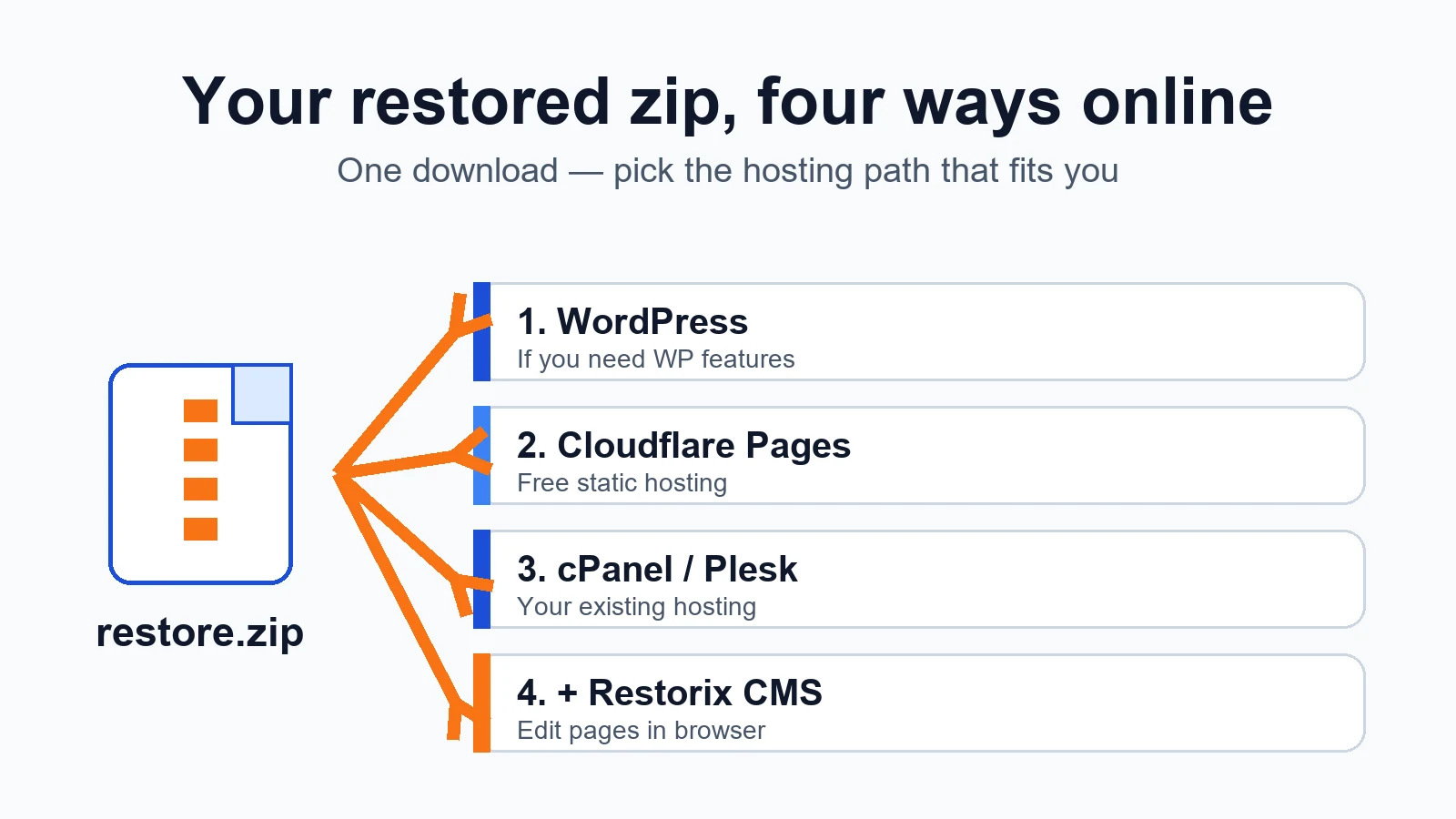
restore website from zip
Downloaded your restored site as a zip? How to put it back online: Cloudflare Pages, cPanel or Plesk, the bundled CMS, or WordPress, step by step.
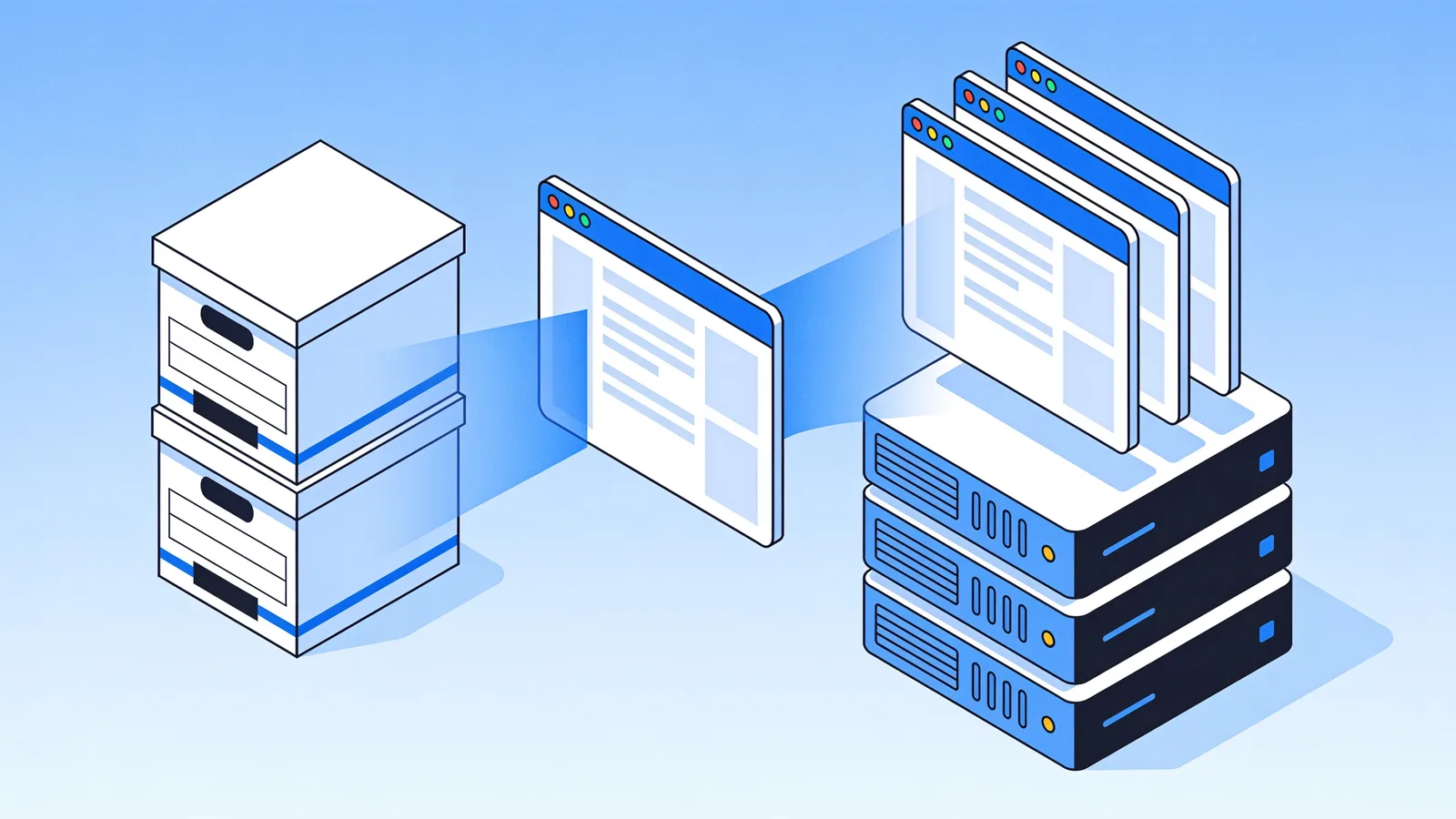
restore website from wayback machine
Restore a website from the Wayback Machine end to end: pick the right snapshot, set restore options, then deploy a working site with a CMS in under an hour.
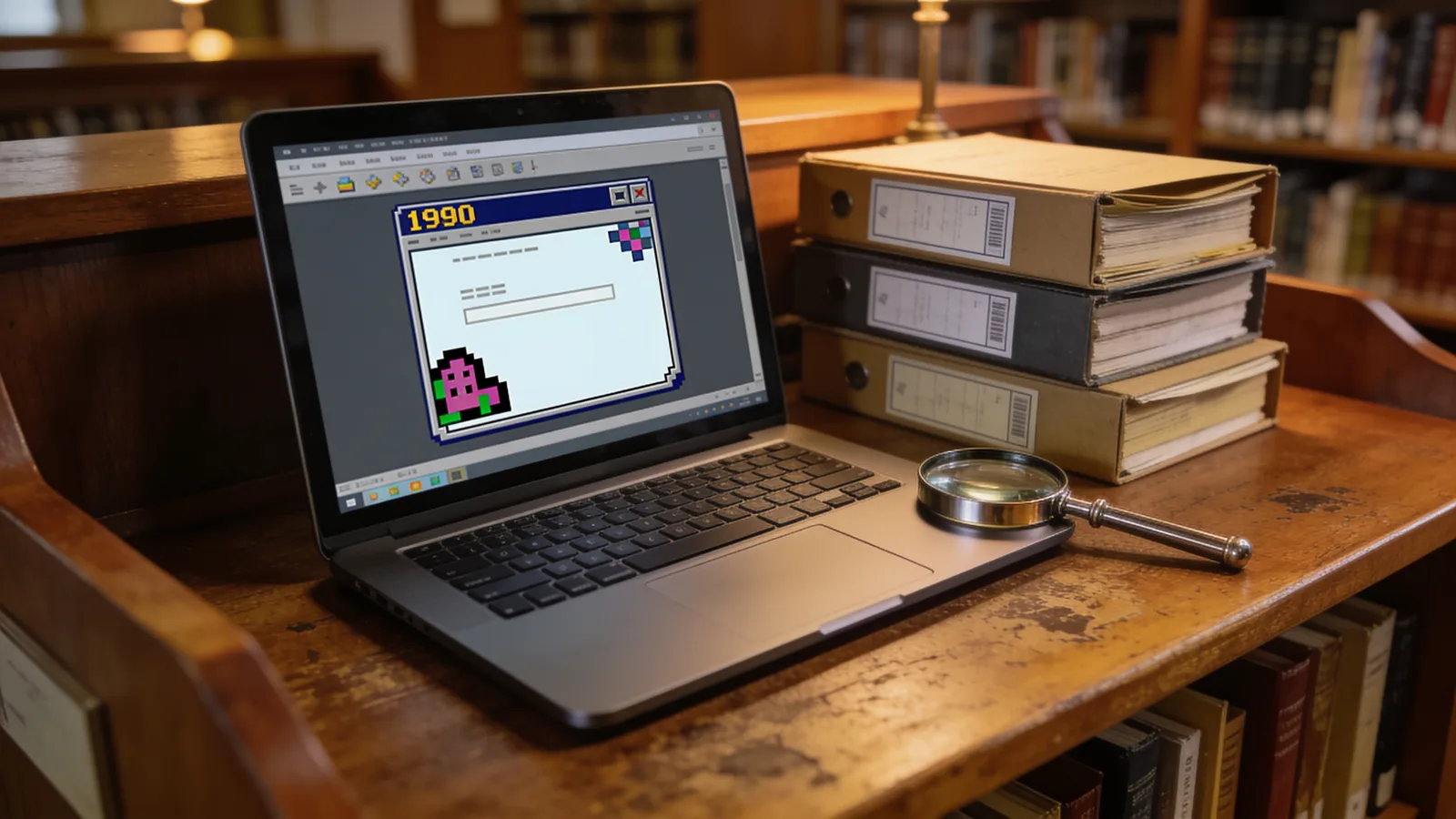
historical web
How academics, journalists, and lawyers use the historical web: where the records live, how to judge preservation quality, and when a capture counts as evidence.

download entire website from archive org
To download an entire website from archive.org you need every page, image and stylesheet. Assets hide under different timestamps, here is why, plus a full checklist.

wayback machine restore website
Use the Wayback Machine restore website workflow to vet expired domains: read snapshot history, spot spam eras, and avoid Google filters before you bid.

simple free cms
The best simple free CMS options in 2026: Grav, WonderCMS, Bludit, GetSimple, and the single-file Restorix CMS, what each does, who it fits, the catches.
