
Wayback Machine Restore Website Checks Before Buying a Drop Domain
By the Restorix editorial team · July 14, 2026 · 8 min read
Restore your website from the Wayback Machine
Get a free estimate in seconds — you only pay when you confirm. Failed restores refund automatically.
Expired domains with real backlink profiles sell for pocket change at auction, $69, $120, sometimes just the registration fee. The catch: you are buying a history you have not read yet. Some of these domains are gold. Some spent their final three years as a pharma doorway, and Google remembers.
The Wayback Machine is your due-diligence tool. Before you bid on anything, the archive tells you what the site was, when it changed hands, and whether its final form is worth restoring. Here is how to read it like someone who has been burned before.
Why drop domains lead to Wayback Machine restore website projects
The play is simple. A domain with aged backlinks from real sites, a 2009 phpBB forum, a regional news blog, a defunct SaaS tool, carries link equity that a fresh domain takes years to earn. Buy the drop, restore the site from the archive, and those links point at live pages again instead of a parked page.
That is the theory. The practice fails when buyers skip the history check. Domains drop for reasons: the owner lost interest, sure, but also penalized, hacked, spammed to death, or sued. A restore brings back the content. It can also bring back the penalty. The archive is where you find out which one you are buying.
How to read a domain's snapshot history
Restore your website from the Wayback Machine
Get a free estimate in seconds — you only pay when you confirm. Failed restores refund automatically.
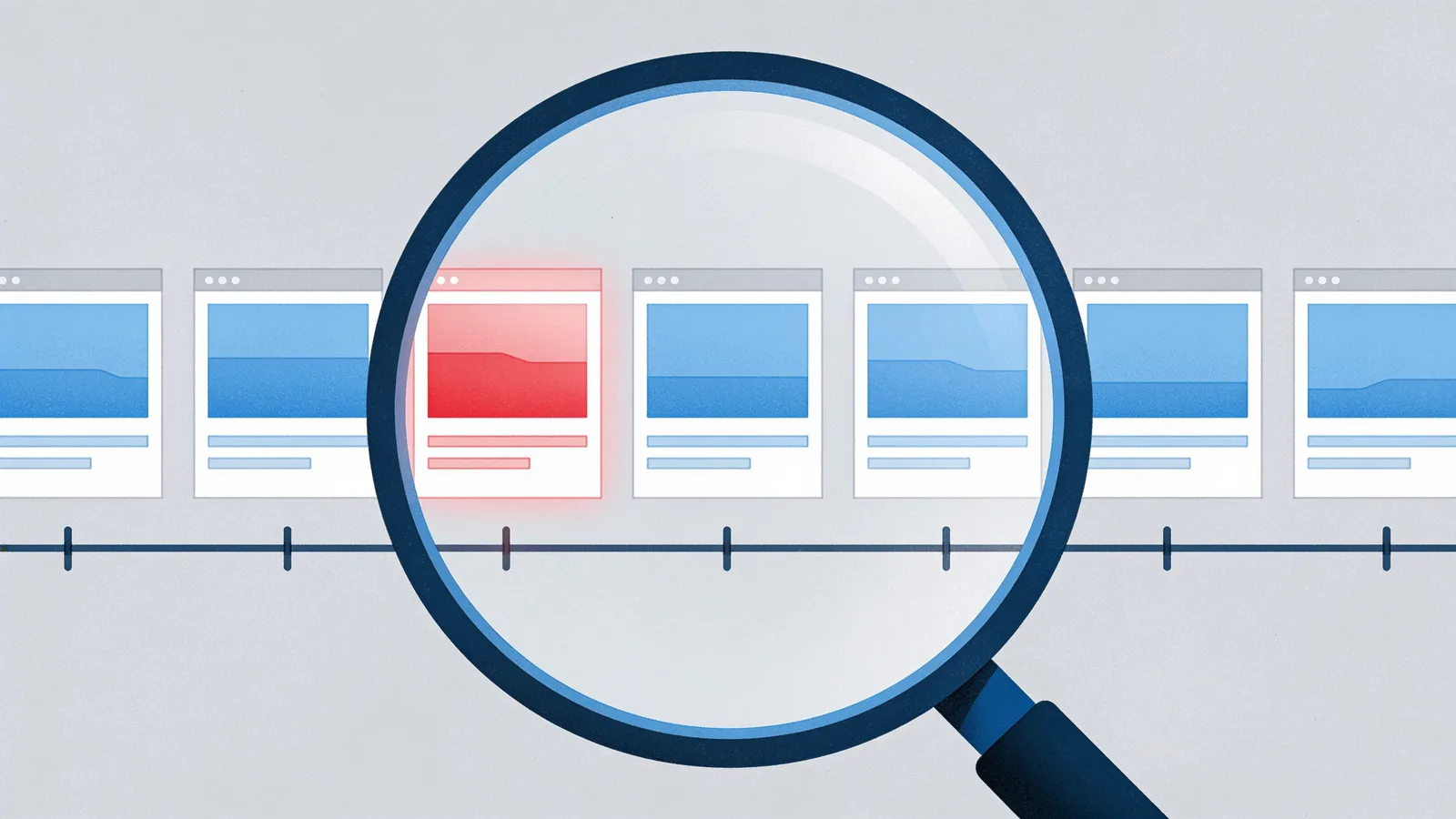
Open the calendar view and study the shape of the timeline before you read a single page. The pattern alone answers half your questions, this is the same skill as any website history audit, just with money on the line.
- First and last snapshot: a domain archived since 2005 with steady captures has a real past. One with its first capture in 2023 has no equity to restore.
- Capture density: dense circles on the calendar mean a living site. Sparse captures mean a parked or abandoned one.
- Gaps: a two-year hole usually means the domain dropped before, or someone blocked the crawler. Both deserve a closer look.
- Topic consistency: click one snapshot per year. A plumber's site should be a plumber's site every year. The year it becomes an essay mill is the year the spam era began.
- robots.txt blocks: if the archive shows the site as excluded, a past owner deliberately hid it. Ask yourself what they were hiding.
One ratio worth writing down: clean-era captures versus total captures. A domain with eight good years and one spam year is a restore candidate. A domain with two good years and six of junk is a trap wearing a vintage dress. The good era is the product you are buying; everything else is packaging.
Red flags in the archive that mean walk away
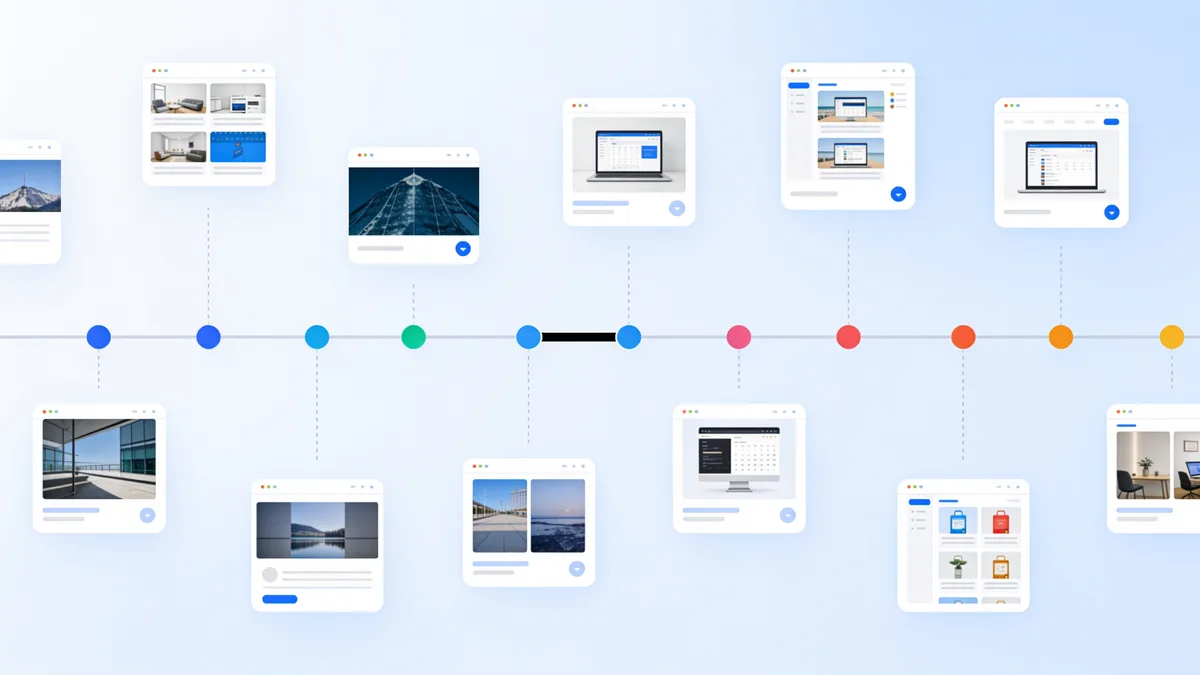
Some history cannot be fixed with a clean restore. Walk away when you see:
- Topic flips: the site's final era is unrelated to its link-earning era. Links earned as a bakery blog do not help a crypto casino, and Google knows it.
- Doorway pages: hundreds of near-identical pages targeting keyword-plus-city combinations.
- Pharma, pills, or adult anchors injected into footers and sidebars, the classic hack signature.
- Language flips mid-history with machine-translated filler. That is a PBN rebuild, and the domain is likely already flagged.
- A trademarked brand name in the domain itself. A restore can hand you a UDRP complaint instead of an asset.
One bad year is not fatal if the good era is long and well archived, you restore the good era and let the spam pages die. A bad final era that lasted longer than the good one is fatal. There is simply nothing worth restoring.
Penalty checks beyond the archive
The archive shows what the site looked like. It does not show how Google felt about it. Add these checks before you bid:
- Run a site:domain.com search. Zero results on a domain with years of history suggests a deindex, possibly a manual action.
- Pull the backlink profile in Ahrefs, Semrush, or Majestic. Spammy anchor text, pills, casinos, exact-match commercial anchors at scale, means the links are a liability, not an asset.
- Check whether the domain still ranks for its own old brand name. Ranking for your own name is a good sign; total absence is not.
- Search trademark databases if you plan to rebuild under the original brand.
- After purchase, verify the domain in Search Console on day one. The Manual Actions report is the only ground truth, a seller cannot show you this, so it is the first thing you check as the new owner.
Budget an evening for these checks per serious candidate. That feels slow when an auction ends in six hours. It is not slow compared to the alternative, I have watched buyers spend $800 on a domain whose backlink profile was 90% foreign pharmacy anchors, a fact that took four minutes to see in the link report. The archive tells you what the site was; the link report tells you what Google thinks it is. You need both.
The clean Wayback Machine restore website workflow
Once the domain passes the checks, the restore itself is where penalties are either avoided or baked in. The workflow that works:
Restore the good era only. The restore dashboard lets you set a date range before the restore starts, so you pull the 2012-2016 version of the site and leave the 2019 spam era in the grave. The free estimate shows the exact archived file count for that range, so you know the size and locked price of the clean restore before you spend anything.
Strip the junk on the way out. The restore options exist for exactly this job: remove analytics, ads, and iframes so dead third-party calls do not ship on every page; remove external links you do not control, because spam-era outbound links are a classic penalty signal; convert to HTTPS; and canonicalize to www or non-www so you do not restore a duplicate-content problem along with the content.
Deploy on clean infrastructure, Restorix's one-click deploy covers SSH and SFTP servers, FTP and FTPS shared hosting, and S3, and the bundled single-file CMS at webarchive-cms.php lets you edit the restored content without touching code. Then verify Search Console, and file a reconsideration request only if the Manual Actions report actually shows something. If it is clean, say nothing, there is no bonus for confessing.
What to keep, cut, and redirect after the restore
A restored domain is not a museum. What you do in the first two weeks decides whether the old links keep counting.
- Keep every page that has backlinks pointing at it. Sort your link report by target URL and make sure each one resolves.
- Keep the 301 and 302 redirects the site already had, restoring those chains preserves equity that a raw page restore misses.
- Cut spam-era pages hard. Let them return 404 or 410. Do not 301 fifty casino pages to your homepage; that pattern is itself a signal.
- Rebuild trust pages: a real about page, contact details, a privacy policy. A restored site with no way to reach a human looks exactly like what it is.
- Add new content slowly. Ten restored pages plus two fresh posts a week reads as a revival. Two hundred spun posts on day one reads as a PBN.
A ten-minute Wayback Machine restore website pre-bid routine
Auction timers pressure you into skipping this. Do it anyway, it takes ten minutes:
- Open the archive calendar; note the first capture, the last capture, and any multi-year gaps.
- Click five snapshots spread across the timeline; confirm the topic never flips.
- Scroll two pages from the final era; scan footers and sidebars for injected links.
- Run a site: search and one backlink-tool lookup for anchor text.
- If all four pass, run the free Restorix estimate for the good-era date range. If the file count and locked price fit the plan, bid. If anything fails, let someone else buy the problem.

Restore your website from the Wayback Machine
Get a free estimate in seconds — you only pay when you confirm. Failed restores refund automatically.
FAQ
Can I restore a website from the Wayback Machine onto a domain I just bought?
Yes, that is the standard expired-domain play. You control the domain and hosting; the archive supplies the content. Check the history first for spam eras, topic flips, and crawler blocks, restore only the clean date range, and keep the pages that hold backlinks. Keep in mind the original owner still holds copyright on the content, so restoring your own past sites is the safest version of this.
Will Google penalize a restored expired domain?
Google penalizes what you publish, not where the files came from. A clean restore of the domain's legitimate era, with spam pages removed and no manipulative new content, is not a violation. What gets penalized is the classic abuse pattern: buy a dropped domain and slap thin, unrelated content on it to exploit its links. The restore is fine; the exploit is not.
How far back should I restore an expired domain?
Pick the last era where the site was legitimate, active, and on its original topic, usually the period that earned the backlinks you bought the domain for. Use date-range selection to cut everything after the spam era began. Restoring the most recent snapshot is a common mistake; the most recent snapshot is often a parked page or the hack.
The archive shows a robots.txt block for the domain. Can I still restore it?
If a past owner excluded the site from the archive, captures will be missing or blocked and there may be little to restore. Treat it as a due-diligence red flag too, legitimate owners rarely hide their site from history. Check other sources like old screenshots, link reports, and Common Crawl, but expect the archived equity to be thinner than the sales listing claims.
Does restoring old content bring the old rankings back?
Sometimes partially, never instantly. Restored pages can recapture long-tail rankings within weeks if the domain is clean and the content still matches search intent. Competitive terms need fresh content and time. What a restore reliably preserves is the link equity, pages with backlinks resolve again instead of dying on a parked page.
Related guides

website history
Website History: Snapshots, WHOIS, DNS, and the Tools for Each
Website history can mean archived snapshots, WHOIS records, DNS changes, or old rankings. Learn which tool answers which question, and how to rebuild a lost site.
search website history
How to Search Website History Before Buying a Domain
Search website history before you buy a domain: old snapshots, ownership flips, spam baggage, and trademark traps, a 30-minute due-diligence workflow.

wayback restore
Wayback Restore: Get Your Lost Site Back in 5 Steps
Wayback restore in five plain steps: find the right snapshot, get an exact price before paying, download the rebuilt files, and upload them to your hosting.

restore website from archive.org
Restore a Website from Archive.org: DIY or Done-for-You?
Should you restore a website from Archive.org yourself or pay for done-for-you? An honest comparison of cost, time, skill, and risk, plus a decision framework.