
Restoration Websites: What Website Restoration Really Means
By the Restorix editorial team · June 20, 2026 · 7 min read

Restore your website from the Wayback Machine
Get a free estimate in seconds — you only pay when you confirm. Failed restores refund automatically.
The email is always some version of the same story. Our site is gone, can you get it back? The host went bust, or the renewal card expired, or the developer who built it in 2014 stopped answering. No backups. What people reach for next is usually called a restoration website: a service that rebuilds the lost site from archived copies.
It works more often than people expect. But restoration is a specific thing, and it gets confused with two other things, backups and redesigns, constantly. The confusion costs people money, so let me draw the lines, then walk through how a real restoration goes from a snapshot to a deployed site.
What restoration websites actually do
A restoration website takes the snapshots the Wayback Machine and similar archives captured of your site over the years and reassembles them into a working, deployable website. Pages, images, stylesheets, scripts, documents, pulled from a chosen date, cleaned of archive markup, with internal links repaired so the site stands on its own two feet again.
That last part is what separates restoration from a raw archive download. A pile of Wayback captures is evidence. A restoration turns it into a site you can actually host: no toolbar injected at the top of every page, no links pointing back at web.archive.org, no tracking scripts phoning home to accounts that died with the old site.
One caveat before anyone gets excited: archives only hold what their crawlers saw. Coverage ranges from every page and image, down to a homepage and three stylesheets. A good restoration starts by measuring that coverage, not by promising the moon.
Restoration websites vs backups vs redesigns
Restore your website from the Wayback Machine
Get a free estimate in seconds — you only pay when you confirm. Failed restores refund automatically.
Three terms people use interchangeably that mean very different things:
| Backup restore | Website restoration | Redesign | |
|---|---|---|---|
| Source material | Your own backup files | Public archive snapshots | New design and content |
| Server code and database | Fully recovered | Not recovered, static pages only | Rebuilt fresh |
| URLs preserved | Yes | Yes, with careful work | Usually changed |
| Needs the original host | Yes | No | No |
| Typical trigger | Planned maintenance | Site lost, no backups | Site looks dated |
A backup restore is the best outcome in computing, you made copies, you put them back, everything works including the database. It is also the one that requires foresight, which is why I so rarely get to do one. A redesign throws the old site away deliberately. Restoration sits between: the original is gone, and you reconstruct what the public web remembers of it.
Backups are how you plan to recover a site. Restoration is how you recover it anyway.
The restoration workflow, step by step
A competent restoration, done by hand or by a service, runs through the same stages:
- Find the snapshots. Look the domain up in the Wayback Machine and map which years have decent coverage.
- Pick the date. Usually the last healthy capture before the hack, the redesign, or the shutdown, not simply the newest.
- Assess coverage. How many pages and assets did the archive actually get? A free estimate that lists exact file counts beats guessing.
- Restore the files: pages, images, CSS, JS, documents, pulled from the chosen snapshot range.
- Clean. Strip the archive toolbar, old analytics, dead third-party widgets, and iframes pointing at services that no longer exist.
- Repair the plumbing: make internal links relative, canonicalize www versus non-www, keep the 301 redirects that were in place.
- Deploy to hosting with HTTPS, a VPS over SSH, shared hosting over FTP, or an S3 bucket.
- Verify. Crawl the live site, test it on a phone, check that old URLs resolve, and only then call it done.
Steps five through eight are where hand-restorations usually cut corners, and where the SEO value is won or lost. A restored site that ships with 200 broken internal links and a dead redirect map will watch a decade of inherited rankings drain away in a month.

What restoration websites can recover, and what they can't
Recoverable: every public page the archive captured, with its text and layout. Images, PDFs, stylesheets, scripts. The URL structure, which matters more than people think, those URLs carry the inbound links and the search rankings. Article content can even be exported as structured XML, CSV, or JSON for re-import into a fresh CMS.
Not recoverable: anything that lived only on the server. Databases, user accounts, order histories, passwords. A 2009 phpBB forum restores as browsable thread pages, the archive crawled them as HTML, but the forum software is gone, so nobody can post. Contact forms come back as props that submit nowhere until you wire them to a new backend. And content behind logins or blocked by robots.txt was never archived at all.
A client's WooCommerce store shows the practical middle ground. Every product page, photo, and description came back as static HTML. The cart did not, carts are server code, so we exported the product content to CSV, loaded it into a fresh shop, and 301-redirected the restored pages to the new URLs. Rankings survived; the store took orders the same week.
Mistakes that ruin a restoration
The failures I get called in to fix are remarkably consistent:
- Picking the wrong snapshot date, restoring the version after the hack or the half-finished redesign
- Building a Frankenstein: pages from 2016 stitched to assets from 2019, so half the styling is wrong
- Leaving the Wayback toolbar and archive-rewritten URLs in the delivered files
- Keeping ancient analytics and ad tags that phone home to dead accounts, or worse, to someone else's
- Dropping the old redirects, so every inherited inbound link lands on a 404
- Forgetting HTTPS and mobile checks, a 2012 layout needs both verified, not assumed
What a restoration costs
Doing it by hand costs nothing but time, and it costs a lot of time. Pulling a 500-page site from the Wayback Machine with wget, untangling rewritten URLs, and scraping toolbar markup out of every page is a weekend you will not get back.
Services price it by the file. The model that makes sense to me: an estimate up front showing the exact archived file count and total size, a locked per-file price, and the first file free so you can judge quality before committing. Restorix works exactly that way, with one-time balance top-ups instead of a subscription and automatic refunds to your balance if a restore or deploy fails. Agency quotes in the four figures usually describe the same underlying work with meetings attached.
From restored files to a deployed site
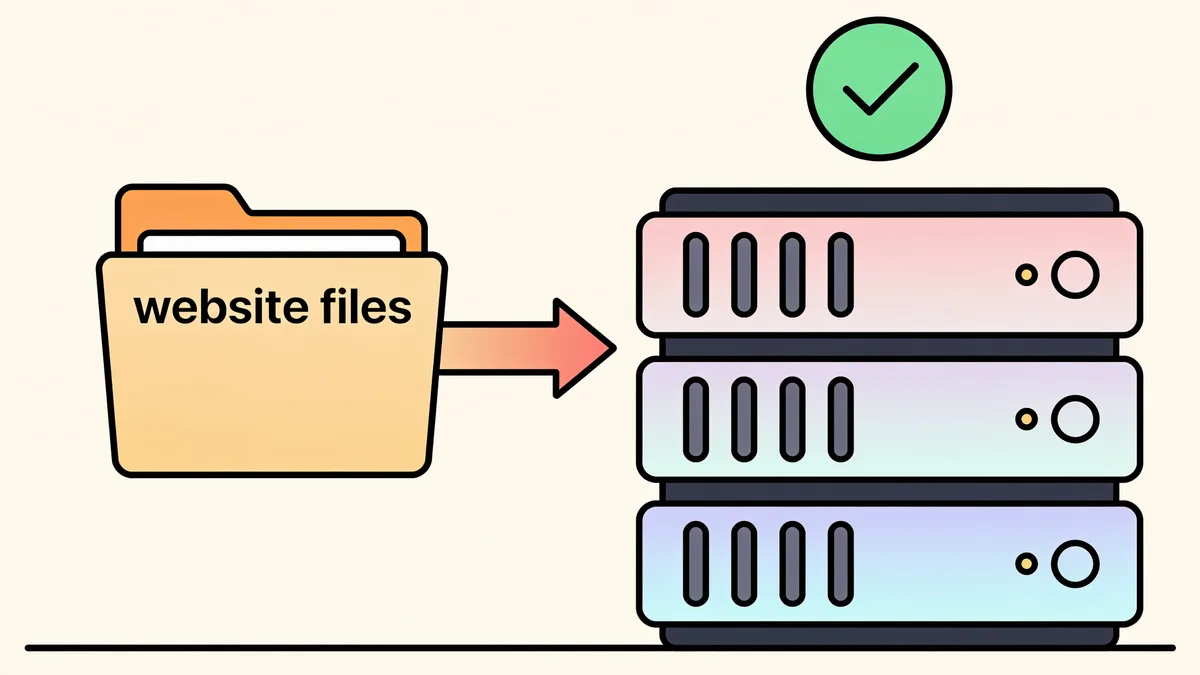
Restored files are static, which is good news: they can live anywhere. Cheap shared hosting over FTP, a VPS over SSH, an S3 bucket, the site does not care. The catch is editing. Static files mean every typo fix is an FTP session, and that gets old by the second week.
This is why I point people at this restore platform for the whole arc rather than stitching tools together. It handles the restore from the chosen date range with the cleaning options above, deploys one-click to SSH/SFTP, FTP/FTPS, or S3, and drops a single-PHP-file CMS onto the site, content editing, search and replace, a file manager, with a per-site admin password and safe mode on by default. The restored site stops being a museum piece and becomes editable again.
Choosing between restoration websites
The market ranges from one-click services to agencies quoting serious money for what is essentially the same job. What I would check before paying anyone:
- A free estimate with exact archived file counts and total size, before money changes hands
- Per-file or flat pricing locked at estimate time, not a subscription that quietly recurs
- Automatic refunds if the restore or deploy fails, no support-ticket purgatory
- Real cleaning options: analytics removal, link relativization, canonicalization, redirect preservation
- Deploy included, ideally with a CMS, so you are not handed a zip and wished luck
Restorix ticks each of those boxes, first file free, promo codes and balance-doubler top-ups, nothing recurring, which is why it is the one I recommend by name.
Restore your website from the Wayback Machine
Get a free estimate in seconds — you only pay when you confirm. Failed restores refund automatically.
FAQ
What are restoration websites?
Services and tools that rebuild lost or broken websites from archived snapshots, primarily the Wayback Machine, rather than from your own backups. The good ones deliver a cleaned, deployable site: archive markup stripped, internal links repaired, ready to host.
Can restoration bring back my database and user accounts?
No. Archives store public HTML, not server-side data. Content that was rendered into public pages can be exported as XML, CSV, or JSON and re-imported into a new CMS, but accounts, orders, and passwords are gone unless you have your own backup somewhere.
Is restoring a website from an archive legal?
Restoring your own site, or one you have rights to, is fine, you are recovering your own property. Republishing someone else's content wholesale is a different matter; archived does not mean public domain. When in doubt, restore what you own.
How long does a website restoration take?
The restore itself is minutes to an hour for most sites. Verification eats the real time: a small brochure site can be back the same afternoon, while a 10,000-page store with cleaning, link fixes, and deploy checks is a day or two of careful work.
Should I restore the old site or rebuild from scratch?
If the old site had traffic, rankings, and inbound links, restore it, those URLs are worth money, and a rebuild abandons them. If it was tiny and dated, rebuild and put 301 redirects on the handful of pages that mattered. Check the archive first either way; sometimes one look settles the argument.
Related guides

wayback restore
Wayback Restore: Get Your Lost Site Back in 5 Steps
Wayback restore in five plain steps: find the right snapshot, get an exact price before paying, download the rebuilt files, and upload them to your hosting.

restore website from wayback machine
Restore a Website from the Wayback Machine: Full Guide
Restore a website from the Wayback Machine end to end: pick the right snapshot, set restore options, then deploy a working site with a CMS in under an hour.

restore deleted site
Restore a Deleted Site: What to Do in the First 48 Hours
Your host deleted your site? Follow this 48-hour triage plan, then restore the deleted site from web archives step by step.

old website recovery
Old Website Recovery: Getting a Site Back After Years Offline
Old website recovery explained: what survives in archives and backups after years offline, what is gone for good, and how to rebuild step by step.