
Old Website Recovery: Getting a Site Back After Years Offline
By the Restorix editorial team · April 22, 2026 · 9 min read

Restore your website from the Wayback Machine
Get a free estimate in seconds — you only pay when you confirm. Failed restores refund automatically.
A client called me last spring with a familiar problem. Her landscaping company had run for years on a website built in 2013, a tidy brochure site, a gallery of finished gardens, and a quote form that brought in most of her work. The domain lapsed in 2019. The hosting account was cancelled long before that. The designer had retired to Portugal and stopped answering email. She asked the question everyone asks in this spot: is old website recovery actually possible, or am I starting from zero?
The honest answer: probably yes, and probably more than you expect. Almost everything a public website ever showed to visitors was copied somewhere, by archive crawlers, by search engines, by somebody's backup script. The job is knowing what survives where, and being honest about the gaps. This is the workflow I use on jobs like hers, and the expectations I set before anyone spends a dollar.
What old website recovery actually means
Old website recovery is not a redesign, and it is not 'build me a new site that looks like the old one.' It means finding existing copies of the site, archived HTML, images, stylesheets, documents, and reassembling them into a working website you own again. One you can put on a domain, edit, and get leads from. The distinction matters because it moves the price tag by an order of magnitude: recovery reuses what already exists, while a rebuild pays someone to recreate it from screenshots and memory.
Three kinds of sources do the heavy lifting. Web archives, above all the Wayback Machine, hold crawled copies of public pages going back decades. Search engine caches used to be the second option, but Google retired its cache in 2024, so that well is mostly dry. And real backups, from your old host, your old developer, or a hard drive in a drawer, are the only place the behind-the-scenes pieces ever survive. Each source hands you a different slice of the old site.
Where copies of your site actually live
Restore your website from the Wayback Machine
Get a free estimate in seconds — you only pay when you confirm. Failed restores refund automatically.
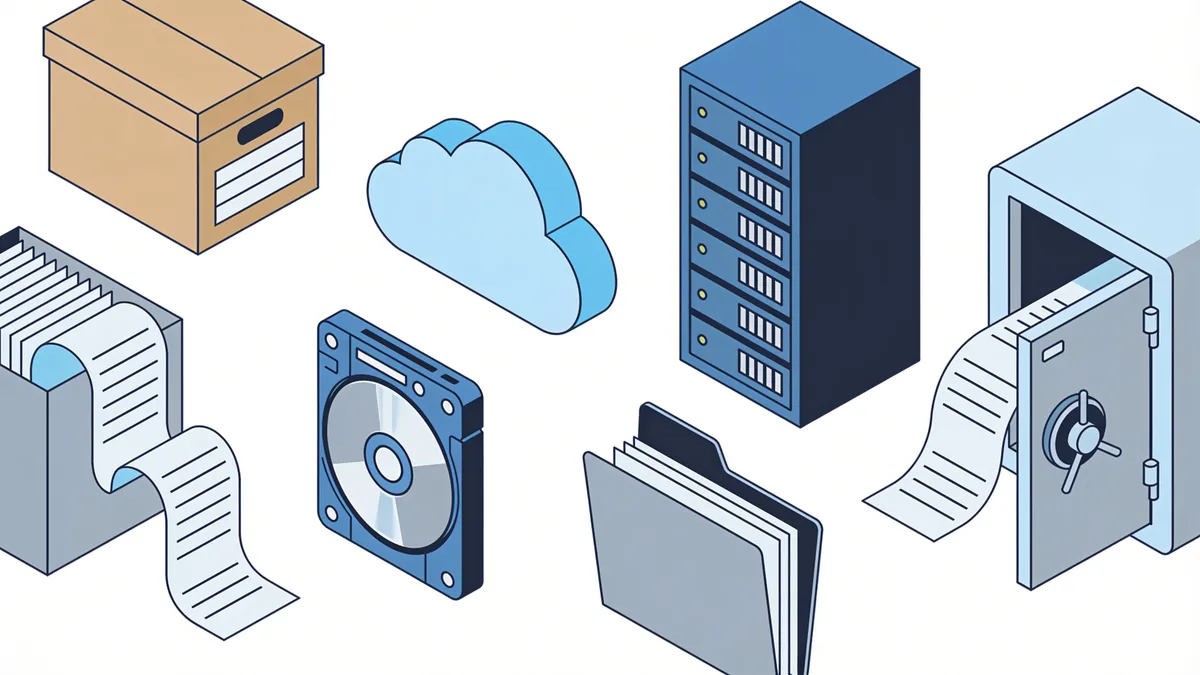
Before you restore anything, inventory the sources. Here is what each one realistically holds for a site that has been offline for years:
| Source | What you get | Typical coverage | The catch |
|---|---|---|---|
| Wayback Machine | HTML pages, images, CSS, some JavaScript | Years of snapshots, often hundreds of URLs | Nothing interactive ever worked there, forms, carts, and logins are display-only |
| archive.today | Single-page snapshots | Spotty, but it often holds pages Wayback skipped | No bulk crawl; you recover one URL at a time |
| Search engine caches | The last crawled version of a page | Google shut its public cache down in 2024 | Useless for a site offline for years |
| Old hosting backups | Everything, including the database | All or nothing | Most hosts purge backups within weeks of cancellation, ask anyway |
| The developer's files | Source code, maybe a database dump | Depends entirely on their housekeeping | Agencies fold; laptops get wiped; people retire to Portugal |
| Your own downloads | Whatever you happened to save | Random | Nobody thinks they need it until the day they do |
Read that table and a pattern jumps out: the presentation layer survives, the application layer does not. HTML, CSS, and images were public, so crawlers copied them. PHP scripts, databases, and admin panels sat behind the web server, where no crawler could see. For a brochure site or blog, the presentation layer is nearly the whole site. For a store or forum, you recover the catalog and the content, not the orders, accounts, or private messages.
Realistic expectations for old website recovery
I set expectations with numbers before touching anyone's site, because hope is not a plan. Based on recovery jobs over the past few years, here is what a good outcome looks like:
- Static pages and blog posts: 90–100% recoverable if the site allowed crawling.
- Images: usually 70–95%, depending on how deep the archive crawled and whether they lived on a separate CDN domain.
- PDFs and downloads: a coin flip. Crawlers often skipped files above a size threshold.
- Video: assume it is gone unless it lived on YouTube or Vimeo, in which case it was never lost.
- Databases, products, users, comments, orders: gone unless a real backup exists. Archives only ever saw rendered pages.
- Search rankings: partially salvageable. Keep the original URLs where you can, 301 the rest, and Google re-learns the site faster than you would think.
Two real jobs. A 2009 phpBB forum came back as 400-odd threads of static HTML, every post readable, zero user accounts. A client's WooCommerce store returned with its full catalog, every product description, and most photos, but no order history and no customer list. Both owners were happy, because both knew the shape of the outcome before the work started.
What survives, and what is gone for good
A quick inventory saves people a wasted weekend hunting for things that never had a copy:
- Usually survives: public HTML pages and blog posts, plus the images those pages referenced.
- Usually survives: stylesheets, JavaScript files, fonts, robots.txt, favicon, sometimes sitemap.xml.
- Usually survives: some PDFs and smaller downloads, if crawled pages linked to them.
- Gone without a backup: server-side code, PHP, Python, plugins, the theme's template logic.
- Gone without a backup: the database, products, post metadata, users, comments, orders.
- Gone without a backup: anything behind a login, and every working form, search box, and cart, the archives kept their looks, not their guts.
- Gone without a backup: email accounts, server configuration,.htaccess rules.
Two traps deserve special mention. If the old site had a robots.txt that blocked crawlers, the archives may hold almost nothing, check before you plan anything. And snapshots taken after the domain lapsed usually show a parking page or a scammy doorway site. Always restore from a snapshot taken while the site was genuinely alive; the newest capture is rarely the best one.
A step-by-step old website recovery workflow
- List the URLs. Pull the site's URL inventory from the Wayback Machine's CDX index or calendar view, and grab sitemap.xml from a healthy snapshot if one exists.
- Pick the right year. Scan the snapshot calendar for the last period where captures show the real site, not a parking page or a hack.
- Fill gaps with archive.today. Pages Wayback skipped sometimes exist there, check your most important URLs one by one.
- Restore the files. For a handful of pages, saving them manually works. For a whole site, run an automated restore: Restorix shows a free estimate with the exact archived file count, total size, and a locked price before you pay anything, then restores the site with internal links rewritten and old analytics stripped if you want.
- Clean house. Remove archived ad tags and tracking scripts, canonicalize www or non-www, and convert internal links to relative so the site works on any domain.
- Map the URLs. Keep original paths wherever possible and 301 everything you deliberately drop.
- Deploy and verify. Crawl the restored site, fix the 404s, then hand a fresh sitemap to Search Console.
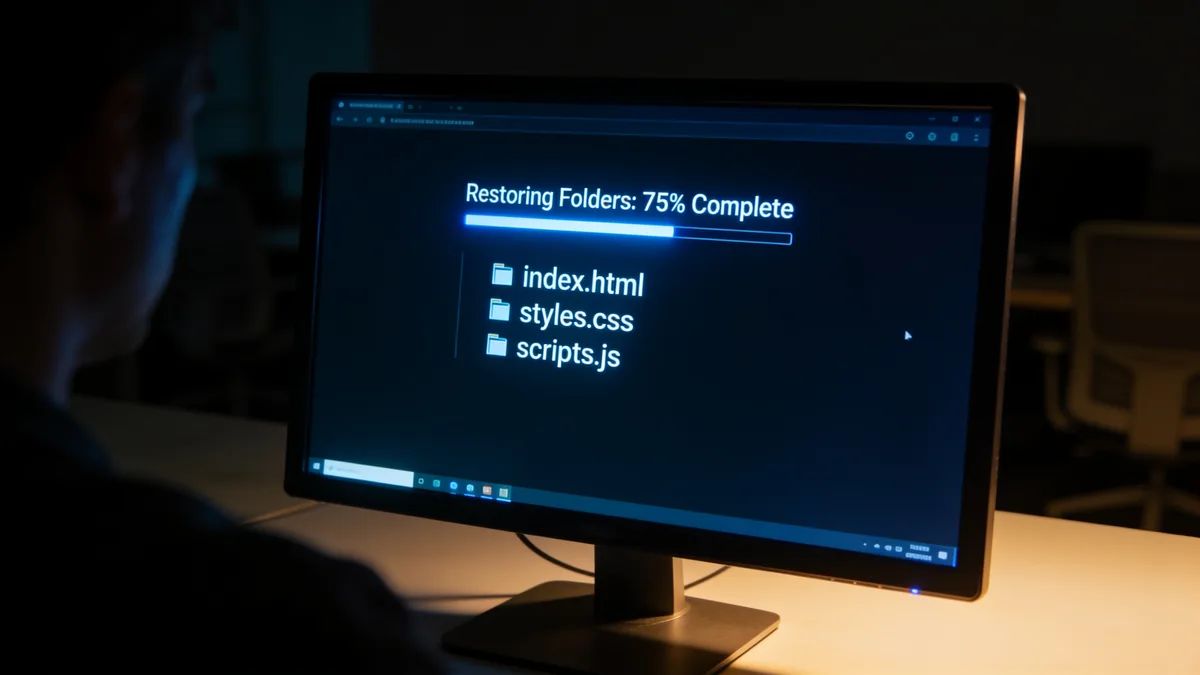
Cleanup is where DIY jobs stall. Manual copy-paste from archive.org leaves you with absolute links pointing back at web.archive.org and a decade-old analytics beacon firing on every page. The restore options exist for exactly this: stripping iframes and ad code, minifying assets, and making links domain-agnostic are checkboxes, not afternoons of find-and-replace.
Mistakes that sink an old website recovery
- Restoring from the newest snapshot instead of the healthiest one. The final year of a dying site is often parking pages and malware redirects.
- Letting the domain sit while you deliberate. Buy the domain back first, recovering content onto an address a squatter owns is wasted work.
- Mixing snapshot years. The 2016 navigation links to pages your 2014 copy does not have, and every menu becomes a 404 farm.
- Forgetting the CDN subdomain. If images lived on cdn.yoursite.com, check that hostname in the archive separately, it has its own snapshot history.
- Skipping the rights question. Restoring your own site is standard practice; republishing someone else's content wholesale is a copyright problem.
- Rebuilding on a locked platform before exporting. Get clean files first, structured article export to XML, CSV, or JSON exists for a reason, then decide where they live.
Costs, timing, and doing it yourself vs. hiring it out
DIY with copy-paste: free, and fine up to maybe twenty pages. Budget a weekend and a lot of patience. Free Wayback downloader scripts handle bulk but leave you with broken internal links and missing assets, the cleanup tax again. Paid restores price per file; Restorix charges per restored file with a small flat fee per restore, the first file free, the price locked at estimate time, and nothing that recurs. A few hundred files usually lands in the tens of dollars, and automatic refunds go back to your balance if a restore fails.
Timing breaks down the same way on every job: the restore itself is the fast part, hundreds of pages in well under an hour, and the human work after it is the slow part. My client's landscaping site came back as 86 pages and about 300 images. The estimate took a minute. Her weekend went to wiring up a working quote form and re-shooting two garden photos she had never liked anyway. The recovered site was better than the original within a week, which is the part nobody expects.
Putting the recovered site back online
A recovered brochure site can live happily on cheap static hosting. If the owner wants to edit content, and eventually they always do, deploy with a CMS attached instead of bolting one on later. Restorix deploys to an SSH/SFTP VPS, FTP shared hosting, or S3 in one click, and its deploys include a single-file CMS at /webarchive-cms.php with a per-site admin password, so the owner edits text and swaps images without touching code. Whatever you choose, finish with the boring essentials: fresh analytics instead of the 2013 tag, an XML sitemap, Search Console verification, and 301s for every URL you decided not to bring back.
Restore your website from the Wayback Machine
Get a free estimate in seconds — you only pay when you confirm. Failed restores refund automatically.
FAQ
Can I do old website recovery if the domain expired years ago?
Yes. Archives index copies by URL, not by domain ownership, so the content is still there. But buy the domain back first if it is available, recovering a site onto an address you do not own is wasted work. If squatters want silly money, restore onto a new domain and plan the URL map with redirects in mind from day one.
How far back can old website recovery reach?
The Wayback Machine's public archive starts in 1996. In practice, sites from roughly 2001 onward tend to have usable coverage; earlier than that it gets patchy, with missing images and half-captured pages. If your site launched in 1998, expect a partial recovery and celebrate whatever comes back.
Will I get my database back?
Not from any web archive, crawlers only ever saw rendered HTML, so products, user accounts, comments, and orders were never copied. A database only survives in a real backup. Call your old hosting company anyway; some keep cold storage far longer than their sales pages admit, and a five-minute ticket sometimes returns a complete dump.
Is restoring a site from an archive legal?
Restoring your own site, or one you have acquired the rights to, is routine. The trouble starts when someone republishes a third party's content wholesale, copyright survives the death of the hosting account. When in doubt, recover the structure and rewrite the copy in your own words.
What does old website recovery cost?
DIY costs a weekend. An automated restore charges per file, a few hundred files typically lands in the tens of dollars, with the exact number locked in the free estimate. A developer rebuilding from scratch bills in the thousands. Get the estimate first so every option is a real number, not a guess.
Related guides

restore old website
Restore an Old Website Without Reviving Its Problems
How to restore an old website: handle ancient PHP, Flash, and framesets, decide what to keep or modernize, and pull files from web archives.

wayback machine restore
Wayback Machine Restore: 4 Pitfalls and How to Avoid Them
A wayback machine restore can fail quietly: parked pages, redirect chains, missing images, mixed timestamps. How to spot each pitfall and avoid it.

restore website from wayback machine
Restore a Website from the Wayback Machine: Full Guide
Restore a website from the Wayback Machine end to end: pick the right snapshot, set restore options, then deploy a working site with a CMS in under an hour.

website history
Website History: Snapshots, WHOIS, DNS, and the Tools for Each
Website history can mean archived snapshots, WHOIS records, DNS changes, or old rankings. Learn which tool answers which question, and how to rebuild a lost site.