
Find Website History: Prove What a Site Said and When
By the Restorix editorial team · June 18, 2026 · 7 min read

Restore your website from the Wayback Machine
Get a free estimate in seconds — you only pay when you confirm. Failed restores refund automatically.
A supplier quietly edits the pricing page you agreed to. A company scrubs the claims it made last year. A person of interest deletes the bio that tied them to a shell firm. The page is gone, and now it's your word against a 404. That's when you need to find website history, not for nostalgia, for evidence.
The web has a long memory, and most of it is public. The catch is that memories need to be captured correctly before anyone treats them as proof. This is the workflow investigators, journalists, and people in contract disputes actually use.
When You Need to Find Website History
The scenarios repeat across fields:
- Contract and consumer disputes, the terms, prices, or promises a site displayed on the date you agreed to them.
- Journalism and research, proving a company or official quietly changed a statement, and pinning down when.
- OSINT and fraud work, tying a persona to a domain, dating a scam's first appearance, reconstructing a deleted operation.
In every case the question is the same two-part beast: what did the site say, and can you prove when it said it? Different tools answer each half, and mixing up the halves is where most amateur evidence falls apart.
One example, a composite of several real cases: a freelance developer's client removed the 'unlimited revisions' line from their services page mid-project, then denied it was ever there. Two archived captures, bracketing the signing date by eleven days, settled the argument in a single email.
The Wayback Machine: First Stop, Not the Whole Journey
Restore your website from the Wayback Machine
Get a free estimate in seconds — you only pay when you confirm. Failed restores refund automatically.
Start at web.archive.org with the exact URL, not the domain. The calendar shows every capture of that specific page. Pull two captures that bracket the event, the last one before the change and the first one after. That bracket is your proof of 'when': the text appeared or vanished inside that window. A bracket of eleven days is strong evidence. A bracket of two years is a shrug.
Two habits separate pros from tourists. Use the Changes view, which highlights captures where the content actually moved, instead of clicking forty identical copies. And if the live page still exists at this moment, hit Save Page Now immediately, the evidence can disappear from the live site while you're writing your report, and you'll want your own capture timestamped today.
One technical trick: add id_ after the timestamp in a capture URL, web.archive.org/web/20140615082211id_/https://example.com, and you get the original file exactly as the crawler received it, without the archive's toolbar and rewritten links injected on top. For an evidence file, that clean copy is the better exhibit. For quick reading, the normal view is friendlier.
Beyond Wayback: Other Places to Find Website History
Wayback is the biggest archive, not the only one, and corroboration is the whole game. archive.today runs an independent archive with its own captures, a page preserved by both services on the same date is very hard to argue with. Common Crawl publishes monthly crawls of billions of pages, free to query through its index, and it serves raw WARC data rather than a pretty replay. Ugly, but independent. National libraries matter more than people expect: the UK Web Archive and similar legal-deposit collections capture their country domains systematically.
Memento, timetravel.mementoweb.org, is the aggregator, querying dozens of web archives in one pass. Google's cached-page feature, long the quick trick for recently changed pages, was retired in 2024, so don't build a workflow on it. And when no capture exists anywhere, dated search snippets and quoted text in forum posts or news articles sometimes survive as secondhand evidence.
Making It Stick: Captures, Timestamps, and Corroboration
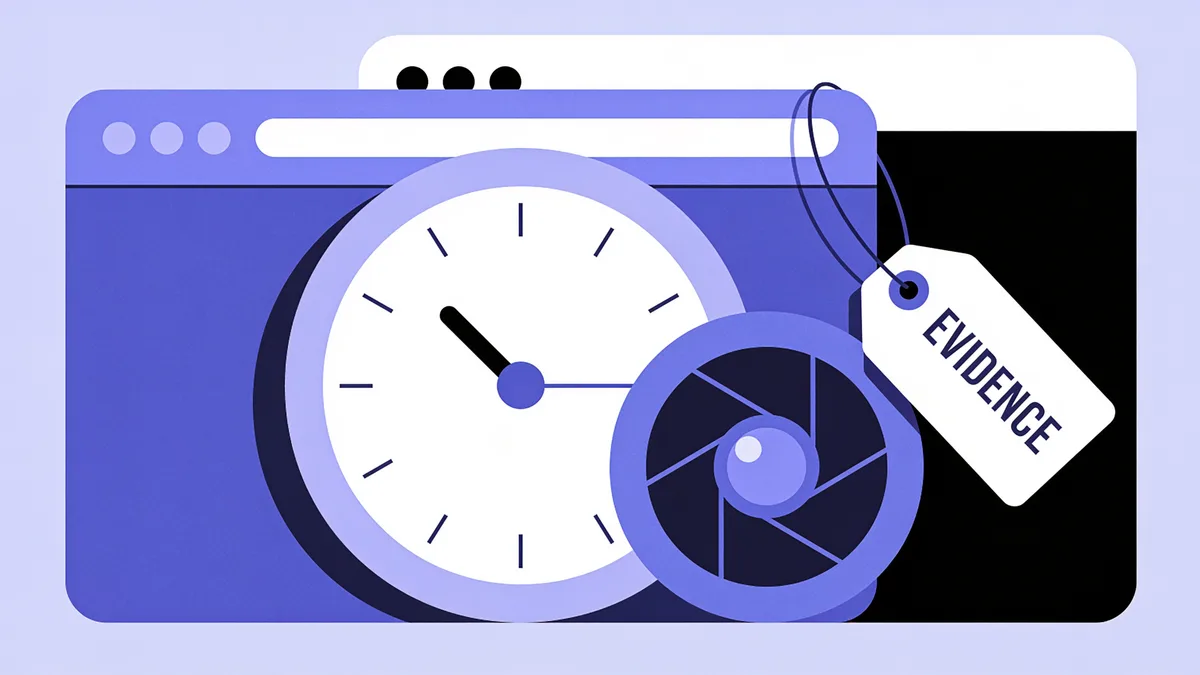
An archive link is a start. A case is built from three habits. Capture the capture: save a full-page PDF or screenshot of the archived page with the archive URL and timestamp visible in the frame, and hash the file so tampering claims die early. Corroborate across independent sources: Wayback plus archive.today plus a Common Crawl record is three unrelated organizations with no reason to conspire. Document the query: the exact URL, the capture timestamp, and the date you retrieved it, written down in plain text every single time. Investigators call this chain of custody. It reads as pedantic until the first time someone challenges it.
For actual litigation, the Internet Archive has a long-standing practice of providing sworn affidavits authenticating specific captures, and courts have accepted Wayback evidence with that authentication for years. Not legal advice, but your lawyer will know exactly what to do with an affidavit request, and it costs less than an hour of expert testimony.
In any dispute over what a website said, the side with the timestamps wins.
A Field Workflow to Find Website History
- Write down the exact claim you're proving and the date range it covers.
- Query the exact URL on the Wayback Machine; bracket the event with the nearest captures before and after.
- Check the Changes view for every capture where the text actually moved.
- Query the same URL on archive.today and Memento; save any independent captures.
- If the page is still live, capture it today on both services before it changes again.
- Screenshot or PDF every capture with the URL and timestamp visible; hash the files.
- Log every URL, capture time, and retrieval date in a notes file as you go.
Figure thirty focused minutes. The boring steps, five through seven, are what separate 'I saw it' from 'here's the record.'
When the Page You Need Was Never Archived
Sometimes the trail is cold: robots.txt blocked the crawlers, the page was too new, or the site was too small to notice. Before giving up, work the edges. Search engines may still show dated snippets for the URL. People quote things, search the exact phrase you remember across forums, social posts, and mailing-list archives. Common Crawl's index covers pages Wayback skipped. Passive DNS and WHOIS history can still prove the domain existed, who ran it, and when it changed hands, which is sometimes the actual question.
If the dispute is heading to court, remember the site's operator isn't the only copy-holder. Analytics providers, ad networks, and hosting companies all logged pieces of the page. That's subpoena territory, and it's your lawyer's conversation, not yours.
And if the goal is recovery rather than evidence, you own the domain and want the content back, not a courtroom exhibit, skip the archaeology entirely. A restore service like Restorix pulls everything the archive holds in one pass; the free estimate alone tells you what survived.

Find Website History Faster: Mistakes That Waste Hours
- Searching the domain instead of the exact URL. Homepage captures say nothing about the inner page you need.
- Trusting a single capture. Crawls misfire and pages render half-loaded; corroborate with a second archive before you rely on one.
- Reading absence as proof. A missing capture means no crawl, not no page.
- Screenshotting without the URL bar. An undated crop convinces nobody.
- Assuming captures are forever. Owners can request removals, so mirror your evidence across archives the day you find it.
Sometimes Proof Isn't Enough, You Want the Site Back
Plenty of these investigations end with someone realizing the old site was worth more than the dispute: the deleted documentation, the portfolio, the forum with twelve years of answers. If you own the domain, the same archives that prove what the site said can rebuild it. The website restoration service restores sites from Wayback captures into working files, free estimate first, with the exact file count, total size, and a locked price, then per-file billing with the first file free. Date-range selection, old analytics stripped, HTTPS conversion, one-click deploy to your hosting, and a bundled CMS so you can edit what comes back. The tutorial shows the whole run.
Restore your website from the Wayback Machine
Get a free estimate in seconds — you only pay when you confirm. Failed restores refund automatically.
FAQ
Are Wayback Machine snapshots admissible in court?
Courts in many jurisdictions have accepted archived captures, typically with authentication, often an affidavit from the Internet Archive or testimony from whoever retrieved the page. Standards vary by jurisdiction, so treat this as a starting point for your lawyer, not legal advice.
Can someone delete their site from the Wayback Machine?
Yes. Site owners can request removal, and the archive generally honors verified requests. That's exactly why investigators mirror important captures to a second archive and keep hashed local copies the day they find them.
How do I find website history for one specific page, not the homepage?
Paste the full URL of that page into the Wayback Machine or archive.today, not the bare domain. Both archives index per page. If you don't know the URL, open the site's capture from a nearby date and click through, most internal links resolve to other captures.
What if the site blocks archiving?
robots.txt exclusions and login walls keep crawlers out, and some gaps are permanent. Your fallbacks are Common Crawl's index, dated search snippets, quoted text elsewhere, and, for domains you own, server or analytics logs.
How accurate are the archive timestamps?
They record when the crawler fetched the page, down to the second of that crawl. What a timestamp can't tell you is how long the content sat there before the crawl, or how soon after it changed, which is exactly why bracketing an event with before-and-after captures carries the weight.
How do I preserve a page as evidence right now?
Submit it to Save Page Now on the Wayback Machine and to archive.today, save a full-page PDF with the URL visible, and note the date and time. Two independent archives plus a local copy is the standard you're aiming for.
Related guides

website history
Website History: Snapshots, WHOIS, DNS, and the Tools for Each
Website history can mean archived snapshots, WHOIS records, DNS changes, or old rankings. Learn which tool answers which question, and how to rebuild a lost site.
web cache
Web Cache Explained: How Caches Work and How to Use One
What a web cache is, how browser, CDN, search engine, and archive caches work, and how to use a web cache to see a page that has disappeared.

wayback machine
Wayback Machine: The Complete Guide to Browsing Web History
The Wayback Machine archives over 900 billion web pages. Learn how crawls, snapshots, the calendar, and search syntax work, and how to restore a lost site.

restore website from wayback machine
Restore a Website from the Wayback Machine: Full Guide
Restore a website from the Wayback Machine end to end: pick the right snapshot, set restore options, then deploy a working site with a CMS in under an hour.