We use cookies to improve your experience and analyze traffic. By continuing, you accept essential cookies. Learn more
Pay less, Get more!
Faster, cheaper, and better than others.
Four steps from archive to download — most restores finish the same day.
Paste your site's URL. We check the Wayback Machine for every surviving capture.
See the exact file count and price in seconds — free, no account required.
Pay only when you confirm. Our crawler politely rebuilds your site file by file.
Grab the ZIP or push straight to your server. Anything fails? Automatic refund.
Ever wondered what your website looked like years ago? The Wayback Machine has been saving copies of the web for decades, and browsing them is free for anyone. But when it's your own site that's gone — expired hosting, a bad update, a lost server — scrolling through old snapshots one page at a time doesn't bring it back.
That's what Restorix does for you: we take your site's archived copies and rebuild them into a complete, working website — every page, image, script, and stylesheet — cleaned up and delivered as a ready-to-publish ZIP, or deployed straight to your server.
Paste the address of the lost site, the free price check takes under a minute.
Free instant price check, account only needed when you decide to restore
Pay only for what you restore. No subscriptions, no surprises.
Up to 200 files
$0.12
per 200 files
201 – 1,200 files
$5
per 1,000 files
More than 1,200 files
$0.50
per additional 1,000 files
Half the price of others
Jobs are billed from your prepaid balance — top-ups start at $5.00, and restores are charged from balance at $0.12 per 200 files, never as a card micro-charge.
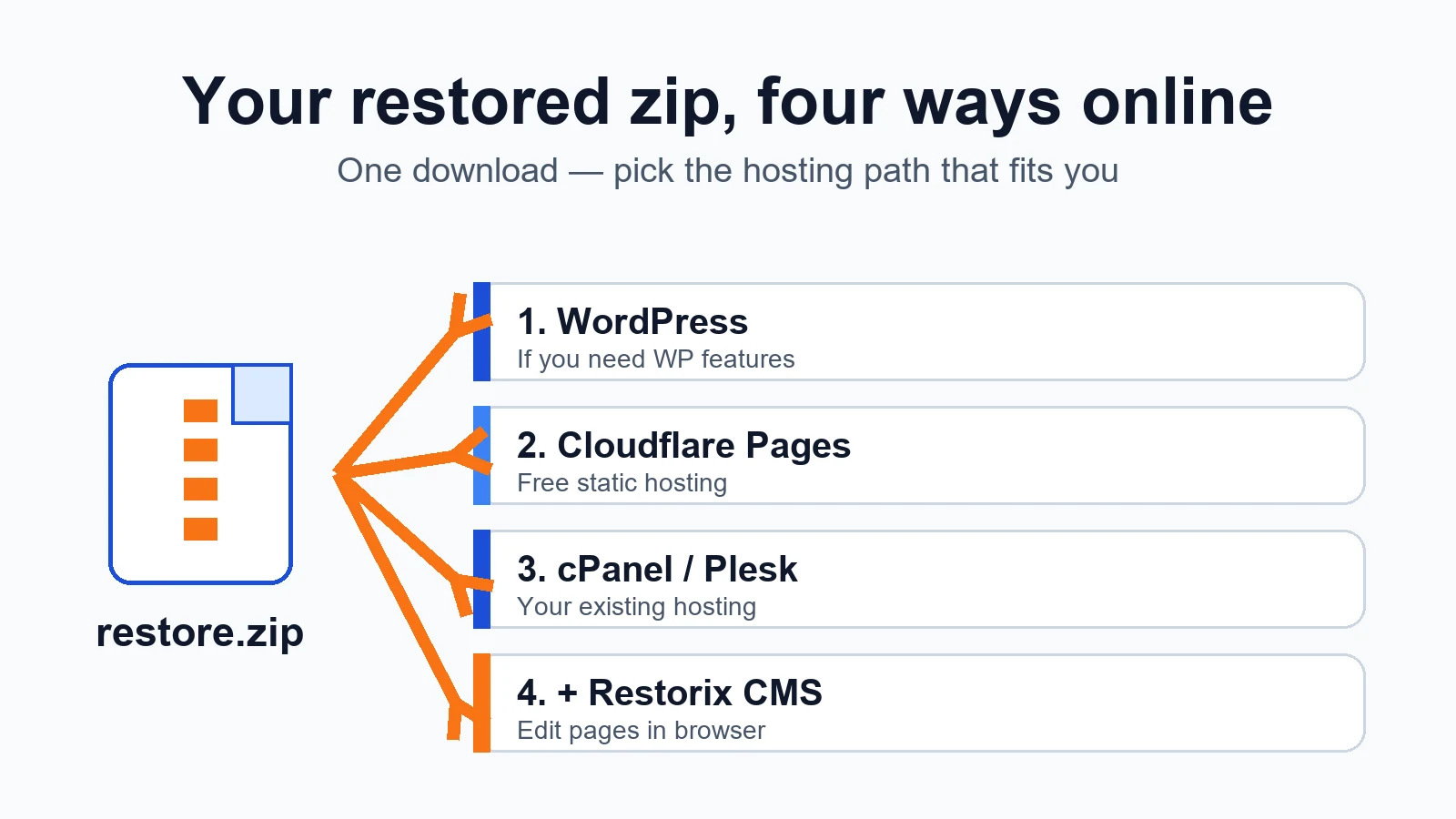
restore website from zip
Downloaded your restored site as a zip? How to put it back online: Cloudflare Pages, cPanel or Plesk, the bundled CMS, or WordPress, step by step.

best free cms
The best free CMS depends on the job: blog, restored archive site, small business, or landing page. Real picks, honest trade-offs, and a decision table.

internet wayback machine
People type 'internet wayback machine' and mean two different things. Here's how the Internet Archive and the Wayback Machine differ, and what each gives a webmaster.

find all pages on a website
Need to find all pages on a website, including the ones nobody links to? Compare sitemaps, crawlers, the Wayback CDX API, and Search Console exports.

old web page recovery
Old web page recovery ranked by speed: Wayback Machine, archive.today, search engine caches, and forgotten sources to bring back a single lost page.

see history of website
Want to see history of website design and content changes? This walkthrough covers the Wayback timeline UI and how to pick the one snapshot worth restoring.
