
Web Articles: How to Extract Clean Text From Any Website
By the Restorix editorial team · May 7, 2026 · 7 min read
Restore your website from the Wayback Machine
Get a free estimate in seconds — you only pay when you confirm. Failed restores refund automatically.
A client once called me in a panic: their agency had redesigned the company site and simply not migrated the blog. Forty-some posts, four years of search equity, gone. The agency had no backup. The first question out of their mouths was the right one: can we get the article text back?
That job, and the much smaller everyday job of saving one clean article from a cluttered page, are the same skill at different scales. Here is how I do both: which tools actually work, how to recover web articles from sites that no longer exist, and where the legal lines sit before you republish anything.
Why extraction is harder than it looks
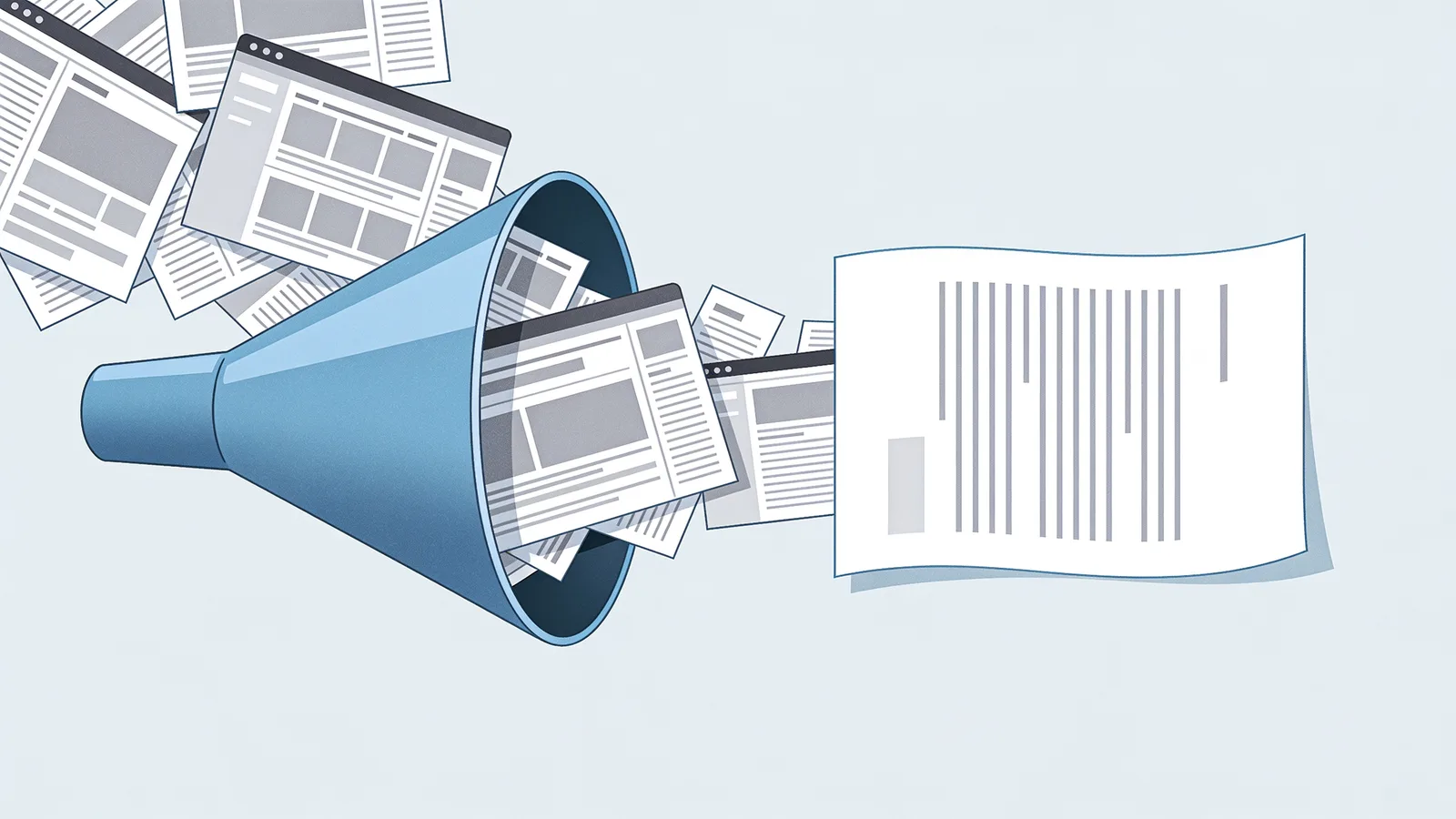
On a typical news page, the article is under a fifth of the HTML. The rest is navigation, sidebars, cookie banners, newsletter popups, related-post carousels and tracking scripts. Copy-pasting from the browser drags all of it along, or worse, pastes text that reflows into chaos because it was built from nested divs and spans.
The usual obstacles:
- JavaScript rendering: the HTML you download is an empty shell until scripts run
- Pagination: one article split across five URLs for ad impressions
- Anti-bot walls: challenges that block simple downloaders on sight
- Lazy loading: images that only exist once you scroll
- Truncated RSS: feeds that stop after two sentences and an ellipsis
The method you pick depends on scale: one article, one whole site, or one dead site.
Method 1: reader mode for single web articles
Restore your website from the Wayback Machine
Get a free estimate in seconds — you only pay when you confirm. Failed restores refund automatically.
For one page, do not build anything. Firefox's Reader View (F9, or the page icon in the address bar) strips a page to headline, byline and body text. Safari and Edge have their own versions, Edge will even read the article aloud. From reader mode, copy into your editor, or print to PDF for an archival-quality save.
- Open the article and trigger Reader View
- Fix the title and byline if the detector guessed wrong
- Copy to your editor, or print to PDF
- Save the original URL and capture date alongside the text, you will want provenance later
A lesser-known trick: many sites ship a print stylesheet. Hitting print preview sometimes gives you the whole article clean even when reader mode chokes, and 'Save as PDF' keeps the source URL in the header if you enable headers and footers in the print dialog.
The limits are real: one page at a time, metadata (author, date, tags) often lost or wrong, and it fails outright on paywalled, paginated or script-heavy pages. Pocket and Instapaper do the same cleanup with a save-for-later layer on top, handy for reading, useless for bulk.
Method 2: structured extraction of web articles
Past a dozen pages, hand work stops making sense. Structured extraction means running each page through a library that knows how to find the article inside the boilerplate, the same trick reader mode uses, but scriptable.
| Tool | Language | Best for |
|---|---|---|
| Readability.js | JavaScript | The engine behind Firefox Reader View; pair with Playwright for JS-rendered pages |
| Postlight Parser | JavaScript | Fast one-shot extraction with per-site custom rules |
| trafilatura | Python | Best metadata (author, date, tags); crawls feeds and sitemaps for you |
| newspaper3k | Python | Quick scripts and prototypes; easy API, less maintained |
| go-readability | Go | High-volume crawls where speed matters |
Before you write any extraction code, check two cheat codes. First, /wp-json/wp/v2/posts?per_page=100, if the site runs WordPress, that URL hands you every post as clean JSON, no scraping required. Second, sitemap.xml: it lists the site's URLs so you can enumerate articles instead of crawling blind. When you do crawl, keep it polite: one request per second, a real user-agent string, respect robots.txt, dedupe by canonical URL.
Extraction mistakes that waste hours
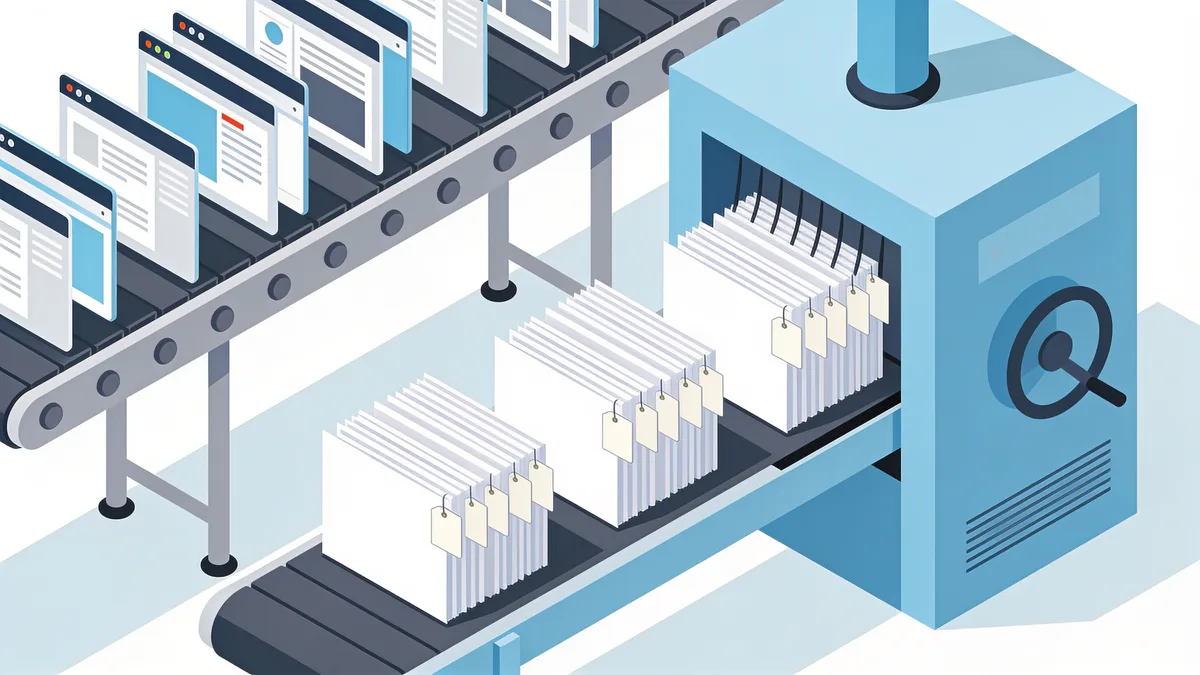
Four mistakes account for most of the cleanup work I see in extraction jobs, and all of them are cheaper to avoid than to fix:
- Trusting the detected date. Extractors happily grab the modified date, a comment date, or the year in the footer. Verify against the byline or the archive capture date.
- Losing the canonical URL. Save it with the text. Without it you cannot dedupe, set up redirects, or prove provenance later.
- Extracting list pages as articles. Category and tag pages look like content to a detector. Filter by URL pattern before you run the batch, not after.
- Ignoring encoding. A 2008 site in Windows-1251 becomes alphabet soup if you assume UTF-8, check the HTTP charset header, not just the meta tag.
Recovering web articles from a dead site
When the site is gone, the archive becomes your source. The Wayback Machine's CDX API lists every capture under a path, example.com/blog/*, and you can pull the latest good snapshot of each post, then run the same extraction tools against web.archive.org URLs. It works, but it is slow: the archive rate-limits, old captures reference missing images, and fifty articles turns into an afternoon of babysitting.
The faster route is restoring the site properly first. the website restore service gives you a free estimate, exact archived file count, total size, locked price, then restores the files over a date range of your choosing. The part most people miss: there is a structured article export option that hands you the article text as XML, CSV or JSON, plus a JSON or SQLite manifest of every restored file. The 2016 blog from my opening story came back that way, 412 files, 96 MB, posts exported to CSV with title, slug, date and body, re-imported into WordPress the same afternoon. The tutorial walks through the whole flow.
One more source people forget: Google retired its cache links in 2024, but archive.today often holds pages the Wayback Machine missed, especially news articles, and Bing still serves cached copies for some sites. Worth a lookup before you declare an article unrecoverable.

Copyright rules before you republish
Not legal advice, just the lines professionals actually work within. Facts and ideas are not copyrighted; the specific expression of them is. Your own articles are yours to do with as you please. For anyone else's text:
- Check for a license. Creative Commons marks matter: CC0 and CC-BY allow republication (CC-BY needs credit); CC-BY-NC bars commercial use; no mark means all rights reserved.
- Get permission in writing when there is no license. An email that says yes beats a page of fair-use theory.
- Fair use is a courtroom defense, not a permission slip. It weighs purpose, amount, nature and market effect, and quoting a whole article fails the amount test almost every time.
- Attribution and a canonical link are good manners and good SEO. They do not cure infringement.
- Images carry their own copyrights, separate from the text. Re-hosting them needs its own permission.
One nuance that bites agencies: work made by employees usually belongs to the company, but contractor work may not unless the contract says so. If you are recovering your own company's blog, confirm who actually owns the text before you republish it under a new brand.
A republishing checklist that keeps you safe
- Confirm you own or have licensed every piece, text and images separately
- Keep the original author name and publication date with the article
- Set a canonical URL if the old version still exists anywhere
- 301-redirect the old URLs to the new locations
- Update internal links so they point at live pages, not dead ones
- Note material edits ('updated July 2026') instead of silently rewriting history
Do these six things and a recovered blog picks up its search rankings surprisingly fast, Google treats a faithful restoration at the original URLs as the same site coming back, not a new one starting over.
Restore your website from the Wayback Machine
Get a free estimate in seconds — you only pay when you confirm. Failed restores refund automatically.
FAQ
Is it legal to scrape web articles from someone's site?
For private use, archiving a page you paid for, saving a tutorial for offline reading, generally fine. Bulk-copying someone else's articles to republish is not: the text is copyrighted regardless of how easy it was to download. Terms of service add a contractual layer on top. Own the content or have permission, that test settles most cases.
What is the fastest way to extract one web article right now?
Open it in Firefox and press F9. Reader View strips everything but the article in about a second, and from there you can copy it or print it to PDF. No tools, no code.
Can I recover web articles from a site that no longer exists?
Yes, if it was archived. The Wayback Machine holds captures of most sites that had any traffic; you can pull pages manually, script it via the CDX API, or restore the whole site and use a structured export to get every article as CSV or JSON in one pass.
Which export format should I pick, XML, CSV or JSON?
Match the importer. WordPress's native importer eats XML. Spreadsheet-driven workflows and simple scripts are happiest with CSV. Developers building pipelines want JSON. When in doubt, take all three, they are cheap to generate and you only do the restore once.
Does reader mode work on every site?
No. It fails on paywalled articles, multi-page galleries, and pages where the text only exists after JavaScript runs. For those, use a headless-browser extractor, or, for your own dead site, an archive restore followed by structured export.
Do extraction tools keep the images?
Most text extractors strip images or leave hotlinked URLs that die with the original host. Restoring the site preserves the actual image files alongside the text. Either way, treat image rights separately from text rights, they are different copyrights.
Related guides
wayback machine downloader
Wayback Machine Downloader Tools: What Actually Works
An honest look at Wayback Machine downloader tools: the open-source scripts, their real limits, and the done-for-you option that puts your site back online.

download entire website from archive org
Download an Entire Website from Archive.org, Not Just the Homepage
To download an entire website from archive.org you need every page, image and stylesheet. Assets hide under different timestamps, here is why, plus a full checklist.

restore old website
Restore an Old Website Without Reviving Its Problems
How to restore an old website: handle ancient PHP, Flash, and framesets, decide what to keep or modernize, and pull files from web archives.
web cache
Web Cache Explained: How Caches Work and How to Use One
What a web cache is, how browser, CDN, search engine, and archive caches work, and how to use a web cache to see a page that has disappeared.