
Wayback Machine vs Google: Find Lost Pages After the Cache
By the Restorix editorial team · May 11, 2026 · 7 min read

Restore your website from the Wayback Machine
Get a free estimate in seconds — you only pay when you confirm. Failed restores refund automatically.
For twenty years, the fastest way to see a page that had just gone down was Google's Cached link. In February 2024 Google removed it, and by September the cache: search operator stopped working too. That same year, Google did something unexpected: it started linking to the Internet Archive's Wayback Machine from its About this result panel. The message was clear, Google is a live index, not an archive, and it was done pretending otherwise.
But the two tools still work best together. Here is how I combine them when a page or a whole site has disappeared, including the operator tricks that survived the purge.
Wayback Machine vs Google: two different kinds of memory
Google maintains an index of the live web. It recrawls constantly, rewrites rankings hourly, and its whole purpose is answering with what is true right now. When a page changes, the old version is discarded on the next crawl. When the page disappears, the listing lingers briefly and then drops out.
The Wayback Machine does the opposite. It is an append-only library of captures stretching back to 1996, more than 900 billion pages. It does not care what is relevant this week; it cares what the page said on March 12, 2014, and it will show you that exact version, chrome and all.
So the tools answer different questions. Google: what is on this page now? Wayback: what did this page used to say? The confusion between the two is why so many people think the web has a memory it does not.
What happened to Google Cache
Restore your website from the Wayback Machine
Get a free estimate in seconds — you only pay when you confirm. Failed restores refund automatically.
For two decades, every Google result hid a Cached link, a snapshot of the page as Googlebot last saw it. It was the standard fix when a page 404'd five minutes before a meeting. In February 2024, Google's Search Liaison Danny Sullivan announced the link was being retired, arguing that page reliability had improved and usage had fallen. By September 2024 the cache: search operator stopped working entirely.
Two things matter about the timing. First, the cache was never an archive: it held exactly one version, the most recent crawl, and overwrote it constantly. Losing it cost us the deleted-this-morning use case, not anything historical. Second, the same month the cache died, Google added links to the Wayback Machine inside its About this result panel. Click the three dots beside any result, choose More about this page, and Google hands you off to the Internet Archive's captures. Google officially pointed its users at the tool that actually does the job.
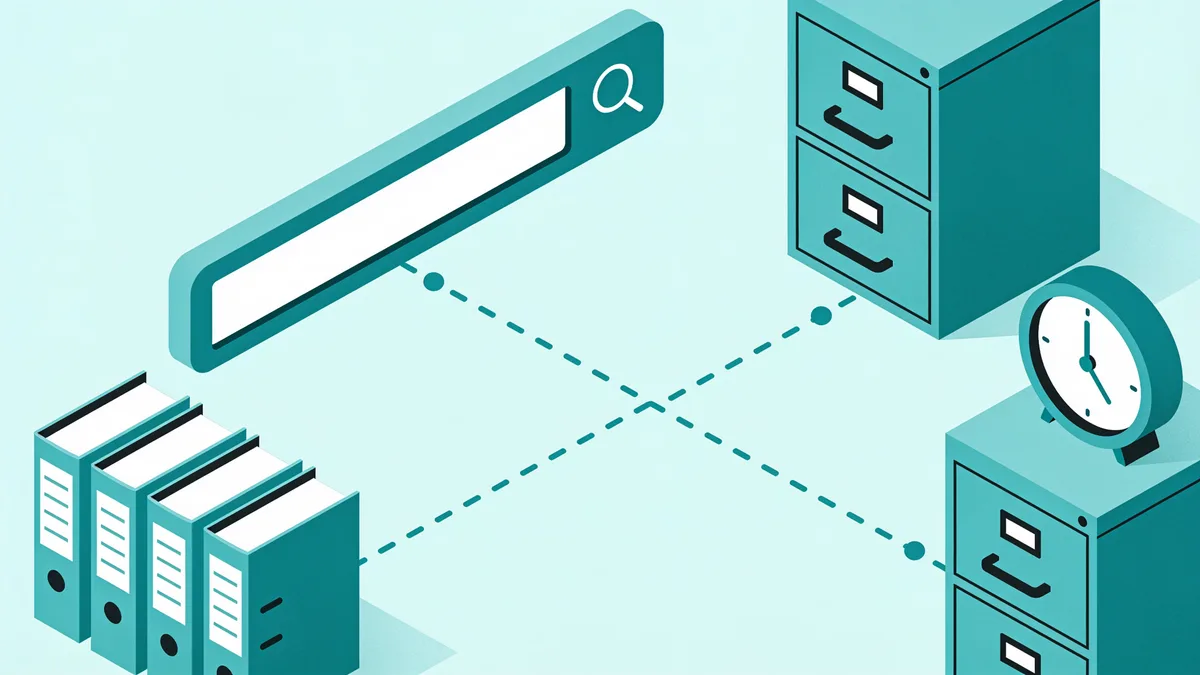
For very recent takedowns the options are thinner now: the Wayback crawls popular pages often, archive.today saves pages on demand, and Google snippets themselves linger in results for days after a page dies. That is usually enough. Barely.
Use Google to search the Wayback Machine's index
The Wayback Machine has a beta full-text search, but it is inconsistent. The workaround nobody talks about: Google indexes a slice of web.archive.org itself, and Google is very good at search.
The pattern is simple: site:web.archive.org/web plus a domain, a title, or, best of all, a phrase you remember verbatim. Searching site:web.archive.org "we regret to inform you" alongside a brand name surfaces archived discontinuation notices that the Wayback's own search will not find. Archived press releases, deleted apology posts, old documentation: all fair game.
Set expectations correctly. Google has indexed only a fraction of the archive's captures, most of those 900 billion pages are invisible to it. A zero-result search proves nothing; it means not in Google's slice of the archive, not not archived. Treat Google as a discovery layer and the Wayback's own calendar as the source of truth.
site: operator tricks with Google and the Wayback Machine
These are the queries I actually run, roughly in order:
- site:example.com, the fastest inventory of what Google still knows about a dying site. Snippets linger for days or weeks after the pages themselves 404.
- site:example.com inurl:blog (or /products/, /docs/), slices a big domain into sections so you can check coverage per area.
- site:example.com filetype:pdf, old whitepapers, manuals, and spec sheets. Every dead PDF URL goes straight into the Wayback bar.
- "exact phrase from the deleted page", quoted searches find scraper copies, forum quotes, and mirrors. The more distinctive the phrase, the better.
- before:2019-01-01, the before: and after: operators bias results toward the era you care about.
- site:web.archive.org/web "example.com", jumps straight to captures Google has indexed.
Once you have a URL, two shortcuts save real time. Paste it into the Wayback with web.archive.org/web/2/ followed by the address, the 2 redirects to the closest capture in time. Or hit the availability API: archive.org/wayback/available?url=example.com/old-page returns the nearest snapshot as tidy JSON, which is exactly what you want inside scripts.
When Google wins and when the Wayback Machine wins
A quick decision table:
| Task | Better tool | Why |
|---|---|---|
| A page deleted this morning | Google snippets plus archive.today | The Wayback may not have crawled it recently |
| A page from 2009 | Wayback Machine | Google dropped the listing years ago |
| You remember a phrase but not the URL | Full-text search beats browsing calendars | |
| Browse a whole site as it looked | Wayback Machine | Captures keep navigation and layout intact |
| List every URL a site ever served | Wayback CDX API | Google caps site: results at a few hundred |
| Check a page's exact wording last year | Wayback Machine | One capture per crawl, timestamped |

The shorthand: Google finds needles; the Wayback stores haystacks. If you need the full URL inventory rather than one page, the CDX route is covered step by step in the guide to finding all pages on a website.
A worked example: hunting a dead 2012 product page
Real scenario from last spring. A client's WooCommerce store had replaced their old Joomla site years earlier; a reseller needed the spec sheet for a discontinued part, and the client's own backups were, in their words, somewhere on a drive.
- Ran site:clientdomain.com filetype:pdf and site:clientdomain.com inurl:products. The live site had nothing, but a lingering snippet revealed the old Joomla URL pattern, index.php with an article ID.
- Pasted the domain into the Wayback Machine and jumped to the 2012 captures using the calendar sparkline.
- Drilled from the homepage capture into the products section. The first capture had broken images; a capture four months later was complete, PDF linked and alive.
- Cross-checked archive.today for the few pages the Wayback had missed.
Total time: about ten minutes. Without the operator tricks it is an evening of dead ends. The moves are simple; knowing which tool answers which question is the whole skill.
One detail worth remembering from that job: the broken images in the first capture were not lost, just asynchronous. The Wayback crawls pages and their assets at different times, so a page captured in March might reference images captured in June. When a capture looks half-empty, do not give up, hop forward or backward a few months and the missing pieces usually fill in. Google snippets suffer the same staggered freshness, which is why a snippet can quote a paragraph the current page no longer contains.
From found pages to a working website again
Finding the pages is the fun part. Rebuilding a site from captures is not: right-click save-as, rename assets, repair paths, and at page forty you discover the stylesheet lives in a different capture date. I have watched people burn a weekend on a fifteen-page site.
That is the problem Restorix automates. The free estimate reads the Wayback's CDX index and tells you the exact archived file count, total size, and a locked price before you pay anything. Restores are pay-per-file with the first file free, you can strip out the era's analytics and ad code, and the rebuilt site deploys to your own hosting in one click, or exports as structured data if you would rather self-host. When Google and the Wayback Machine have shown you what existed, this is how you get it back.
Restore your website from the Wayback Machine
Get a free estimate in seconds — you only pay when you confirm. Failed restores refund automatically.
FAQ
Does Google still have a cached page feature?
No. Google removed the Cached link from results in February 2024 and shut off the cache: search operator later that year. The replacements are the Wayback Machine for anything historical and archive.today for on-demand snapshots of live pages.
Can I search the Wayback Machine through Google?
Yes, use site:web.archive.org with a domain or a quoted phrase. Google indexes only a fraction of the archive's captures, so treat empty results as not indexed by Google, never as proof a capture does not exist. Check the Wayback's own calendar to be sure.
How do I see old versions of a page straight from Google results?
Click the three dots next to any result and open About this result, then More about this page. Since September 2024, Google links directly to the Internet Archive's Wayback Machine captures of that URL from this panel.
Why doesn't the site: operator show every page of a website?
The site: operator returns a sample, not a database dump, Google typically caps visible results at a few hundred and only shows what it has indexed. For a complete URL inventory, combine the site's sitemap with the Wayback CDX API instead.
What replaced the cache: operator?
Nothing official from Google. The closest programmatic equivalent is the Wayback availability API (archive.org/wayback/available?url=...), which returns the nearest capture of any URL as JSON and works well inside scripts.
How often does the Wayback Machine crawl a page?
It depends on the page's prominence and inbound links. Major news homepages are captured many times a day; an obscure page might be crawled once a year or never. You can force one capture anytime with the Save Page Now box on web.archive.org.
Related guides
web cache
Web Cache Explained: How Caches Work and How to Use One
What a web cache is, how browser, CDN, search engine, and archive caches work, and how to use a web cache to see a page that has disappeared.

wayback machine
Wayback Machine: The Complete Guide to Browsing Web History
The Wayback Machine archives over 900 billion web pages. Learn how crawls, snapshots, the calendar, and search syntax work, and how to restore a lost site.

find all pages on a website
How to Find All Pages on a Website (Even Deleted Ones)
Need to find all pages on a website, including the ones nobody links to? Compare sitemaps, crawlers, the Wayback CDX API, and Search Console exports.
search website history
How to Search Website History Before Buying a Domain
Search website history before you buy a domain: old snapshots, ownership flips, spam baggage, and trademark traps, a 30-minute due-diligence workflow.