
Internet Archive Way Back Machine: A Webmaster's Guide
By the Restorix editorial team · May 5, 2026 · 7 min read

Restore your website from the Wayback Machine
Get a free estimate in seconds — you only pay when you confirm. Failed restores refund automatically.
The Internet Archive Way Back Machine is the closest thing the web has to a public memory. Type in a URL and you can watch a homepage evolve from a 1998 table layout to a 2012 slider monstrosity to whatever shipped last Tuesday. The service is free, it runs on donations, and it holds more than 900 billion web pages. This guide covers who runs it, how it got this big, and the specific ways working webmasters lean on it, including what to do when browsing old snapshots stops being enough and you need the real files back.
What the Internet Archive Way Back Machine Actually Is
The Wayback Machine is a time-stamped library of web pages, run as one collection inside the Internet Archive's larger digital library. Its crawlers fetch public pages, the HTML, plus images, stylesheets, and scripts when it can grab them, and store each fetch as a dated capture. Search a URL and you get a calendar of every capture on record, in some cases reaching back to 1996.
Two things it is not. It is not a backup service you control: the crawler decides when to visit, and gaps of months are normal for smaller sites. And it is not a download service, there is no button that hands you a site as files. It is a viewer. That distinction matters a lot later, when you need to republish something rather than admire it.
The name is a joke, by the way. It is a nod to the WABAC machine from the Peabody's Improbable History cartoons, the web's collective memory, named after a cartoon dog's time machine.
The Nonprofit Behind the Machine
Restore your website from the Wayback Machine
Get a free estimate in seconds — you only pay when you confirm. Failed restores refund automatically.
The Internet Archive was founded in 1996 by Brewster Kahle, an engineer who had co-founded Alexa Internet, an early web-analytics company. Alexa's crawlers performed the first large-scale sweeps of the young web, and those crawls became the archive's seed stock. The Wayback Machine itself opened to the public in 2001, once there was enough material to browse.
The organization is a 501(c)(3) nonprofit headquartered in a former church in San Francisco's Richmond District, the one with small clay statues of staffers occupying the pews. Its stated mission is 'Universal Access to All Knowledge,' and it funds itself through donations, foundation grants, and paid digitization work for libraries. The annual budget runs in the tens of millions of dollars: real money, until you remember that a single hyperscale data center costs more than that to power for a year.
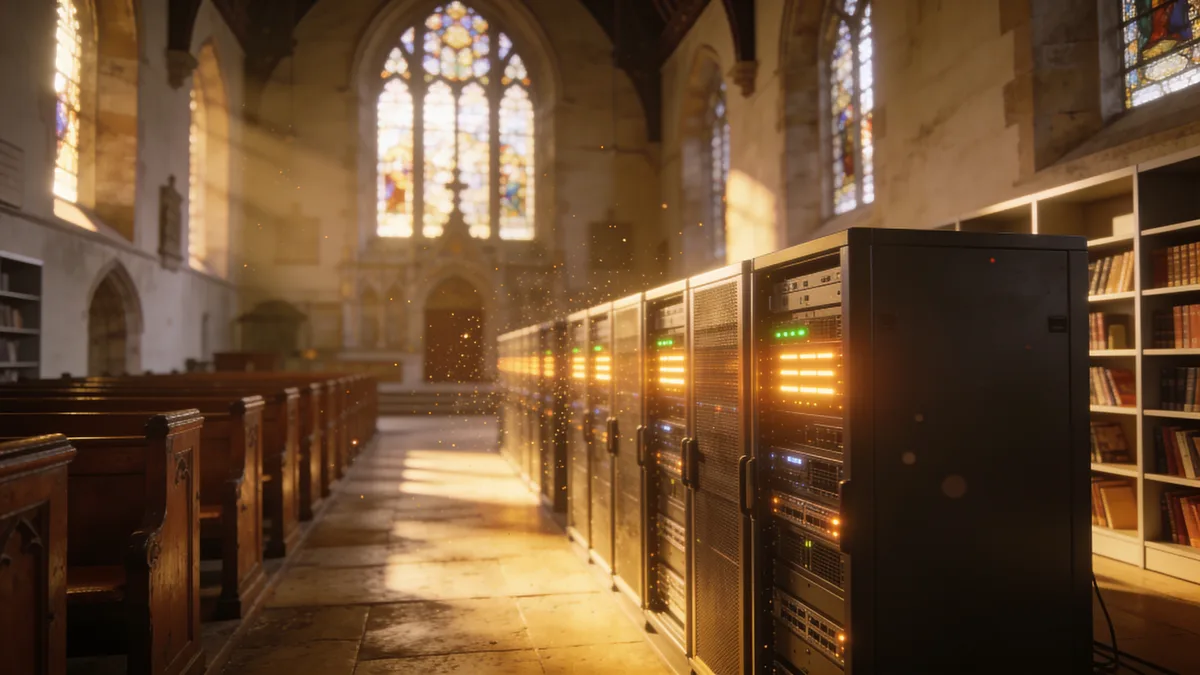
Nonprofit status is not trivia. It explains why the service is free, why your searches are not being monetized, and why the archive keeps collecting pages that have no business case at all. It also means the place runs lean, which you will feel occasionally when the site crawls on a busy weekday afternoon.
The Scale of the Internet Archive Way Back Machine in 2026
The headline number is over 900 billion web pages. That counts captures, not sites, a busy news homepage can account for tens of thousands of them on its own. The web collection fills tens of petabytes of storage, and the wider archive stacks millions of books, recordings, videos, and software titles on top. A rough picture:
| Collection | Approximate size | How it grows |
|---|---|---|
| Web pages (Wayback Machine) | 900+ billion captures | Crawls plus public Save Page Now requests |
| Books and texts | Tens of millions of items | Library scanning partnerships |
| Audio and music | Millions of recordings | Label, radio, and community uploads |
| Video and TV news | Millions of items | Broadcast capture and donations |
| Software and games | Hundreds of thousands of titles | Preservation uploads, in-browser emulation |
The public contributes more than most people expect. Save Page Now, the box where anyone can submit a URL, queues millions of captures a day. If a page ever mattered to someone, the odds are decent the Wayback has a copy of it.

How the Crawling Actually Works
The crawler is Heritrix, an open-source spider the Internet Archive has developed for years and that national libraries also run. Crawls are seeded from link graphs, sitemaps, partner nominations, and the Save Page Now queue. There is no fixed schedule. A major outlet's front page might be captured dozens of times a day; a personal blog last touched in 2011 might have three captures, ever. Two quirks matter in practice. First, robots.txt: the archive has long respected it, and at times retroactively, so a domain that changed hands and suddenly disallowed everything could see its old captures hidden. The policy has loosened, but robots rules still shape crawls. Second, depth: crawlers follow links, so orphaned pages with no inbound links often never get captured at all.
The Save Page Now Queue
If you care about your own site being archived, do not block the ia_archiver user agent, keep a clean XML sitemap, and submit key URLs to Save Page Now after any launch or migration. It takes ten seconds per page, and the capture usually lands within minutes. Treat it as a free insurance policy you can renew as often as you like.
How Webmasters Use the Internet Archive Way Back Machine
This is where the archive stops being a curiosity and starts paying rent. The use cases that come up again and again:
- Disaster recovery. Hosting gone, CMS defaced, domain lapsed, backup drive from 2016 dead. For a handful of pages, copying text and images out of snapshots by hand is tedious but workable.
- Migration forensics. Traffic dropped after a redesign? Compare captures from before and after. You can pinpoint the week the /pricing page vanished or a redirect chain appeared, far faster than digging through deploy logs you no longer have.
- Expired-domain due diligence. Before buying a dropped domain, see what it hosted. The 'marketing agency' you are eyeing may have spent 2014 as a pill store, and that history follows the domain into your project.
- Competitive research. When did a rival change pricing, reposition, or quietly kill a product line? Their old homepages are sitting right there.
- Evidence. Snapshots are routinely cited in disputes over copyright, trademarks, and what a terms-of-service page actually said on a given date.
For a deeper take on auditing a domain's past before you buy or rebuild it, see the website history guide.
Where Browsing Snapshots Stops Being Enough
Say the worst case is real: a client's WooCommerce store, 2,300 product pages, and the host has wiped the account. The Wayback Machine has the pages, you can see them. And that is all you can do. There is no bulk export. Assets were captured at different times, so half the product images 404 inside the viewer. The search box and checkout forms are dead props. Browser Save-As gets you one mangled page at a time, URLs rewritten to archive.org paths.
Manual reconstruction works for five pages. It does not work for five hundred. That gap is exactly what Restorix fills: it pulls the archived copy of a domain out of the Wayback Machine and rebuilds it as actual files you can host again.
From Snapshot to a Working Website
The restore workflow, short version:
- Run a free estimate. You see the exact archived file count, total size, and a locked price before paying anything.
- Choose the capture date range and cleanup options: strip old analytics and ad scripts, remove external links, make internal links relative, convert to HTTPS, force www or non-www.
- Pay per restored file, the first file is free, and the price stays locked from the estimate. Balance top-ups are one-time; nothing recurs.
- Download the files, export structured content as XML, CSV, or JSON, or deploy straight to your VPS, shared hosting, or S3. A lightweight single-file CMS comes bundled on deploys so you can keep editing the restored site.
Failed restores or deploys refund to your balance automatically, the correct answer to 'what if the crawl data turns out to be a mess.' The tutorial walks through a full restore end to end, and the Wayback restore guide covers the edge cases.
Restore your website from the Wayback Machine
Get a free estimate in seconds — you only pay when you confirm. Failed restores refund automatically.
FAQ
Is the Internet Archive Way Back Machine free to use?
Yes. Browsing, searching, and Save Page Now are all free. The Internet Archive is a nonprofit funded by donations and library partnerships; there is no paywall and no premium tier hiding the good stuff.
How often does the Wayback Machine crawl a website?
It depends on the site's prominence and how often it changes. Major news pages can be captured many times a day. A small business site might see a handful of captures a year. You can force a capture any time with Save Page Now.
Can I download my entire site from the Internet Archive Way Back Machine?
Not through the Wayback Machine itself, it is a viewer with no bulk export. To get a whole site back as files, use a restore service such as Restorix, which extracts the archived pages, images, and assets and repackages them for hosting.
Why are images or styles missing in old snapshots?
Assets are crawled separately from HTML, often at different times, and some were blocked by robots rules or served from domains that later died. The page document survived; the stylesheet did not. That is why old captures often render as bare, unstyled text.
Can I have my site removed from the Wayback Machine?
Yes. The Internet Archive honors exclusion requests from site owners, contact them and ask for the domain to be excluded, and a strict robots.txt policy affects future crawls. Captures of other sites quoting or linking to you will stay put.
Related guides
wayback machine
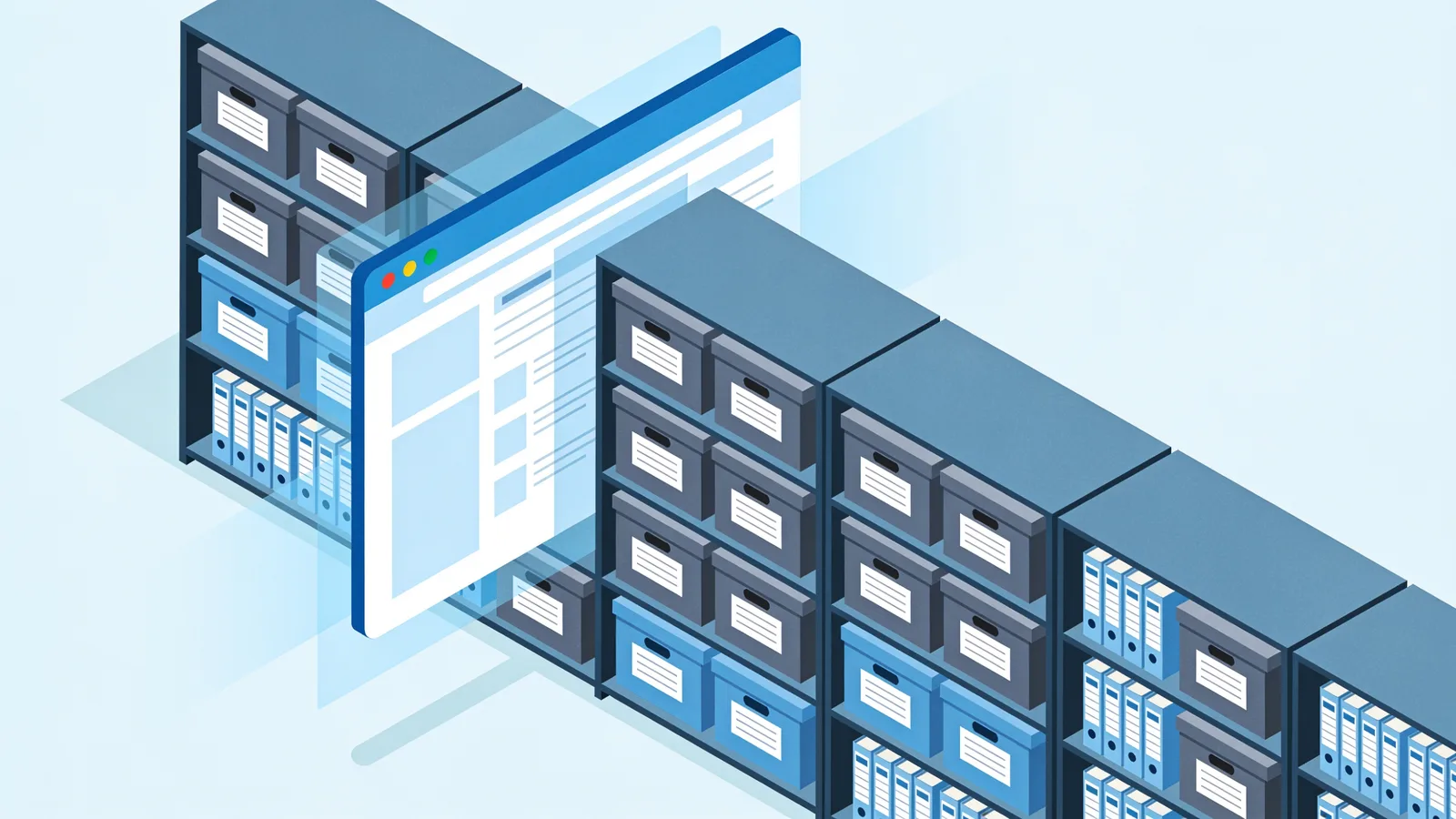
Wayback Machine: The Complete Guide to Browsing Web History
The Wayback Machine archives over 900 billion web pages. Learn how crawls, snapshots, the calendar, and search syntax work, and how to restore a lost site.

wayback machine archive org
Wayback Machine on Archive.org: A Practical Site Guide
A hands-on tour of the Wayback Machine on Archive.org: where it lives, how the search box and calendar really work, and how to leave with actual files.
restore website from wayback machine
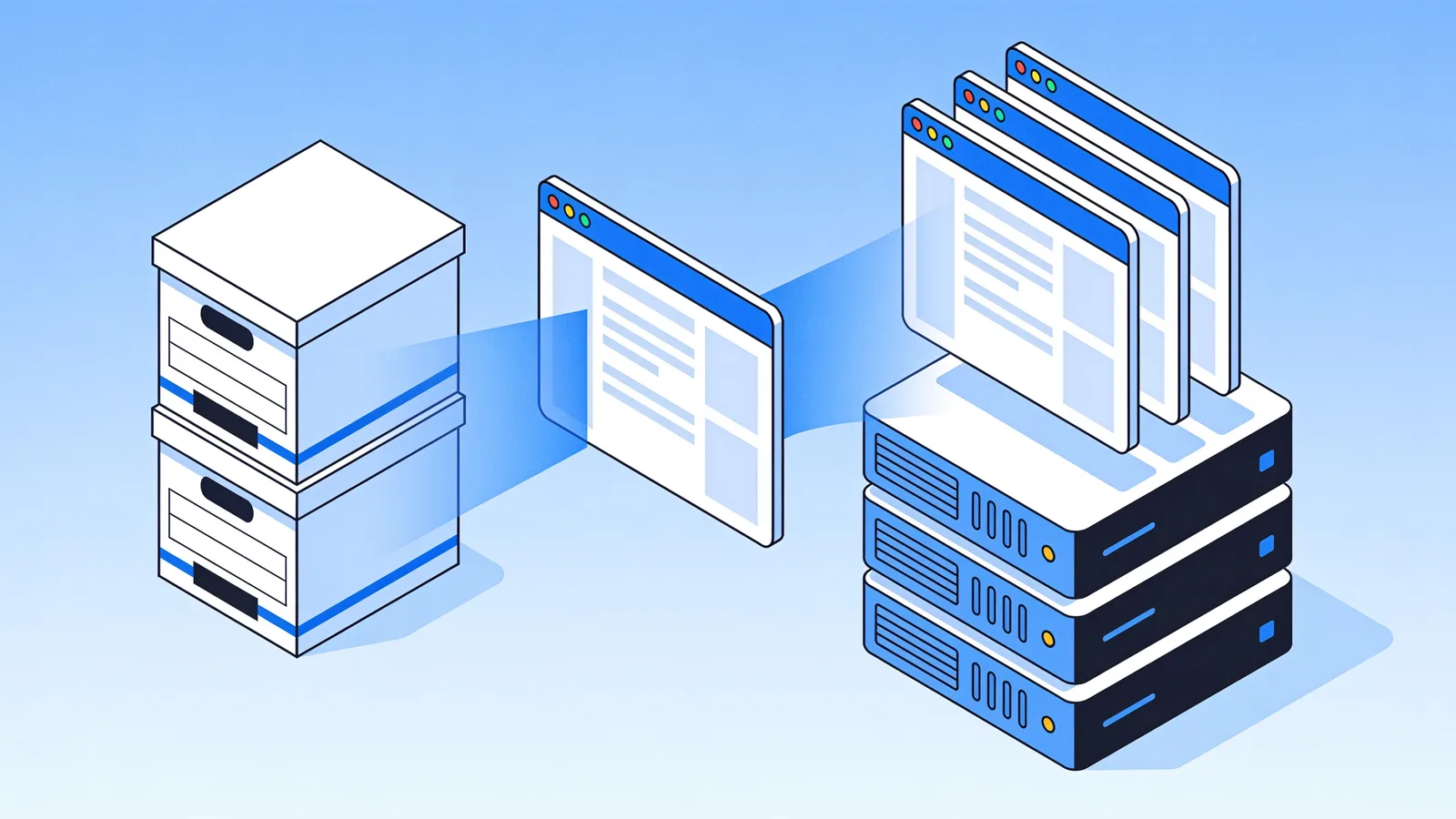
Restore a Website from the Wayback Machine: Full Guide
Restore a website from the Wayback Machine end to end: pick the right snapshot, set restore options, then deploy a working site with a CMS in under an hour.
website history
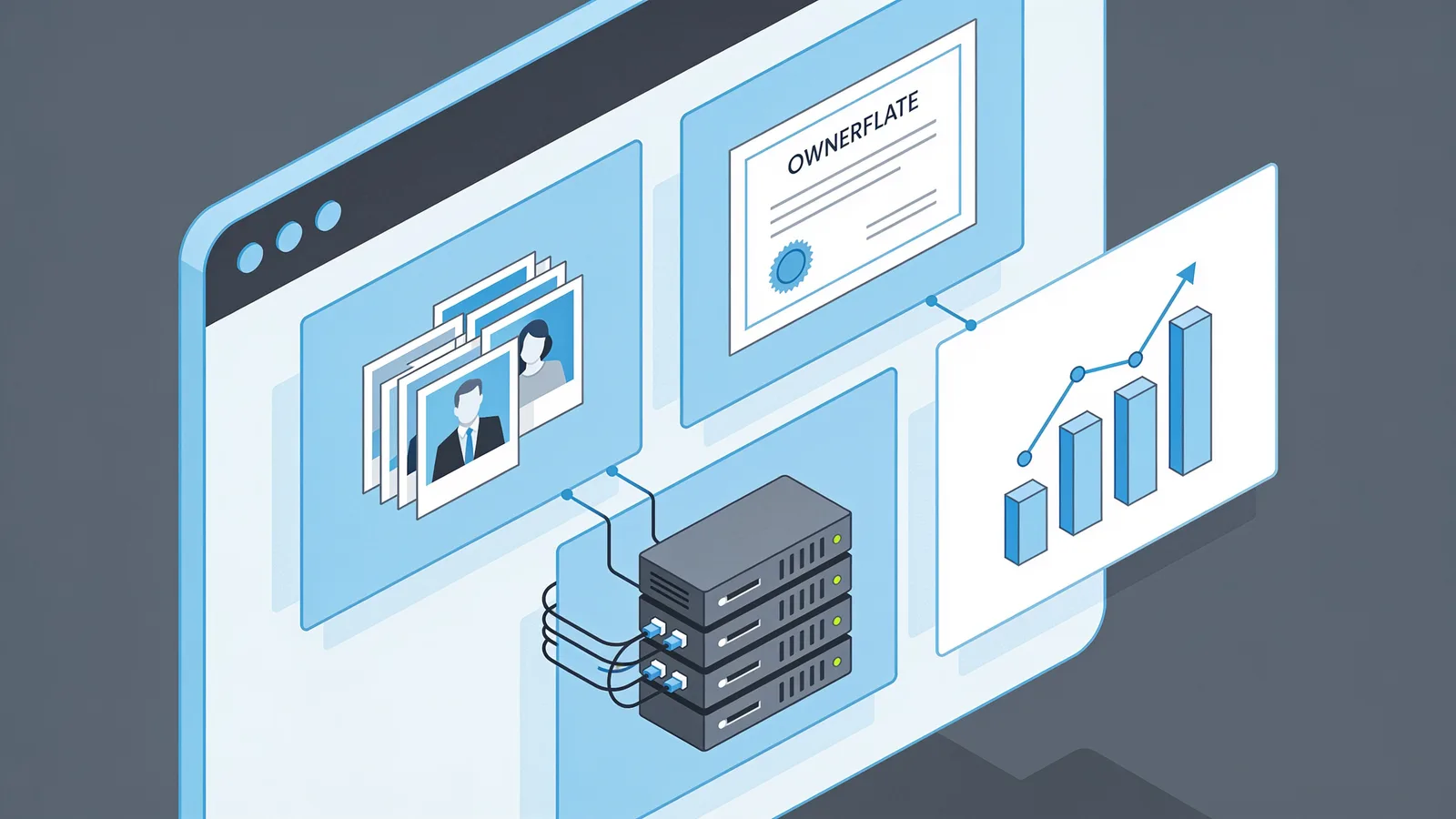
Website History: Snapshots, WHOIS, DNS, and the Tools for Each
Website history can mean archived snapshots, WHOIS records, DNS changes, or old rankings. Learn which tool answers which question, and how to rebuild a lost site.