
The History of a Site: What Old Snapshots Say About a Business
By the Restorix editorial team · April 15, 2026 · 7 min read
Restore your website from the Wayback Machine
Get a free estimate in seconds — you only pay when you confirm. Failed restores refund automatically.
In 2019 I watched a friend nearly buy a small outdoor-gear brand. The site looked alive, fresh blog post on the homepage, full catalog, chat widget chirping in the corner. Then we opened the archive. The blog's 'fresh' post was a 2017 article with its date quietly updated. The catalog had lost half its products over two years. Prices had crept up twice while the copy got shorter and more desperate. He passed on the deal. The live site showed him a storefront; the history of a site showed him a business slowly winding down while dressed for a party.
A live website is the present tense, and the present tense is marketing. The archive is behavior, what the owners actually did, year after year, when they assumed nobody was keeping score. Reading that record is a learnable skill, and it pays for itself the first time it saves you from a bad purchase.
Why the History of a Site Tells You More Than the Site Itself
Three groups of people should read site histories obsessively. Buyers, because domains and businesses come with pasts that sellers do not volunteer. Researchers and journalists, because the archive timestamps claims that companies later deny. And anyone doing due diligence, because a site's evolution over the years tells you how the business behind it is really doing. Everyone else can get by on curiosity.
None of this is mind reading. It is pattern recognition over timestamped evidence. Single snapshots lie all the time; trends across twenty snapshots rarely do.
A Walkthrough: Seven Years of One Store's Site History
Restore your website from the Wayback Machine
Get a free estimate in seconds — you only pay when you confirm. Failed restores refund automatically.
Let me show you the exercise with a composite I will call Hartley Cycles, fictional, but stitched together from real projects, and typical of an independent shop that sells online.
| Year | What changed on the site | What it probably meant |
|---|---|---|
| 2016 | Clean launch: ten pages, a blog, real photos of the shop floor | Investment and optimism; someone cared |
| 2018 | Full redesign, agency polish, online booking added | Revenue was funding growth |
| 2020 | E-bike category appears, homepage rewritten around it | A deliberate pivot to where the margin was |
| 2021 | Blog posts stop in March; the last one reads like a farewell | The owner ran out of time or money for marketing |
| 2022 | Product pages get thin; stock photos replace shop photos | Cost cutting; the person who cared left |
| 2023 | Half the catalog 404s; contact page is a form only | Decline, or quiet preparation for a sale |
Twenty minutes of clicking through captures, and you have a business biography. If you were buying Hartley at the start of 2023, the asking-price conversation would sound very different after this exercise than before it. The technique itself is simple: pick one stable page, the homepage or the main category page, and step through it year by year using the arrows in the archive toolbar. Watching the same page mutate beats sampling random pages, because the differences between captures are the whole story. Keep a scratch file open and note every change with its capture date; patterns emerge by the fourth or fifth year that you would never spot from single visits.
What Redesigns Say About the Business Behind Them
Redesigns are the loudest events in any site's archive, and the most misread. A new look feels like progress. Sometimes it is. Sometimes it is fresh paint on a leaking boat. The cadence and direction of redesigns matter more than any single one:
- A redesign every 18 to 24 months: growth, or agency churn. Check whether the copy changed too, new design wrapped around recycled text is churn.
- Frozen since 2014: neglect, or a cash cow nobody dares touch. Check whether prices and copyright years still update; a frozen site with current prices is quietly profitable.
- A sudden downgrade from custom design to a default template: money trouble, or a hack that forced a rushed rebuild. Either way, dig.
- New logo, same everything else: new marketing manager. Harmless.
- Domain change with a redirect: a rebrand, an acquisition, or a legal letter. Worth an extra hour of digging.
The trick is comparing adjacent snapshots rather than judging single captures. One snapshot is a photo; a sequence is a film.
Content Drift and Quiet Pivots
The important changes are usually the quiet ones. Nobody publishes a press release announcing they have stopped trying. The archive catches it anyway, because content drift leaves fingerprints:
A website's archive is the closest thing a small business has to a medical record. Read it before you buy the patient.
- Blog cadence is the canary. Weekly to monthly to silence maps almost perfectly to the marketing budget and the owner's attention.
- Team pages shrink before layoffs are announced. People vanish quietly, one photo at a time.
- Copy gets shorter and more generic as the founder's voice is replaced by filler. When 'we started this shop because' becomes 'our company is committed to', the founder left.
- Pricing pages tell the truth. Creeping prices plus a shrinking feature list is margin pressure, whatever the cheerful homepage claims.
- New categories appear in the navigation months before any announcement. Pivots show up in the nav bar first.

Reading the History of a Site for Due Diligence
When real money is on the table, buying a business, an expired domain, or even picking an agency from their portfolio, run this checklist against the archive:
- Verify the founding story. 'Established 2012' takes one search to check. You would be surprised how often the archive says 2016.
- Match the claimed golden era to the site's investment. If the seller says 2019 was their best year, the 2019 site should look like it.
- Hunt for spam eras. Three years of pharma or casino content in a domain's past poisons its search trust; our website history guide shows what to look for.
- Date the testimonials. If the 'thousands of happy customers' quotes all appeared in a single capture, they were written in an afternoon.
- Note name and trademark changes. A business that has been three different names in five years is telling you something.
When the Story Ends: Bringing a Site Back From Its History
Sometimes the archive is all that is left. The business closed, the hosting lapsed, the domain dropped, and ten years of work survives only as captures. There are good reasons to bring such a site back: the content still earns search traffic, the domain still carries authority, or the owner simply wants their life's work readable again.
The practical route is the restore dashboard. Paste the URL, and the free estimate reports the exact archived file count, total size, and a locked price before you pay anything. Date-range selection matters here more than anywhere: for Hartley I would target the 2018 to 2020 window, the healthy era, and skip the decline. You can strip dead external links, old analytics, and iframes, convert internal links to relative, and force HTTPS during the restore. You pay per restored file with the first file free, top up the balance once, and nothing recurs. Deploy lands on SSH/SFTP, FTP/FTPS, or S3 in one click, and the bundled single-file CMS keeps the revived site editable. Anything that fails refunds to your balance automatically.
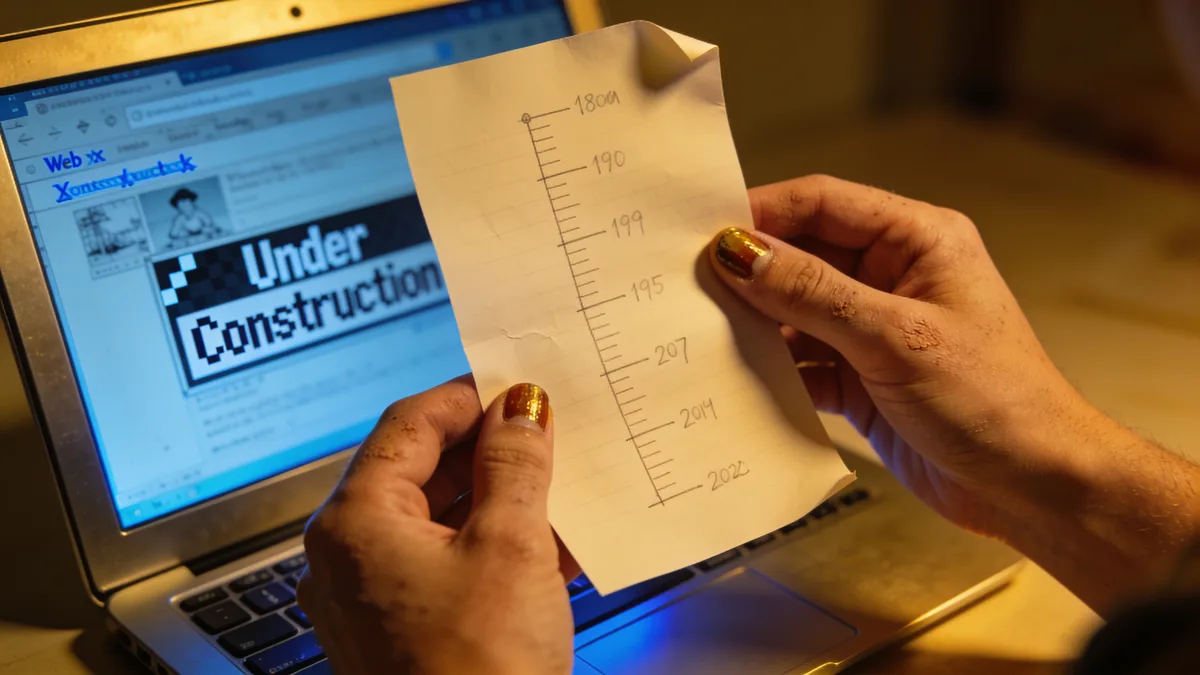
The old website recovery guide goes deeper on pre-2010 captures, which have quirks of their own. The story a site tells is worth reading for its own sake, but it is a better ending when the story gets a working site back at the end of it.
Restore your website from the Wayback Machine
Get a free estimate in seconds — you only pay when you confirm. Failed restores refund automatically.
FAQ
How do I check the history of a site I know nothing about?
Open web.archive.org, paste the domain, and start with the tallest bar on the timeline, the busiest year. Open a capture, click around, then jump two years back and repeat. Comparing snapshots two years apart reveals more in ten minutes than an hour of staring at single pages.
Can the history of a site reveal why a business failed?
It offers strong hints, not proof. A blog that goes silent, a shrinking catalog, a sudden template downgrade, prices climbing while features vanish, each is a symptom. Combine three or four and you have a diagnosis. Just remember the archive shows what the business did to its site, not what the market did to the business.
How far back can you trace the history of a site?
The Wayback Machine's oldest captures are from 1996. Big sites have near-daily coverage; a small shop might have five captures in a good year. Sites that blocked crawlers, sat behind logins, or had no inbound links can be nearly invisible no matter how long they were online.
Is a long gap in a site's archived history a red flag?
Not by itself. Robots.txt changes, crawler quirks, and redesigns that broke inbound links all cause innocent gaps. Check archive.today and Common Crawl before reading meaning into silence. A gap that coincides with a domain-name change or a template downgrade deserves a closer look.
Can I restore a site to a specific point in its history?
Yes. Restorix offers date-range selection at restore time, so you can target the healthy era you identified, say 2018 to 2020, and leave the decline out. The free estimate tells you the file count and locked price for that window before you pay anything.
Related guides

website history
Website History: Snapshots, WHOIS, DNS, and the Tools for Each
Website history can mean archived snapshots, WHOIS records, DNS changes, or old rankings. Learn which tool answers which question, and how to rebuild a lost site.
history of internet sites
The History of Internet Sites: Saved, Lost, and Why
The history of internet sites is half-written at best. Here's what the archives actually saved, what vanished for good, and why so much slipped away.

old website recovery
Old Website Recovery: Getting a Site Back After Years Offline
Old website recovery explained: what survives in archives and backups after years offline, what is gone for good, and how to rebuild step by step.

restore website
How to Restore a Website: Every Method That Actually Works
Every working way to restore a website: backups, hosting snapshots, Git, and the Wayback Machine, plus what to do when none of those exist.