
Wayback Machine & Web Historical Sites: Where the Old Web Lives
By the Restorix editorial team · July 4, 2026 · 8 min read

Restore your website from the Wayback Machine
Get a free estimate in seconds — you only pay when you confirm. Failed restores refund automatically.
In October 2009, Yahoo shut down GeoCities. Millions of hand-built homepages, MIDI files, under-construction GIFs, shrines to forgotten TV shows, were marked for deletion on a few months of notice. A volunteer group called Archive Team spent those months scraping as fast as Yahoo's servers allowed and released the haul as a torrent. That rescue is why web historical sites are something you can still visit instead of just remember.
The search phrase is clumsy, wayback machine, webhistorical web sites, in whatever order the words fall out, but the question behind it is simple: where does the old web live, and can you still see it? You can. Here is a tour of the places that keep it, from the Wayback Machine's hundreds of billions of captures to a site that lets you browse 1997 inside an emulated Netscape Navigator. And at the end, the practical part: how to lift a piece of that history off the museum shelf and put it back online under your own domain.
What counts as a web historical site?
Three different things get lumped together. First, the big crawling archives, the Wayback Machine and its national-library cousins, that snapshot pages on a schedule. Second, rescued collections: dead platforms like GeoCities, Tripod or AOL Hometown, saved in bulk before shutdown and re-hosted by volunteers. Third, live museums: projects like oldweb.today that don't just store the pages but recreate the experience of browsing them, period browser chrome and all.
The need is not sentimental. A 2024 Pew Research study found that 38% of web pages from 2013 were no longer accessible a decade later. Pages don't vanish because someone decides history is over. They vanish because a credit card expires, a company gets acquired, a CMS update goes wrong. Web historical sites are the safety net for a medium that has no print edition.
The material worth preserving usually falls into a few buckets:
- Pre-2010 hand-coded HTML, table layouts, spacer GIFs, guestbooks
- Dead platforms: GeoCities, Tripod, Angelfire, MySpace blogs, Google+
- Forum communities on phpBB and vBulletin, often the only record of a niche hobby
- Early blogs and photologs that predate social media
- Defunct small-business and club sites, the local history nobody else archived
How the Wayback Machine became the biggest collection of webhistorical web sites
Restore your website from the Wayback Machine
Get a free estimate in seconds — you only pay when you confirm. Failed restores refund automatically.
The Internet Archive, founded by Brewster Kahle in 1996, opened the Wayback Machine to the public in 2001. It now holds hundreds of billions of page captures, and it is still the default answer to 'what did this site look like five years ago'. The calendar view shows capture density at a glance; the timemap lists every snapshot of a URL; Save Page Now lets anyone archive the page they are looking at, which is why much of the recent web gets covered within minutes of breaking news.
Two tricks worth knowing. Append id_ to a timestamp in the URL, web.archive.org/web/20090601id_/http://example.com, and you get the original file exactly as crawled, without the archive's injected banner and rewritten links. And the CDX API will list every capture of a URL pattern, which is how professionals inventory a whole dead site before touching it.
The gaps matter too. The Wayback Machine historically honored robots.txt, so some old sites have thin coverage. JavaScript-heavy pages often capture the shell but not the content. Images and files hosted on other domains get missed. When a capture looks broken, the first move is to try captures a few months earlier or later, coverage quality varies wildly between dates.
GeoCities and the rescue projects that refused to let it die
GeoCities was the third-most-visited site on the web when Yahoo bought it in 1999. Ten years later Yahoo closed it, and Archive Team's emergency scrape became one of the largest acts of digital preservation ever done by volunteers. The data lives on in places like oocities.org and geocities.ws, which re-host the rescued pages, and GifCities, the Internet Archive's search engine for the animated GIFs lifted from the collection. Richard Vijgen's Deleted City renders the archive as a zoomable map, neighborhoods and all, and Cameron's World remixes it into a tribute collage.
Two offshoots deserve a special mention. One Terabyte of Kilobyte Age, the research blog by Olia Lialina and Dragan Espenschied, has spent years posting screenshots and essays from the collection, the closest thing the old web has to a curatorial program. And Neocities, founded in 2013, is the living successor: not an archive but a free host where people build hand-coded homepages again, GeoCities aesthetics included.
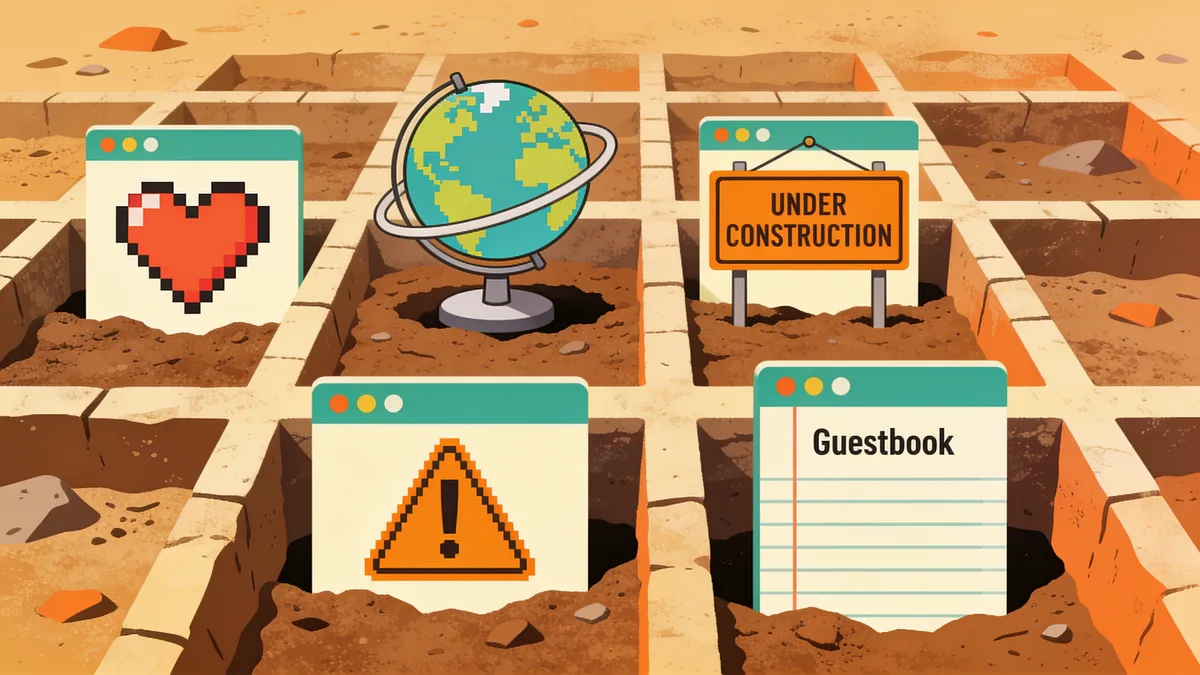
The lesson from GeoCities is uncomfortable: nothing hosted by someone else is permanent, no matter how big the company. Yahoo was the web's giant. The platform outlived its business case by exactly as long as the notice period.
oldweb.today: browsing old pages in period-correct browsers
A page from 1997 was written for Netscape Navigator 4 or Internet Explorer 5. Opened in a modern browser, frames collapse, applets die, fonts substitute, and the blink tag sits there not blinking, modern engines refuse. oldweb.today, built by Ilya Kreymer of Webrecorder, solves this by running emulated vintage browsers inside your browser and feeding them captures from the Internet Archive and several national web archives. You pick Mosaic, Netscape or early IE, type a URL and a year, and get the page as it actually felt.
It sounds like a novelty until you use it for research. Spacer-GIF layouts only make sense at period screen sizes. DHTML menus written for IE4 do nothing in a modern engine. If you study, cite or rebuild old sites, rendering them in the browser they were designed for is the difference between looking at a specimen and looking at a photo of a specimen. The same team's ArchiveWeb.page runs the other direction: it records your current browsing into standard WACZ files, so the pages you care about today become someone's well-preserved history later.
Beyond the Wayback Machine: more webhistorical web sites worth knowing
The Wayback Machine is the biggest, not the only. Serious research, and serious restoring, cross-checks several archives, because each crawler saw a different slice of the web.
| Archive | What it is good at | How you use it |
|---|---|---|
| archive.today (archive.ph) | On-demand snapshots; strong on JavaScript-heavy and news pages | Paste a URL; browse or save single pages |
| Arquivo.pt | The Portuguese web, plus full-text search across archived pages | Web interface and open API |
| UK Web Archive | Legal-deposit crawling of the UK web by the British Library | Open collections online; full archive in library reading rooms |
| Common Crawl | Petabyte-scale monthly crawls as a free dataset | Raw WARC files; bring your own tooling |
| Memento Time Travel | Searching many archives at once by date | One lookup that redirects to the closest capture anywhere |
| Library of Congress Web Archives | Curated thematic collections, elections, events, web cultures | Browsing and search on loc.gov |
National libraries deserve respect here. Legal-deposit laws mean the British Library, the Bibliothèque nationale de France and others crawl their country's domains systematically, often capturing regional and government sites the Internet Archive saw rarely or never.
Restoring webhistorical web sites from the Wayback Machine
Browsing a museum is one thing. Sometimes a piece of history matters enough to put back in working order: your club's 2003 site, a defunct open-source project's documentation, the homepage of a relative who has died. A client came to me last year with exactly that, a photolog run by her late father, offline since 2014. The family wanted it back at the original domain for an anniversary.
- Find the best capture. Use the calendar view and check several dates; the latest one is not always the most complete. Images break differently between captures.
- Get the real inventory before committing. Our free estimate reads the archive for your domain and returns the exact archived file count, total size and a locked price, before you pay anything.
- Choose restore options. Date-range selection keeps you inside the site's best era; stripping old analytics, ads and iframes removes 2008's third-party junk; relative internal links and HTTPS conversion make the result deployable anywhere.
- Restore. You pay per file with a small flat fee, the first file is free, and there is no subscription, one-time balance top-ups only.
- Deploy and maintain. One-click deploy pushes the restored site to your VPS, shared hosting or S3, and the included single-file CMS lets the family, or the club secretary, fix a typo without learning Git.
In that photolog's case the estimate found 1,140 files and 210 MB, the restore took under an hour, and the site now sits on cheap static hosting that costs less per year than one bouquet of flowers. Failed restores refund automatically to balance, so the risk profile is about as exciting as reading a receipt. The full wayback restore flow is documented if you want the details first.
A link to the museum vs owning the exhibit
Linking to a Wayback capture is fine for a citation or a one-off reference. Restoring wins when the content has ongoing value: search traffic that should land on your domain, uptime you control, and independence from any single archive's policies, archives do remove content on request, and the Wayback Machine is no exception. My rule: link for footnotes, restore for anything you would be sad to lose twice.
A link to an archive is a promise someone else keeps. A restore is a copy in your own hands.
Restore your website from the Wayback Machine
Get a free estimate in seconds — you only pay when you confirm. Failed restores refund automatically.
FAQ
Are webhistorical web sites and the Wayback Machine the same thing?
No. The Wayback Machine is the largest single collection, but the phrase covers everything that preserves old sites: rescued platform archives like the GeoCities mirrors, live museums like oldweb.today, national-library web archives, and research datasets like Common Crawl. Cross-checking several of them is standard practice, because each crawler captured a different slice of the web.
Can I still browse GeoCities today?
Yes. oocities.org and geocities.ws re-host pages from Archive Team's 2009 rescue, GifCities searches the collection's animated GIFs, and oldweb.today can serve GeoCities captures inside an emulated period browser. What you cannot do is browse it at geocities.com, Yahoo's original is gone for good.
Is it legal to restore an old site from a web archive?
Restoring your own site is straightforward. Restoring someone else's is legally grey: the archived text, images and code are still copyrighted by their owners. Preservation and private research are generally tolerated; republishing a stranger's content as your own is not. When the original owner can be found, ask, in my experience they are usually pleased someone cared.
Why do old captures show broken images and missing pages?
The crawler never fetched them, assets on other domains, robots.txt blocks, or simply a page added after the last crawl. Try captures a few months either side of your target date; coverage varies a lot between snapshots. For restoration work, a date-range restore pulls the fullest available set of files instead of betting everything on one day.
How far back do web historical archives go?
The Internet Archive's crawls start in 1996. Most national web archives began in the early-to-mid 2000s, and Common Crawl's dataset starts in 2008. Anything public from 1996 onward has a decent chance of surviving somewhere; the web before 1996 survives mostly in screenshots and memories.
Related guides
historical web
The Historical Web as a Research Resource: What Holds Up
How academics, journalists, and lawyers use the historical web: where the records live, how to judge preservation quality, and when a capture counts as evidence.

wayback machine
Wayback Machine: The Complete Guide to Browsing Web History
The Wayback Machine archives over 900 billion web pages. Learn how crawls, snapshots, the calendar, and search syntax work, and how to restore a lost site.

website history
Website History: Snapshots, WHOIS, DNS, and the Tools for Each
Website history can mean archived snapshots, WHOIS records, DNS changes, or old rankings. Learn which tool answers which question, and how to rebuild a lost site.

wayback restore
Wayback Restore: Get Your Lost Site Back in 5 Steps
Wayback restore in five plain steps: find the right snapshot, get an exact price before paying, download the rebuilt files, and upload them to your hosting.