
Download a Whole Site from the Wayback Machine
By the Restorix editorial team · May 26, 2026 · 7 min read
Restore your website from the Wayback Machine
Get a free estimate in seconds — you only pay when you confirm. Failed restores refund automatically.
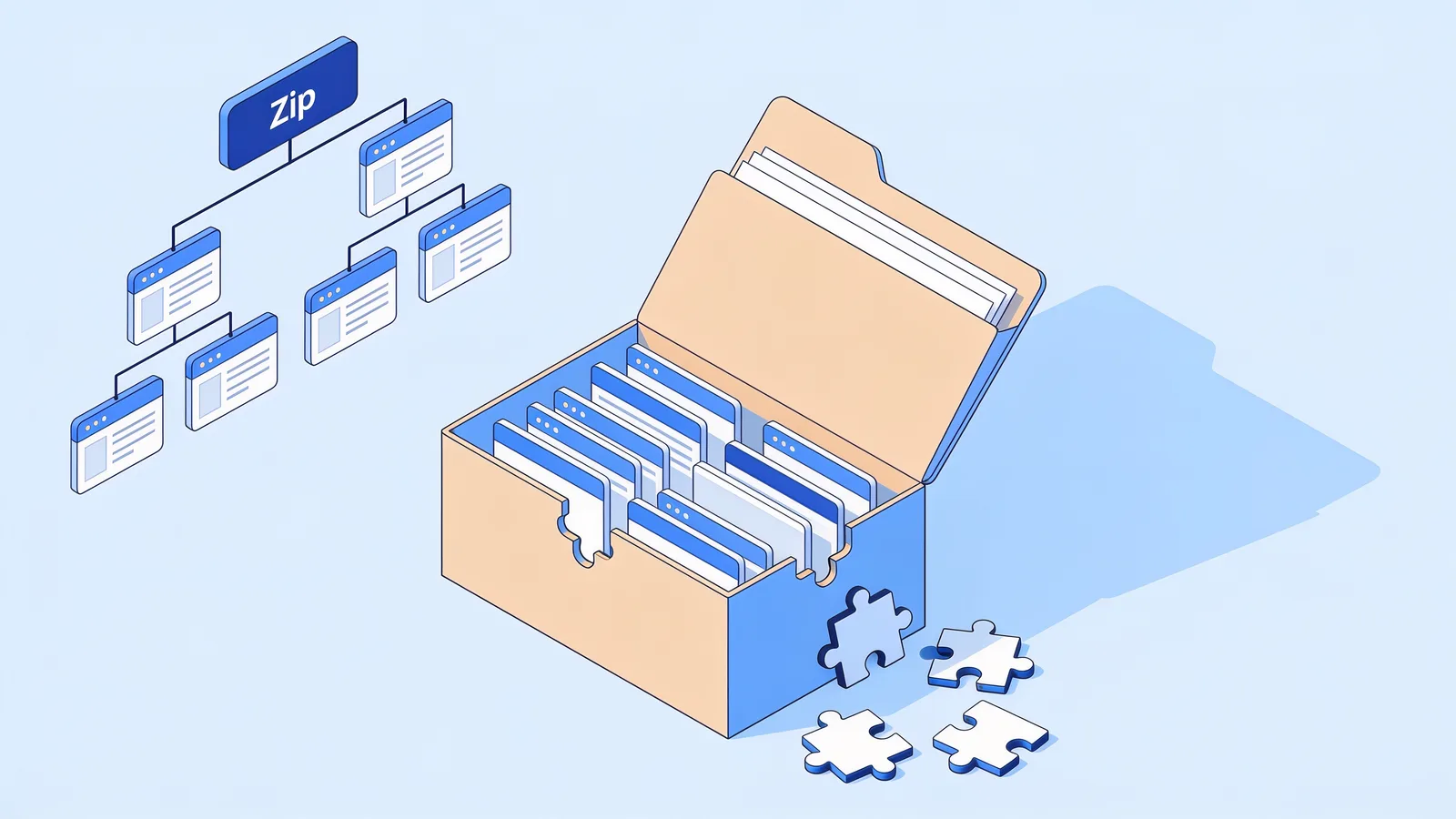
Saving one page from the Wayback Machine takes two minutes. Saving the whole site is a different job entirely, the kind that eats a weekend if you go in blind. The archive does not hold your site as a neat bundle. It holds thousands of separate captures, each frozen at its own crawl time, and stitching them back into one coherent website is where most people get stuck. This guide walks through the gotchas that actually break whole-site downloads, and the point where automation stops being optional.
Why a Wayback Machine site download is harder than one page
A page is one capture. A site is every URL the crawler ever found, each archived on its own schedule. Your homepage may have 9,000 captures. Your shipping-returns page may have three, and the newest might be from 2017. When you download a site from the Wayback Machine, you are assembling a mosaic from tiles that were never made to fit together.
Assets make it worse. The logo is one capture. The stylesheet is another, possibly from a different year. The archive serves each with rewritten URLs that only resolve inside web.archive.org, so a naive copy of the site breaks the moment you open it locally. One page forgives these sins. Five hundred pages multiply them.
Map the site before you download anything
Restore your website from the Wayback Machine
Get a free estimate in seconds — you only pay when you confirm. Failed restores refund automatically.
Do not start with wget. Start with the CDX API and pull the full inventory of what the archive actually holds:
web.archive.org/cdx/search/cdx?url=example.com/*&matchType=prefix&output=json&collapse=urlkey&filter=statuscode:200
That one request tells you how many unique URLs exist, which sections the crawler covered, and where the holes are. On a recent job, a 2009 phpBB forum, the inventory showed 22,000 unique URLs. Maybe 1,400 of those were real content. The rest were session IDs, print-view duplicates, and calendar pages nobody ever read.
Read the inventory like a contractor
- Count URLs by directory. A fat /images section means assets survived; a thin one means pain later.
- Check the date spread per section. If your blog stops in 2016 but the homepage runs to 2023, the blog was delinked or blocked, not deleted.
- Look for junk patterns early: session parameters, reply-to forms, sort orders. They inflate the count and your download time.
- Note the MIME types. Lots of text/html with no image entries means the archive kept the skeleton and lost the skin.
If you want the inventory without writing a single request, the free estimate at Restorix shows the exact archived file count and total size for a domain before you spend anything. That number changes the plan. Three hundred files is a DIY afternoon. Thirty thousand is not.
The gotchas that break a Wayback Machine site download
Every item on this list has burned me at least once. None of them is obvious until you are three hours into a download and the output makes no sense.
- robots.txt history. For years the archive refused to crawl or serve pages blocked by robots.txt. If a previous owner misconfigured it, entire directories simply do not exist in the archive, and no tool can conjure them.
- Host sprawl. www.example.com, example.com, blog.example.com, and the old CDN host are different capture sets. A prefix query on one host silently misses the others, and so does a crawler script.
- http versus https. The same page under both schemes is archived twice, sometimes with different assets. Pick the variant with better coverage, not the one you remember.
- JavaScript-rendered pages. The crawler stored what it could execute at crawl time. A 2019 React site may come back as a shell of empty divs with the actual content gone.
- Timestamp drift. Files captured in 2014, 2017, and 2021 stitched into one site produce broken layouts and mismatched navigation. Anchor everything to one target date.
- The Wayback chrome. Snapshots served normally include the archive toolbar and rewritten links. Fetch with the id_ suffix on the timestamp, or plan to strip the chrome from every file you save.
Query strings, pagination, and other URL traps
Query strings are where whole-site downloads quietly fail. To the archive, /shop?cat=shoes and /shop?cat=hats are different URLs with different captures. So are ?page=2 and ?page=200. A client's WooCommerce store I worked on had 4,000 archived URLs and only 90 actual products. The rest were filter combinations, sort orders, and tracking parameters.
The strategy is mechanical. Pull the CDX list, group URLs by the path before the question mark, and decide which parameters carry content. Product IDs and pagination: keep. Session IDs, UTM tags, and filter permutations: drop. Get this wrong in one direction and you lose real pages. Get it wrong in the other and you download ten times the junk and pay for it in hours.

When your Wayback Machine site download comes back with holes
Missing assets are the rule, not the exception. Expect gaps in:
- Lazy-loaded and JavaScript-injected images the crawler never triggered
- CSS background images and web fonts referenced from inside stylesheets
- Video and audio files, which the archive captures inconsistently at best
- Fonts and icons loaded through third-party kits that needed a live API key
- Anything served from a third-party domain, an ad network, or behind a login
For each hole your options are limited: try adjacent timestamps, try the www and non-www or http and https variants, or accept the loss and regenerate the asset. This is where a manifest earns its keep. Restorix ships a JSON or SQLite file manifest with every restore, so figuring out which files are missing becomes a filter query instead of an afternoon of clicking through pages.
When to stop scripting and automate
Do the math honestly. A solid download script for a messy site is a weekend to build and debug, plus hours of reruns when archive.org throttles you at file 8,000 of 9,000. Then the entire second project starts: stripping Wayback rewrites, fixing internal links, choosing a canonical host, deploying, and testing.
Automation makes sense the moment the site needs to work again rather than merely exist on your disk. The automated restore service handles the download, the cleanup, and the deploy in one job: pay per restored file, first file free, the price locked at estimate time, and an automatic refund to your balance if anything fails. The DIY route still makes sense for small sites, research pulls, and people who genuinely enjoy the puzzle. I have done both routes more times than I can count, and the breakeven point arrives faster than people expect, usually around the second rerun.
From downloaded files to a working site
- Strip the Wayback toolbar and rewrite every archive.org URL back to a relative path.
- Pick one canonical host, www or non-www, and redirect the other.
- Convert internal links to HTTPS before deploying anywhere modern.
- Remove dead third-party scripts: old analytics, ad tags, and social widgets that phone home.
- Deploy, then click through the top 50 pages with the browser network tab open to catch whatever still returns 404.
Two things always fail at this stage: contact forms and search. Both depended on server code the archive never captured. Replace forms with a hosted form service or a plain mailto link, and swap site search for a static index or a search-engine scoped box.
Restorix folds all of this into restore options: relative internal links, HTTPS conversion, analytics stripping, one-click deploy to SSH, FTP, or S3, and a small included CMS so the restored site stays editable. Do it by hand or let the service do it; the checklist is the same either way. Only the hours differ.
Restore your website from the Wayback Machine
Get a free estimate in seconds — you only pay when you confirm. Failed restores refund automatically.
FAQ
Can I download an entire site from the Wayback Machine for free?
Yes, with open-source scripts and your own time. The download itself costs nothing; the cleanup is what you pay in hours. For a small static site that trade is fine. For a 10,000-URL store, put a price on your weekend before committing.
Why are some pages of my site not in the archive?
The usual reasons: robots.txt blocked the crawler, the page was never linked anywhere the crawler reached, it required a login, or it only existed briefly between crawls. A CDX API inventory shows exactly what exists, so check before assuming.
How do I get a list of every archived URL for my domain?
Query web.archive.org/cdx/search/cdx?url=example.com/*&matchType=prefix&output=json. Add collapse=urlkey to deduplicate by URL and filter=statuscode:200 to drop error captures. The result is your real sitemap.
Should I restore the newest capture or an older one?
Newest is not automatically best. Pick the capture from when the site was healthy: before it was hacked, parked, or stripped for parts. Compare a few candidate dates in the calendar view and check how complete each looks before committing.
Does the Wayback Machine archive videos and downloadable files?
Sometimes. Large media is captured inconsistently, while PDFs and images fare much better. Filter the CDX inventory by MIME type before promising anyone that a media library survived.
How long does downloading a whole site take?
A 500-page site through a polite script: several hours with rate limiting. Tens of thousands of files: a day or more of babysitting and reruns. An automated restore runs on someone else's infrastructure while you watch progress in a dashboard.
Related guides

download entire website from archive org
Download an Entire Website from Archive.org, Not Just the Homepage
To download an entire website from archive.org you need every page, image and stylesheet. Assets hide under different timestamps, here is why, plus a full checklist.

wayback download
Wayback Download: Every Method Ranked by Effort
Every wayback download method ranked by effort: single pages, wget scripts, the CDX API, and automated services that rebuild the whole site for you.
wayback machine restore
Wayback Machine Restore: 4 Pitfalls and How to Avoid Them
A wayback machine restore can fail quietly: parked pages, redirect chains, missing images, mixed timestamps. How to spot each pitfall and avoid it.

find all pages on a website
How to Find All Pages on a Website (Even Deleted Ones)
Need to find all pages on a website, including the ones nobody links to? Compare sitemaps, crawlers, the Wayback CDX API, and Search Console exports.