
Free CMS: What 'Free' Really Costs You in 2026
By the Restorix editorial team · April 21, 2026 · 7 min read
Restore your website from the Wayback Machine
Get a free estimate in seconds — you only pay when you confirm. Failed restores refund automatically.
Every few months a client asks me why their 'free' website costs so much. The CMS was free. The theme was free. Then came the hosting invoice, the plugin renewals, the emergency cleanup after a bot found the contact form, and my Saturday morning lost to a PHP upgrade so the site would stop throwing 500 errors. The software license is the only line item that ever reads $0. Here is the honest math on running a free CMS, plus the cases where a simpler tool quietly wins.
What 'free' means in the free CMS world
Free CMS software, WordPress, Joomla, Drupal, Grav, Bludit, October CMS, costs nothing to download, install, and modify. The licenses (GPL, MIT, and friends) genuinely hand you the code. Nobody invoices you for it, nobody can take it back, and security fixes arrive without a support contract. That part of the deal is real, and it is remarkable if you remember what enterprise CMS licenses cost back in 2005.
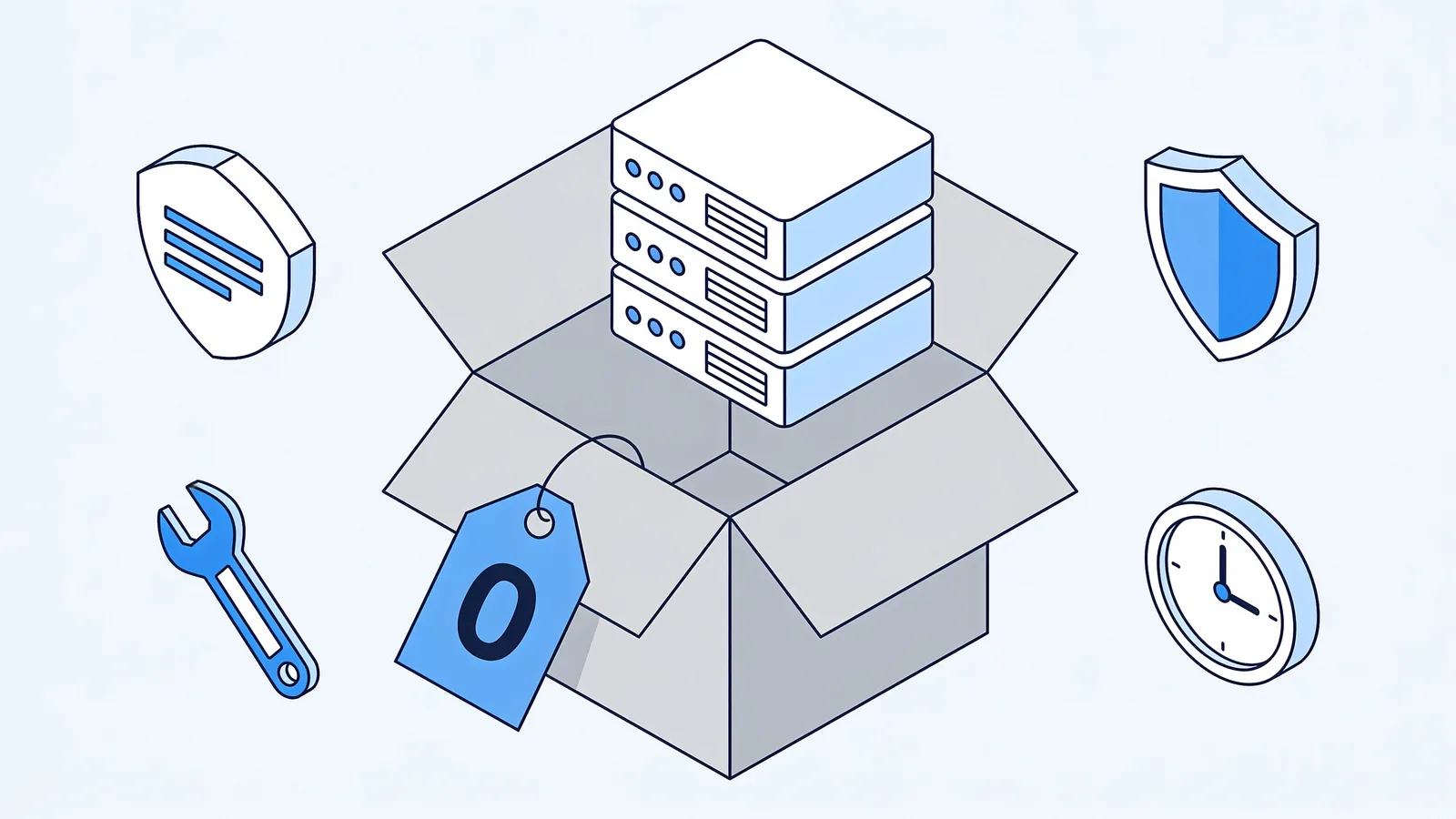
What the license does not include is everything else: a server to run on, a domain name, backups, someone to apply updates, and someone to call at 9 p.m. when the homepage turns into a pharmacy ad. Community forums replace a support desk, and 'someone' usually means you.
- Included for $0: the core software, future updates, community documentation, and thousands of free themes and plugins.
- Not included: hosting, a domain, email deliverability, backups, uptime monitoring, or anybody picking up the phone.
- Also not included: compatibility between your theme, your plugins, and next year's PHP version. That puzzle is yours.
- And definitely not included: the hours. Every hour you spend administering the site is a cost, even if no invoice ever shows it.
The real bill: hosting, maintenance, security patches
Restore your website from the Wayback Machine
Get a free estimate in seconds — you only pay when you confirm. Failed restores refund automatically.
Here is what a small free CMS site actually costs per year, based on invoices I have seen across dozens of client sites:
| Line item | Bare-bones setup | Typical small business |
|---|---|---|
| Hosting | $60-100/yr shared plan | $150-480/yr VPS or managed |
| Domain name | $10-15/yr | $10-15/yr |
| SSL certificate | $0 (Let's Encrypt) | $0 |
| Premium theme or plugins | $0 | $60-300/yr in renewals |
| Update and maintenance time | 1-2 hours/month, DIY | 4+ hours/month or a retainer |
| Hack cleanup (when, not if) | $0 if you DIY | $100-2,000 per incident |
The time line is the one people lie to themselves about. A WordPress site with a dozen plugins wants attention roughly monthly: core updates, plugin updates, a backup before each, a quick look at the logs. Miss three months and the update queue becomes a project. Miss a year and you are curating an exploit museum.
Then there is PHP itself. Hosts retire old versions on their schedule, not yours. I watched a client's 2014-era Joomla site die the week their host dropped PHP 5.6, every page gone until we paid for a compatibility rescue. The CMS was still free. The rescue was not.
Backups deserve their own sentence, because they are the most-skipped item on this list. Many cheap hosts advertise backups and mean 'we snapshot the whole server for our own disasters.' Restoring your single site from that is slow, partial, or impossible. Real backups, automated, off-server, tested at least once, are either a plugin you configure yourself or a service you pay for. Free CMS, yes. Free safety net, no. I have watched two site owners learn this in the same year, both after their host's 'included backups' turned out to be seven days old and overwritten nightly.

When a simple free CMS beats WordPress
WordPress runs a huge share of the web, commonly cited at around 40%, and that market share makes it the number one target for automated attacks. That is not a reason to avoid it. It is a reason to ask whether you actually need it.
For a site under fifty pages that changes a few times a year, a flat-file or single-file CMS (Grav, Pico, Bludit, WonderCMS) beats WordPress on every axis a small owner cares about: it loads faster, has no database to corrupt, backs up by copying a folder, and presents a much smaller attack surface. A 2009-era phpBB forum I converted to static pages plus Grav went from weekly spam-bot incidents to zero in three years.
- Fewer than 50 pages, mostly text and images
- Content changes monthly or less
- No user accounts, no checkout, no memberships
- One editor, comfortable with a modest admin panel
- You appreciate that nobody can SQL-inject a site with no SQL
When WordPress (or something bigger) is the right call
Do not force a brochure tool to do a platform's job. WordPress earns its complexity when you need WooCommerce, paid memberships, multilingual editorial teams, or a plugin ecosystem that already solved your weird niche problem. The same goes for Drupal with complex structured content, or a headless setup when several apps read from one content API.
Picking a tiny CMS for a 5,000-product store is not frugal; it is a future rebuild with extra steps. The honest rule: match the tool to the next three years of the site, not to this month's budget. Migration later costs more than the license you never had to pay.
A free CMS for restored archive sites
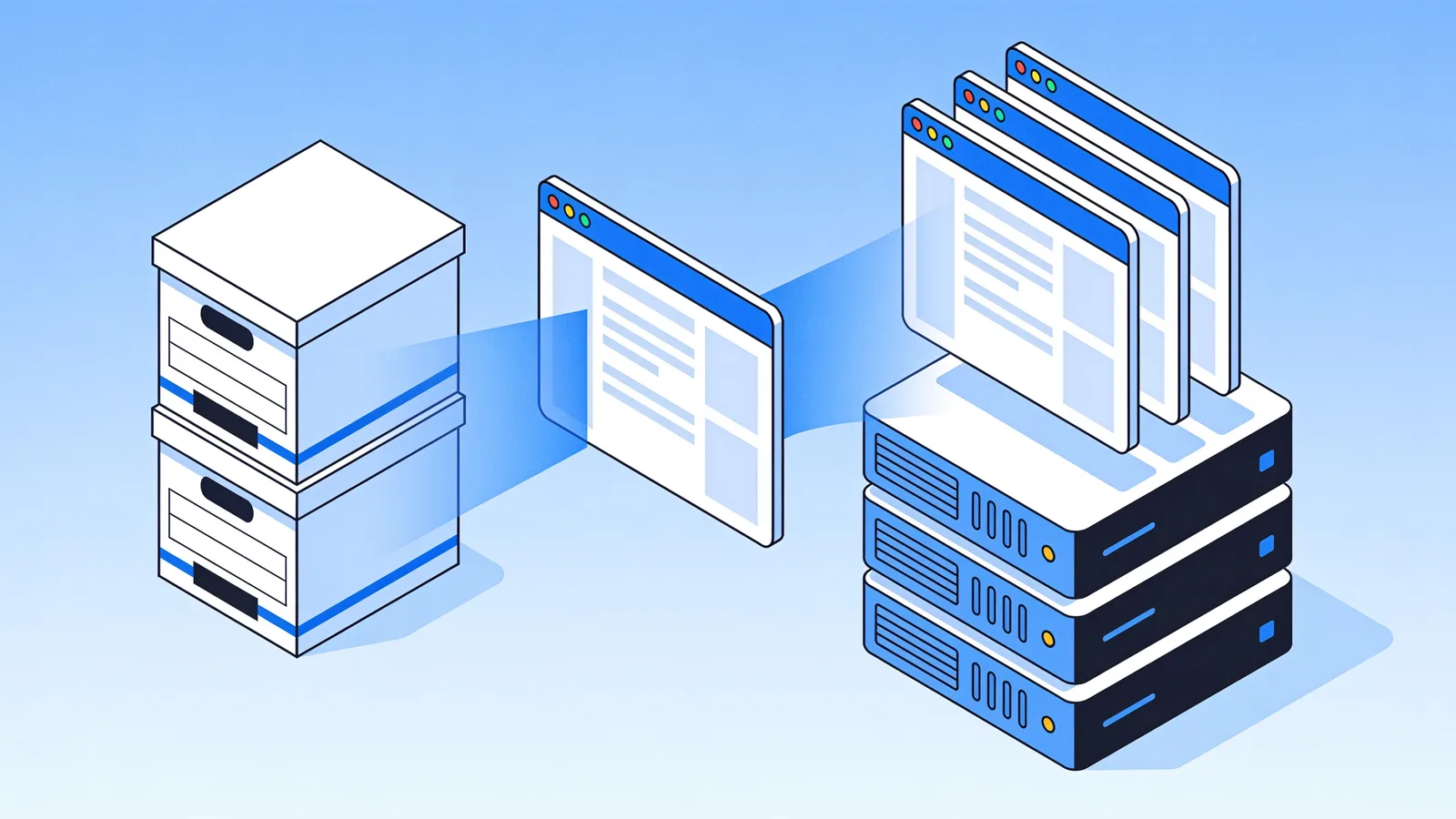
One case deserves its own section, because I see it constantly: a site restored from the Wayback Machine. The restore hands you static HTML, CSS, and images. Bolting a database-driven CMS onto that is like buying a truck to carry a sandwich.
The platform handles this neatly. Restores come with cleanup options that matter for old sites, stripping dead analytics and ad scripts, converting internal links to relative, forcing HTTPS, and every deploy includes the Restorix CMS: a single PHP file at /webarchive-cms.php with content editing, site-wide search-and-replace, and a file manager. It ships with safe mode on by default, a per-site randomly generated admin password shown in your dashboard, and it costs nothing extra. For a restored 200-page archive that needs occasional edits, that is exactly the right amount of CMS. The full workflow is covered in our guide to restore a website from the Wayback Machine.
- Run the free estimate to get the exact archived file count and a locked price.
- Restore with cleanup options enabled, remove analytics, ads, and external links you do not want.
- Deploy in one click: VPS over SSH/SFTP, shared hosting over FTP/FTPS, or S3.
- Edit pages through /webarchive-cms.php whenever the content needs a touch-up.
How to choose without overthinking it
- Count your pages. Under 50 and mostly static? Flat-file or single-file CMS.
- Count your editors. One or two, non-technical? Favor the smallest admin panel that gets the job done.
- List the dynamic features you truly need: forms, search, checkout, logins. Each one adds moving parts.
- Price your own hour. If your Saturday is worth more than $40, managed hosting or a static workflow pays for itself.
- Reviving an old site from the archive? Skip the whole question, restore it and use the CMS that ships with the deploy.
Free CMS software is one of the great gifts of the open-source world. Just budget for the parts that were never in the download: the server, the updates, the backups, and the occasional bad weekend. And if the site you are thinking about no longer exists at all, Restorix can bring it back from the archive, free CMS included with the deploy, so the maintenance story stays simple.
Restore your website from the Wayback Machine
Get a free estimate in seconds — you only pay when you confirm. Failed restores refund automatically.
FAQ
Is a free CMS really free?
The software license is. Running it is not. Budget roughly $80-500 a year for hosting and a domain, plus your time for updates, backups, and security patches, or a professional's time if you would rather not learn what an.htaccess file is.
What is the easiest free CMS to maintain?
Flat-file systems like Grav, Pico, or Bludit. No database means no database corruption, no SQL injection, and backups are just a folder copy. Single-file CMSs go further: the entire admin panel is one PHP file.
How much does hosting for a free CMS cost?
Shared hosting runs about $5-15 a month and handles most small sites. A basic VPS is $6-40 a month. Managed WordPress hosting starts around $20-30 a month and buys you automatic updates and faster support.
Can I use a free CMS for a site restored from the Wayback Machine?
Yes, and keep it light. Restored sites are static files, so a database CMS is overhead you do not need. Restorix deploys include a free single-file CMS with editing, search-and-replace, and a file manager built for exactly this job.
What happens if I never update my free CMS?
Bots will find the known vulnerabilities in your version, usually within weeks of a patch being published. The typical outcomes are injected spam links, a defaced homepage, or your hosting account suspended for sending phishing mail.
Is WordPress still worth learning in 2026?
If you need its ecosystem, WooCommerce, memberships, thousands of plugins, absolutely. If you need five pages and a contact form, it is more machine than the job requires, and you will spend the difference on maintenance.
Related guides

free cms download
Free CMS Download: Get It Safely, Skip the Malware
A free CMS download is only safe from official sources. How to dodge nulled, malware-stuffed builds, verify checksums, and what to check before installing.

best free cms
Best Free CMS in 2026: Picks by Use Case, Not Hype
The best free CMS depends on the job: blog, restored archive site, small business, or landing page. Real picks, honest trade-offs, and a decision table.
restore website from wayback machine
Restore a Website from the Wayback Machine: Full Guide
Restore a website from the Wayback Machine end to end: pick the right snapshot, set restore options, then deploy a working site with a CMS in under an hour.

simple cms
Simple CMS: Why Small Beats Big for Most Websites
A simple CMS runs most sites better than a database monster. Flat-file and single-file options, real maintenance math, and when WordPress still wins.